Store Listing
Every store screenshot, in every language.
Design your App Store and Google Play screenshots once. FrameRoll fits them to every device, translates the captions, checks the lot and uploads when you say so.
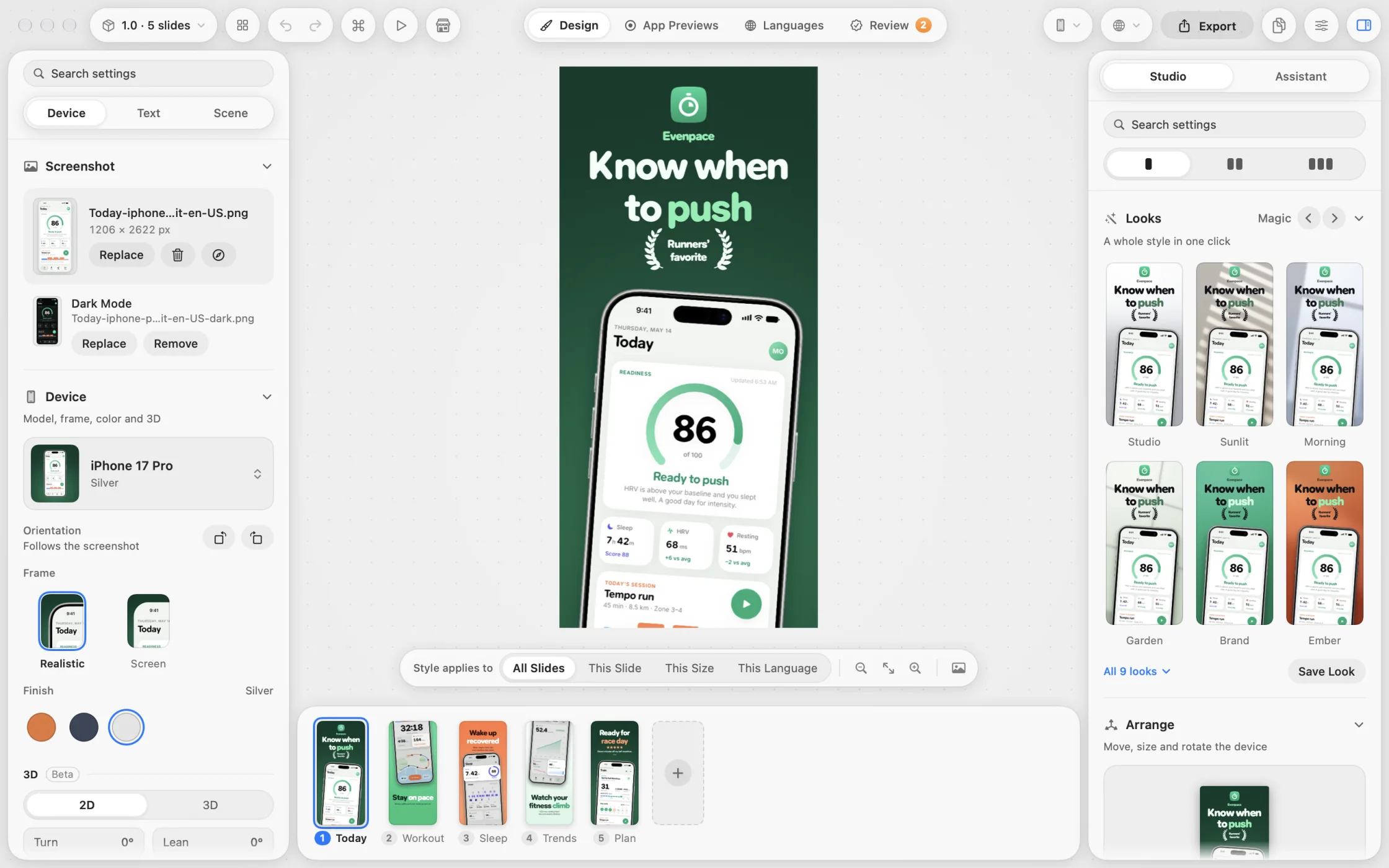
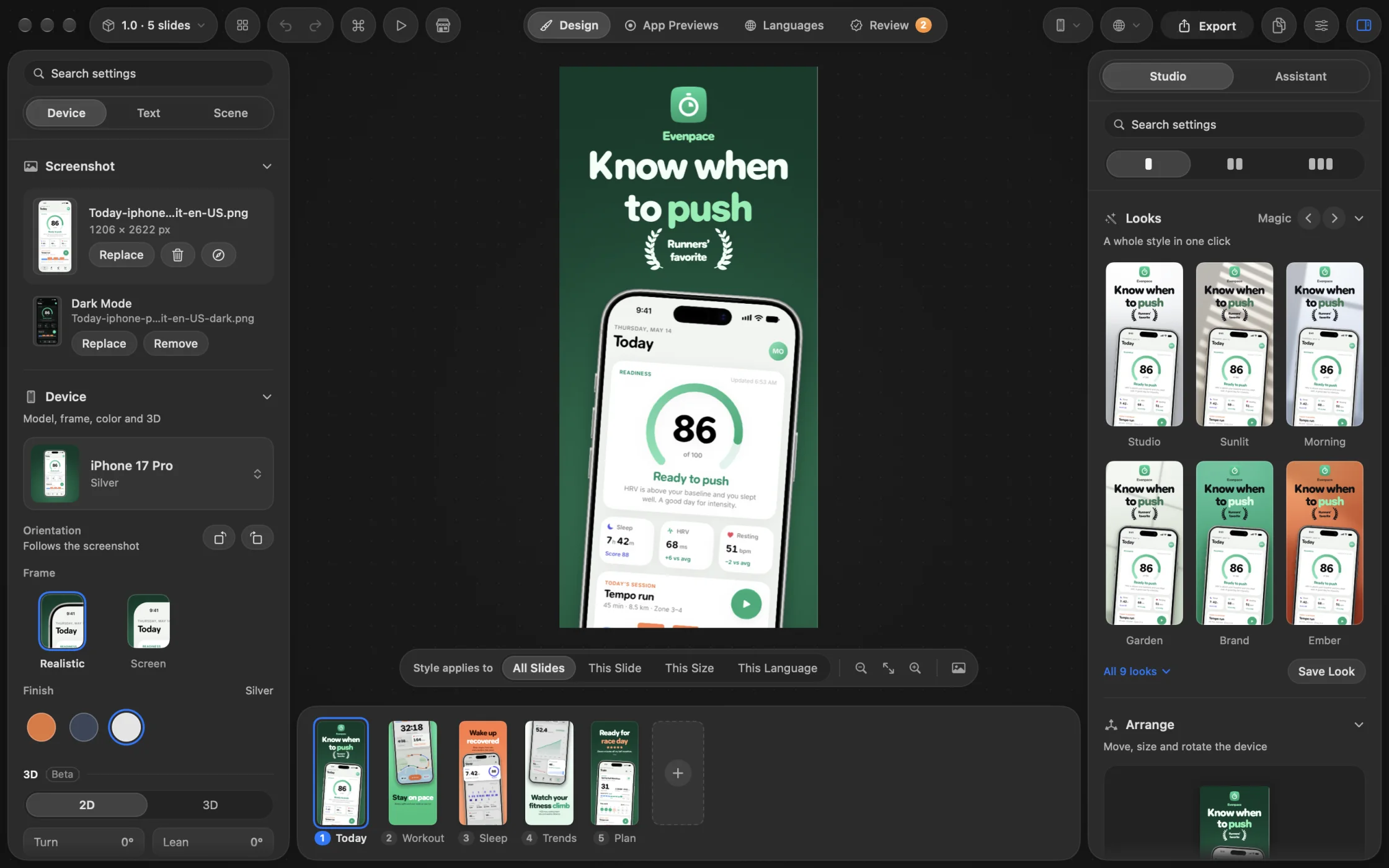
A whole set, from one design.
Five slides of Wren, a made-up answer engine, in a serif lit by a burst of light.
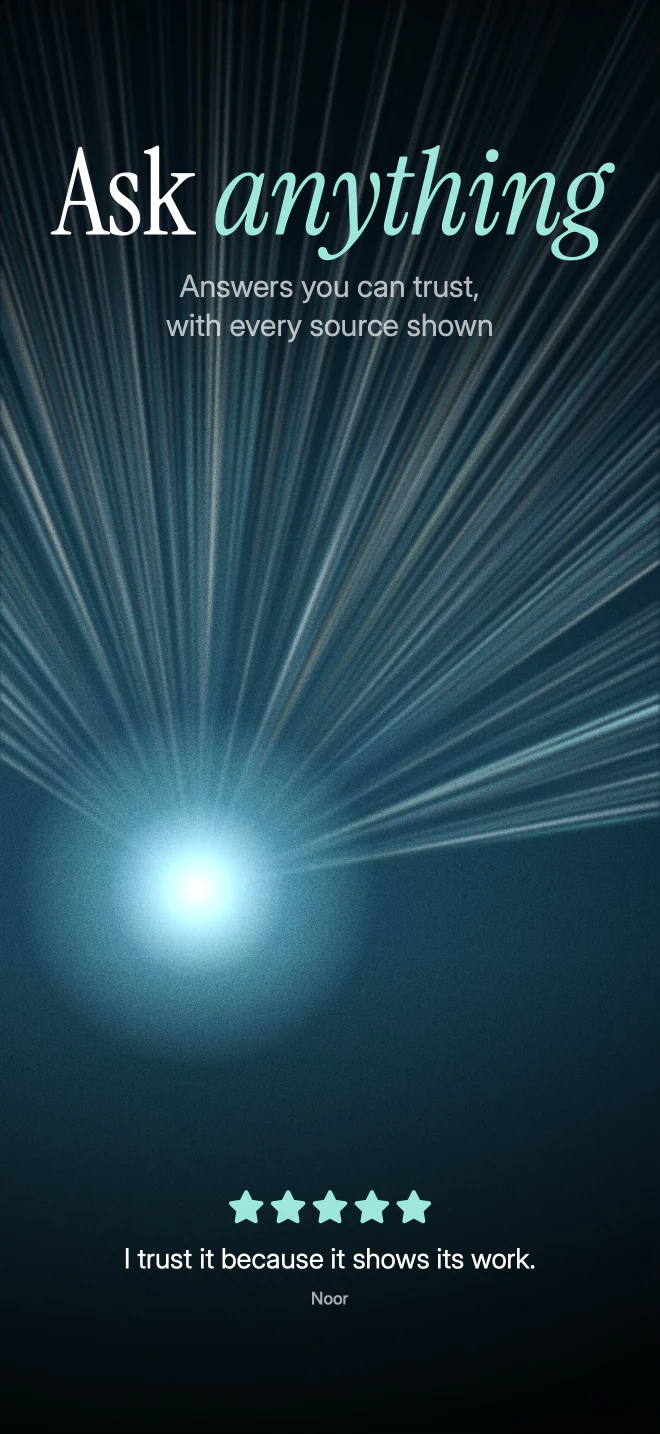
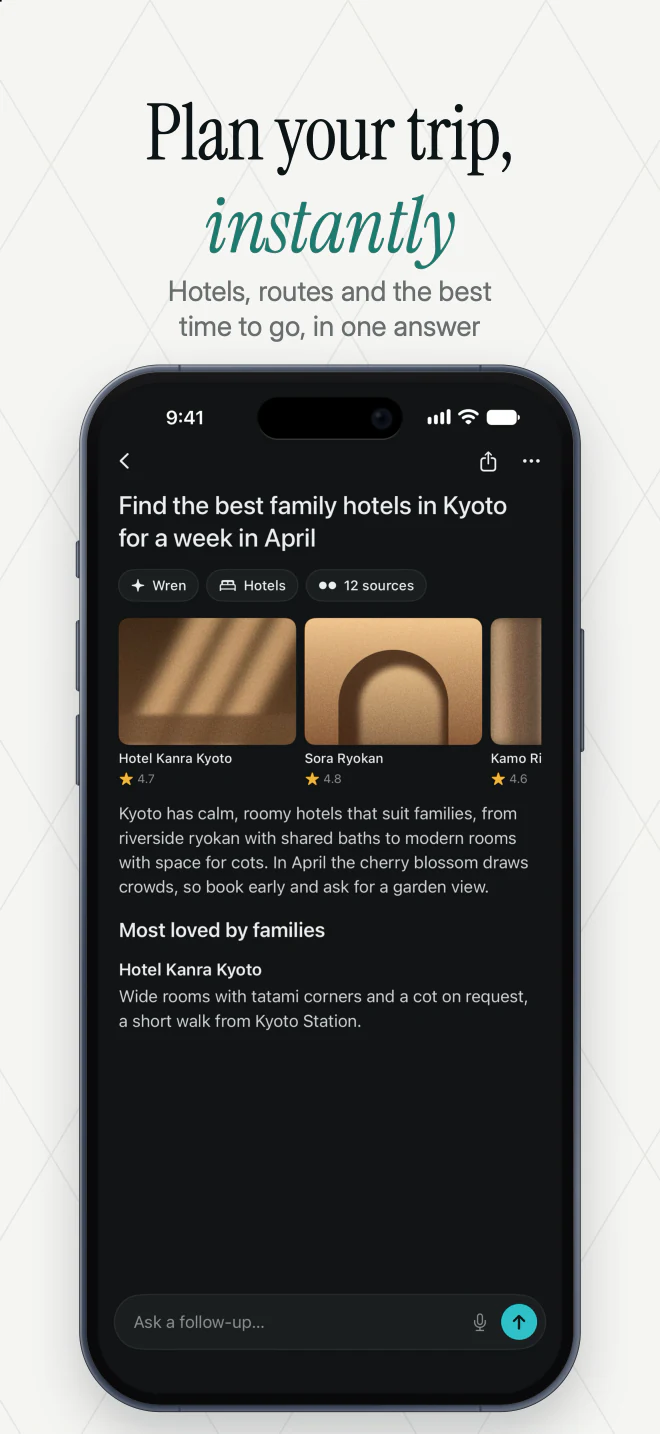
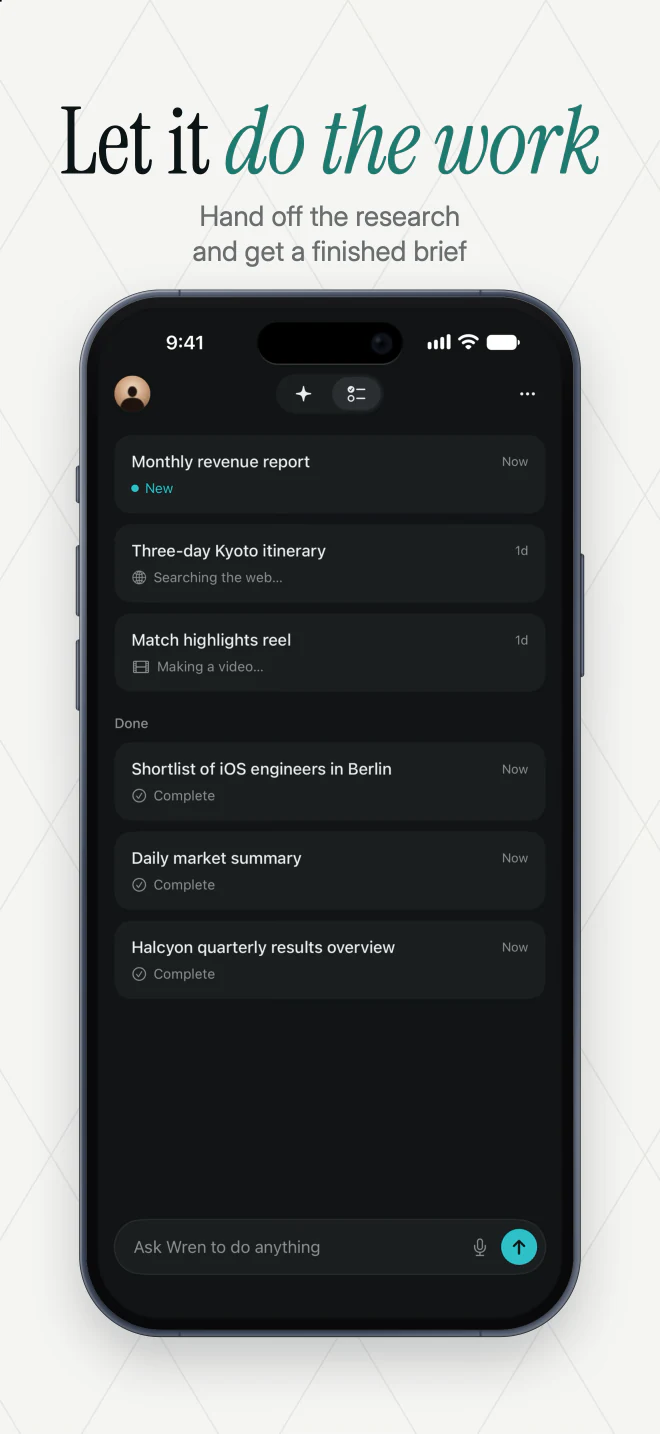
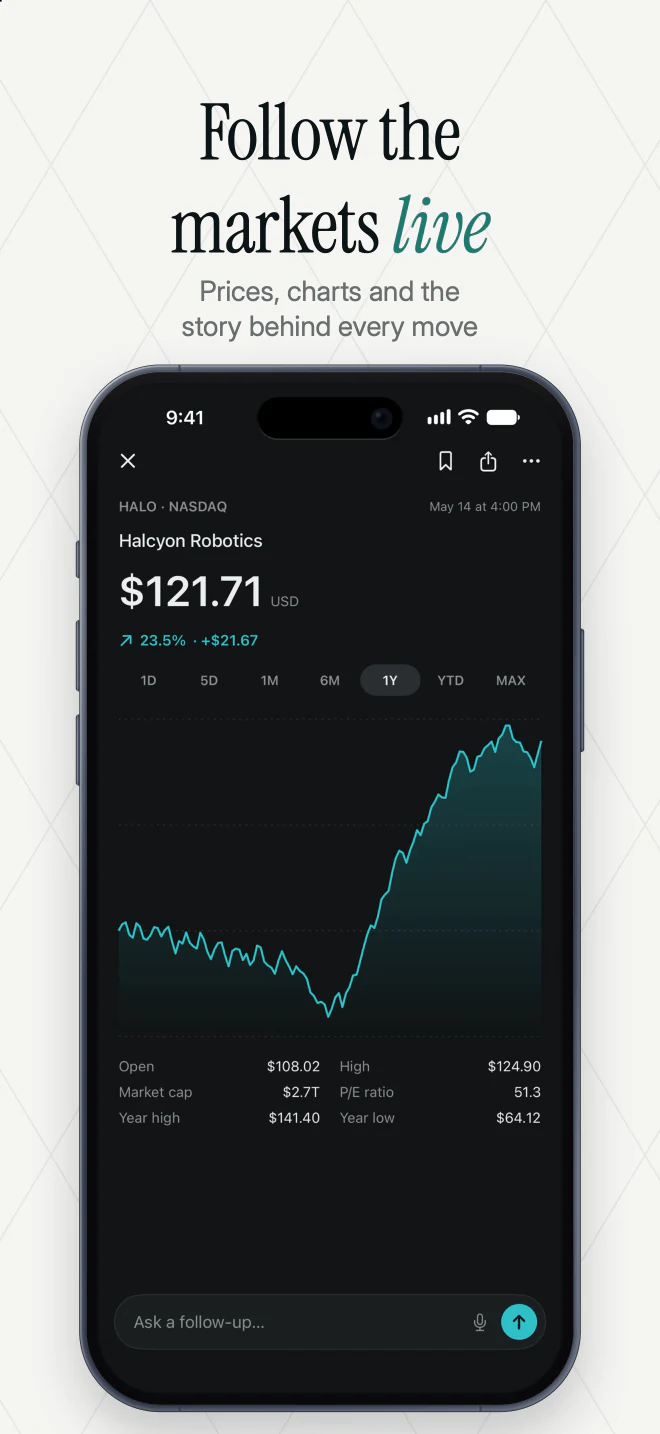
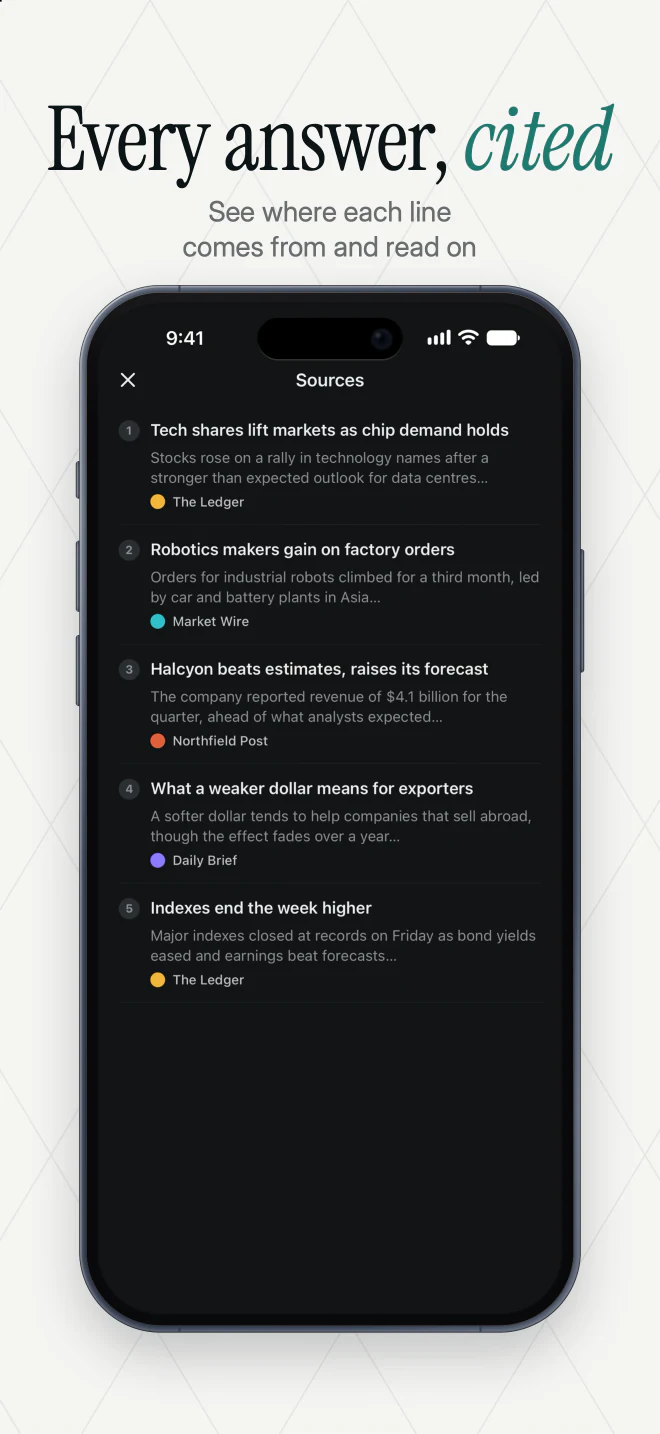
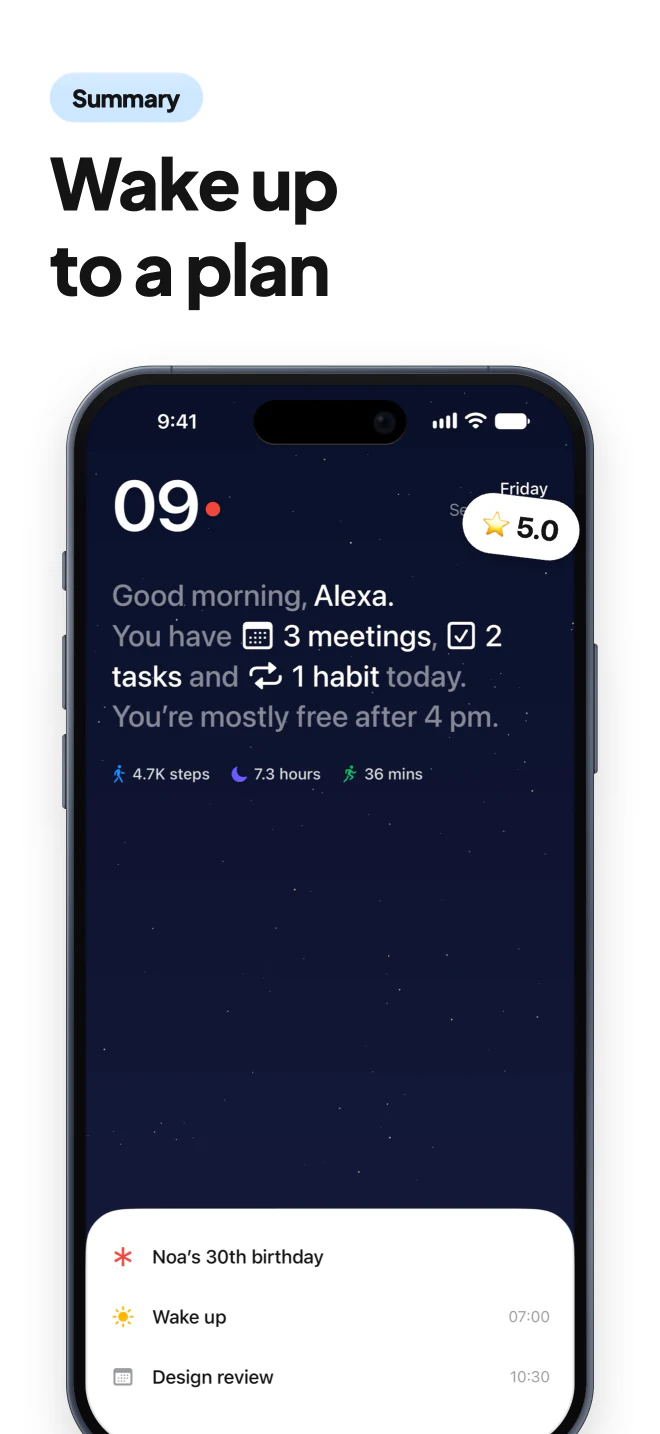
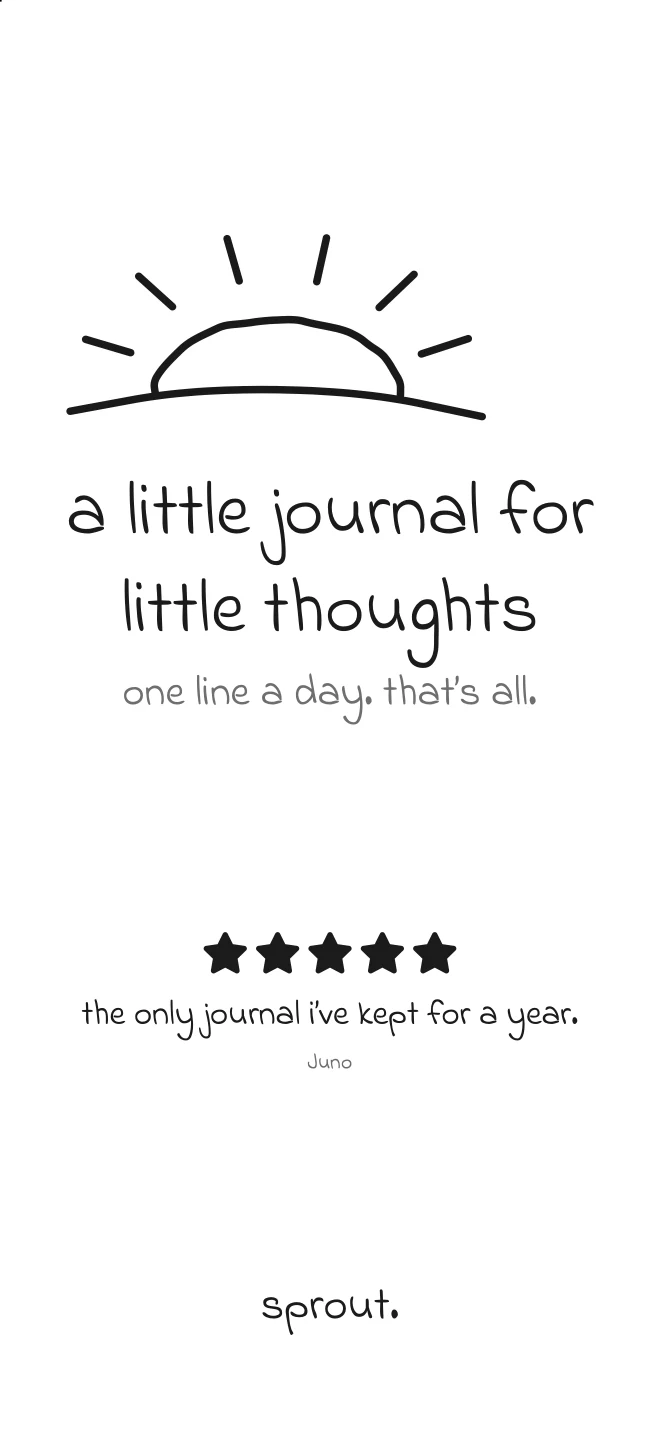
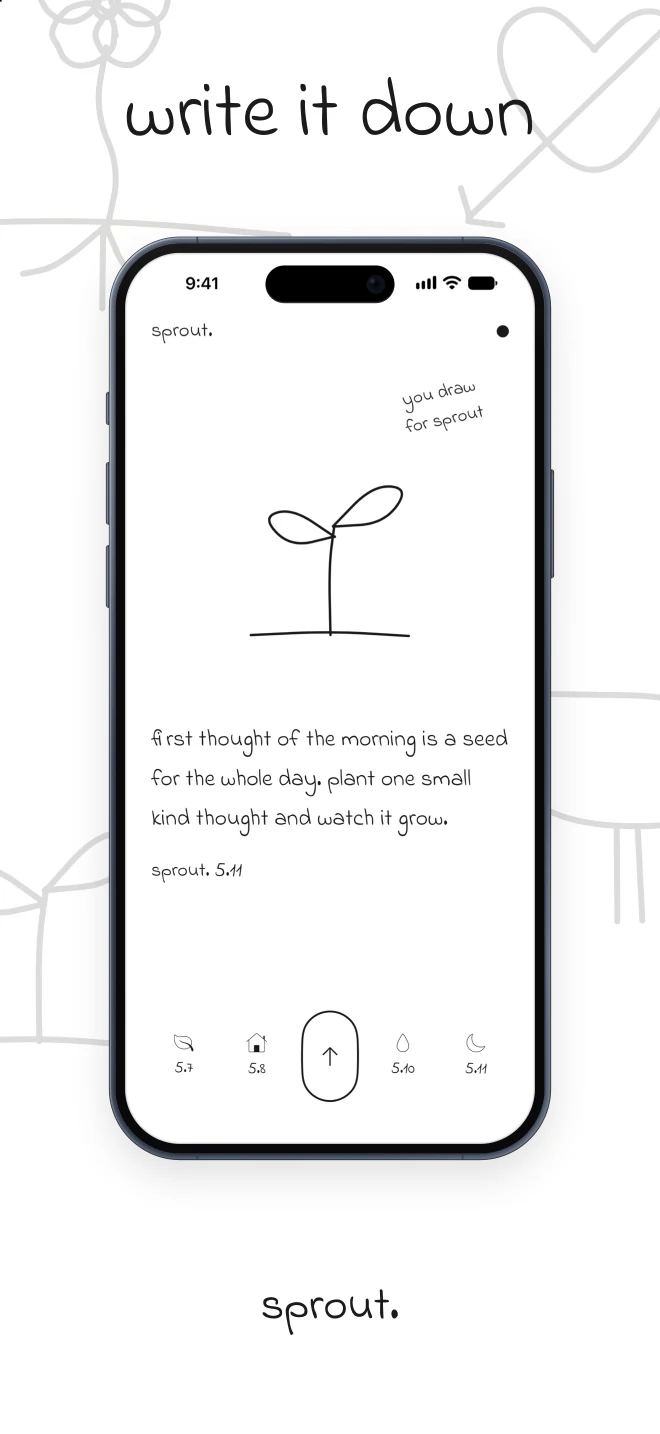
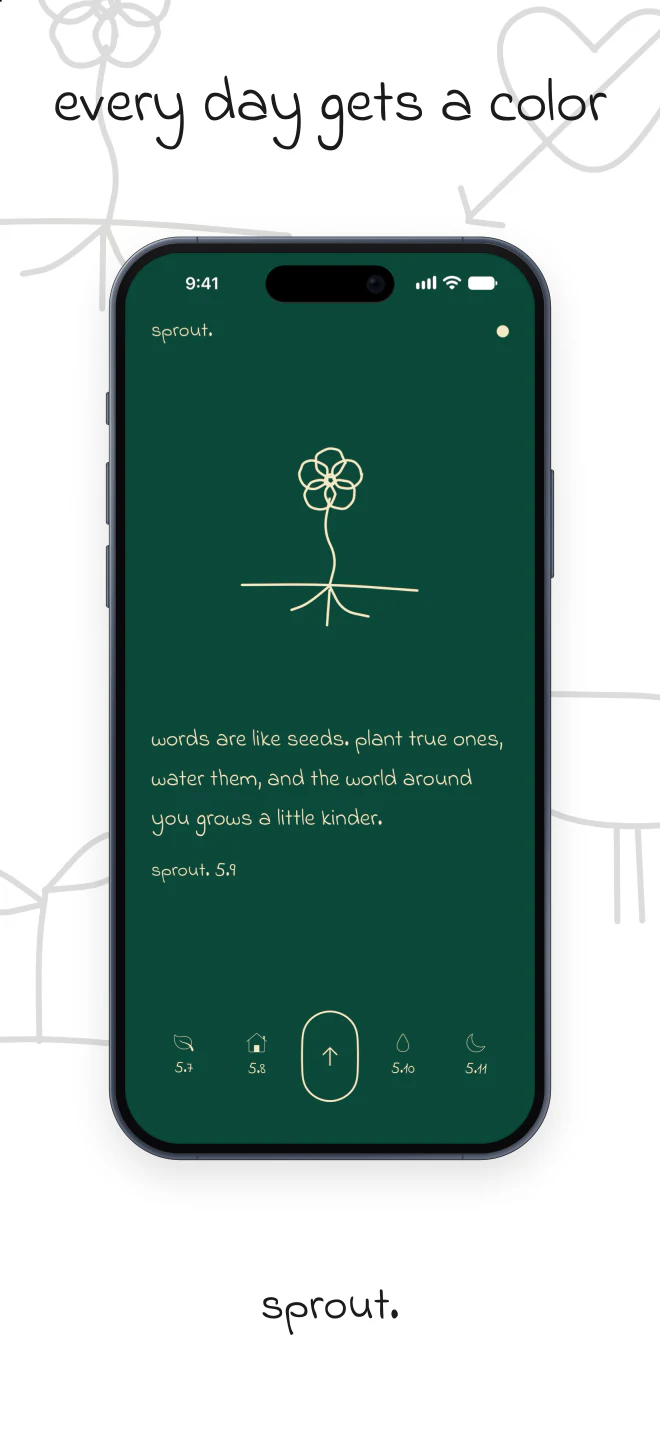
A look for every app.
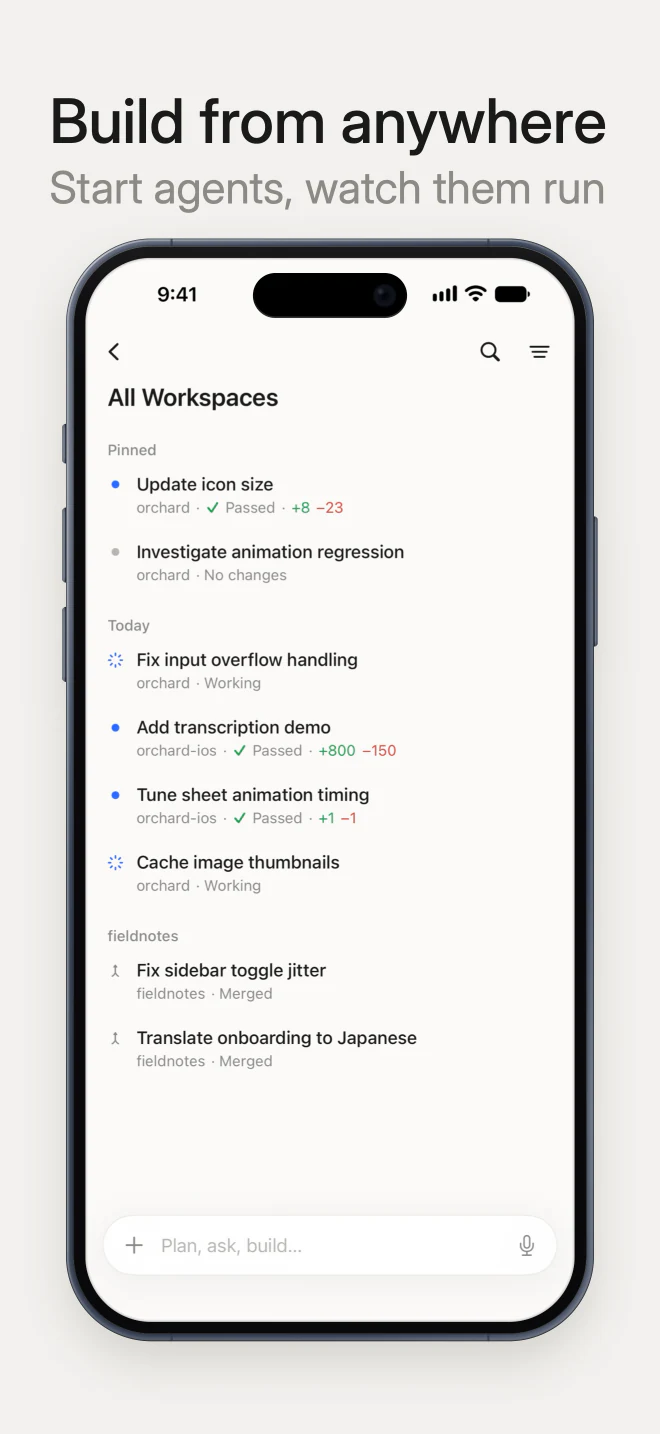
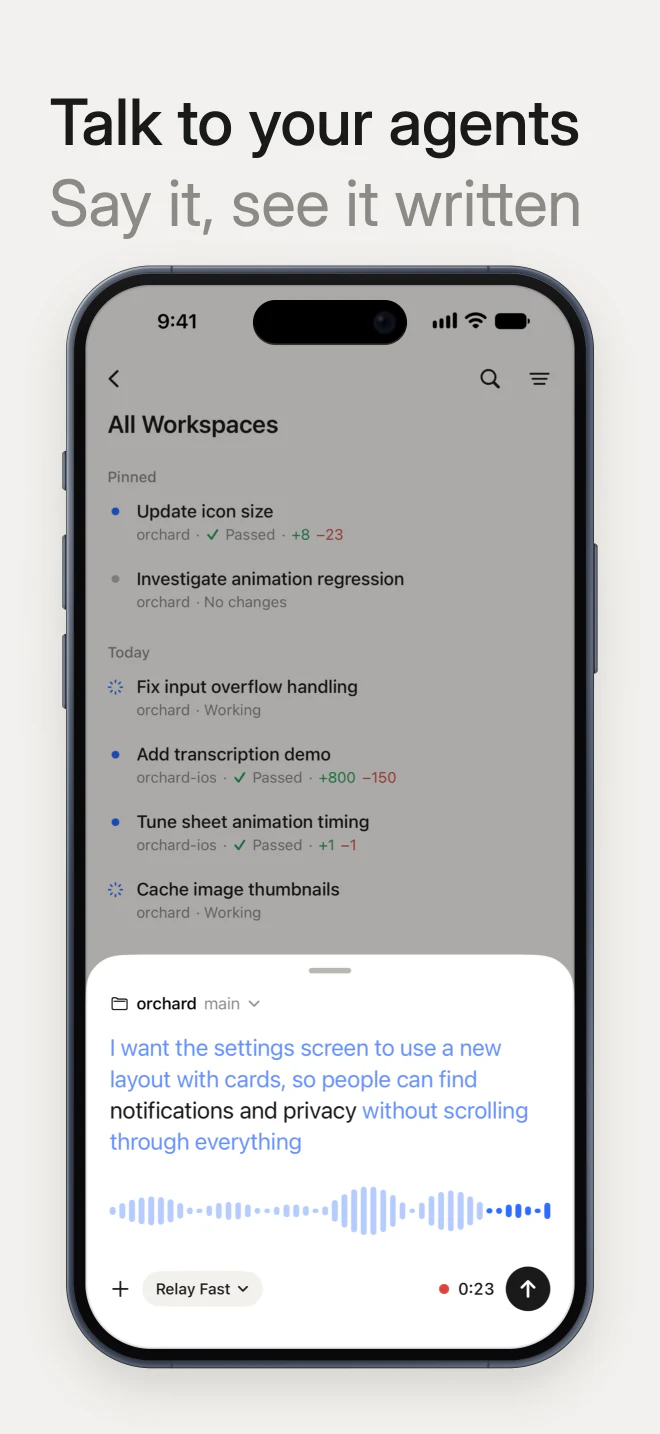
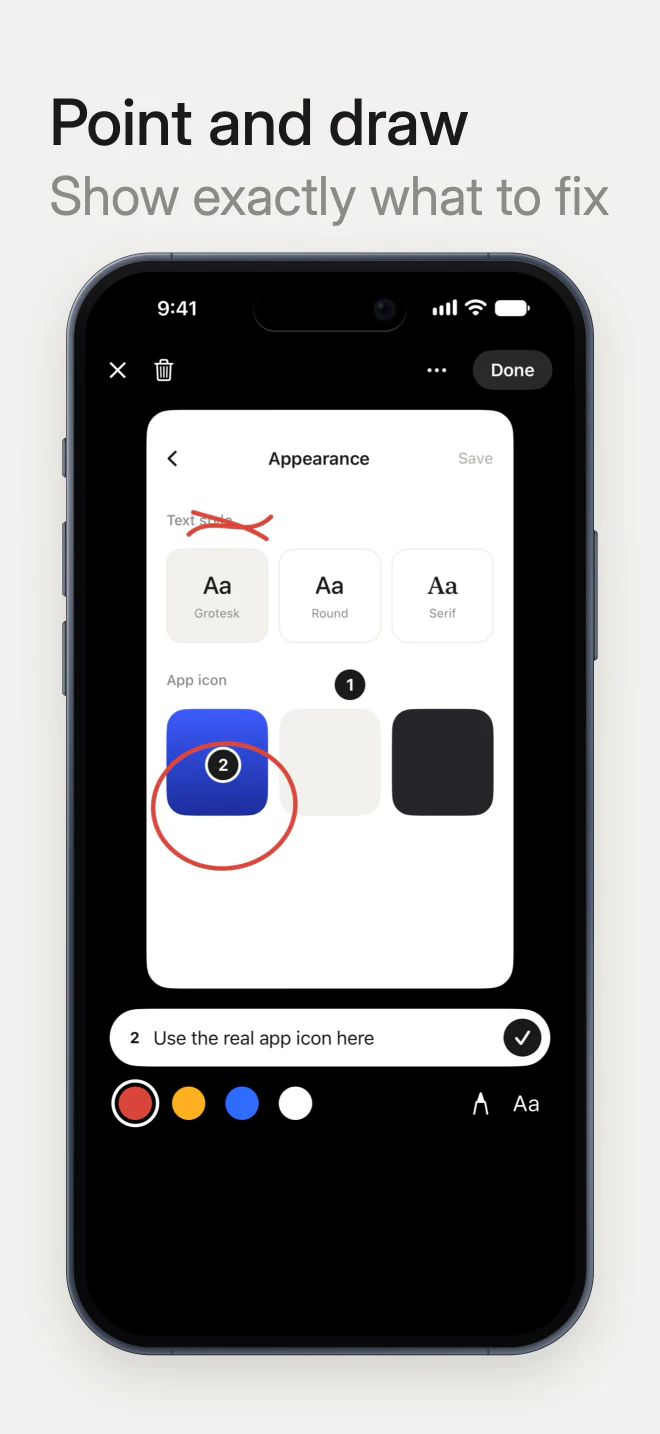
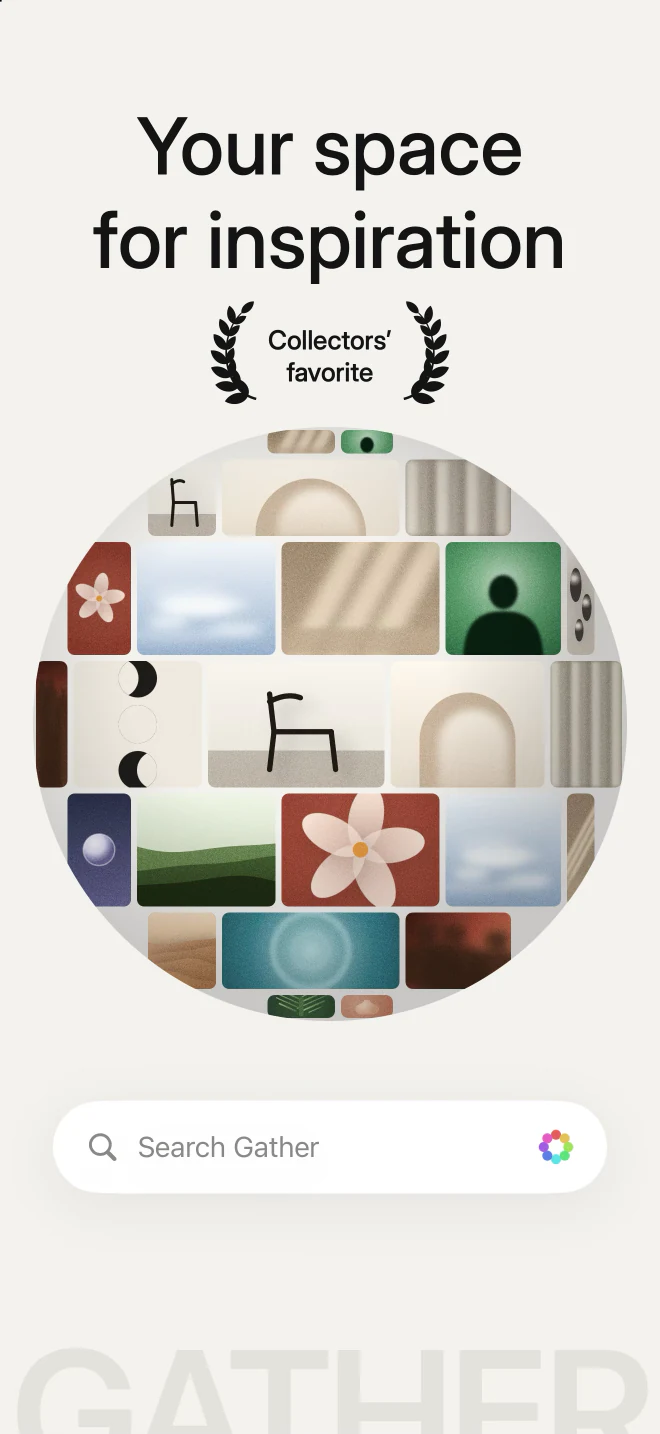
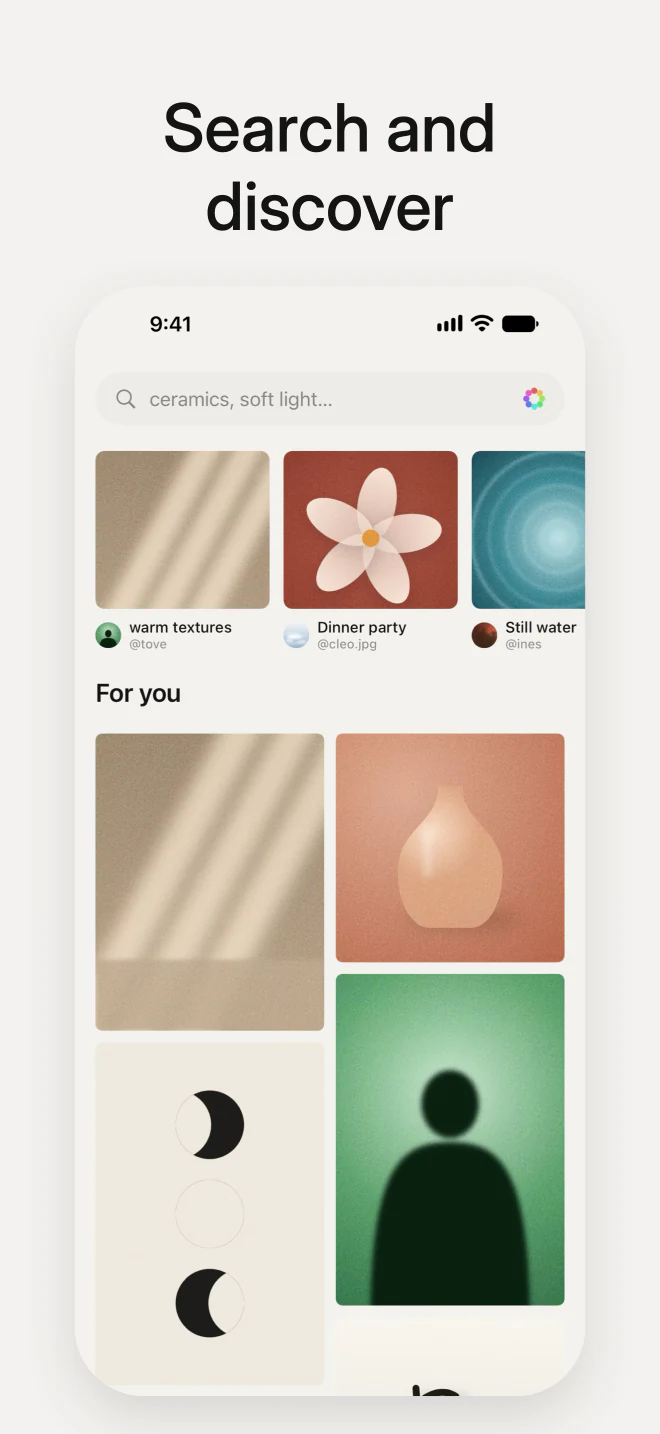
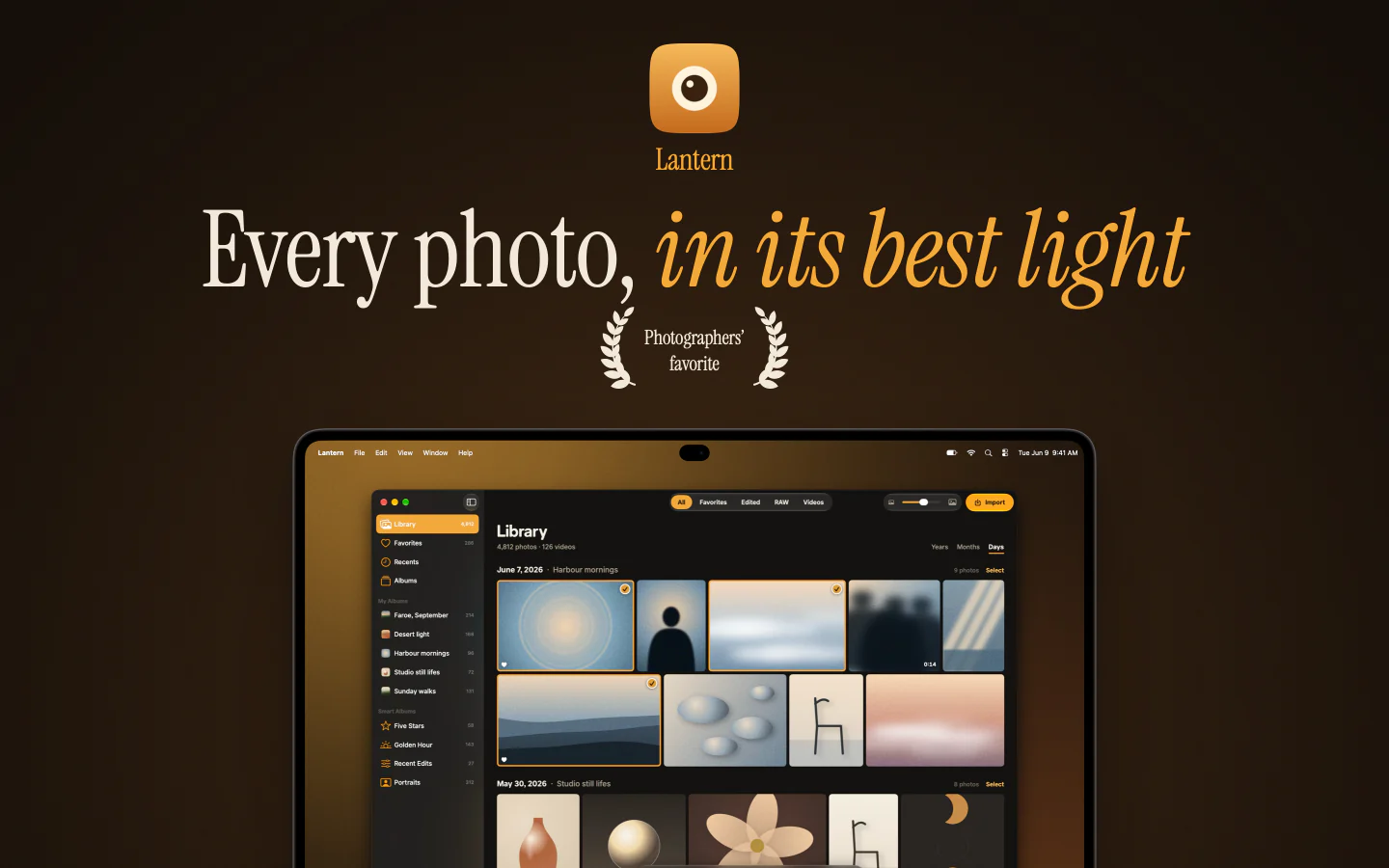
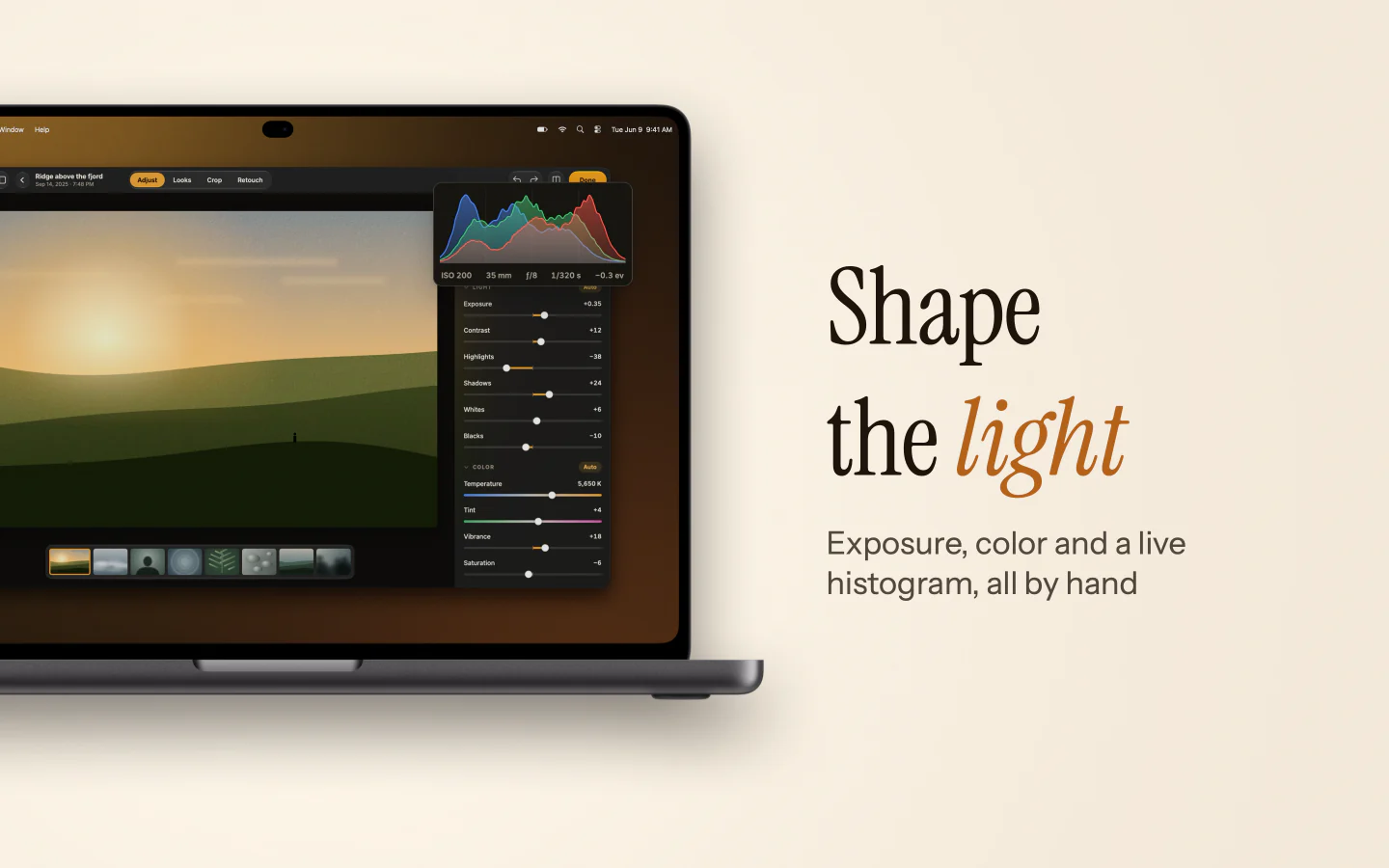
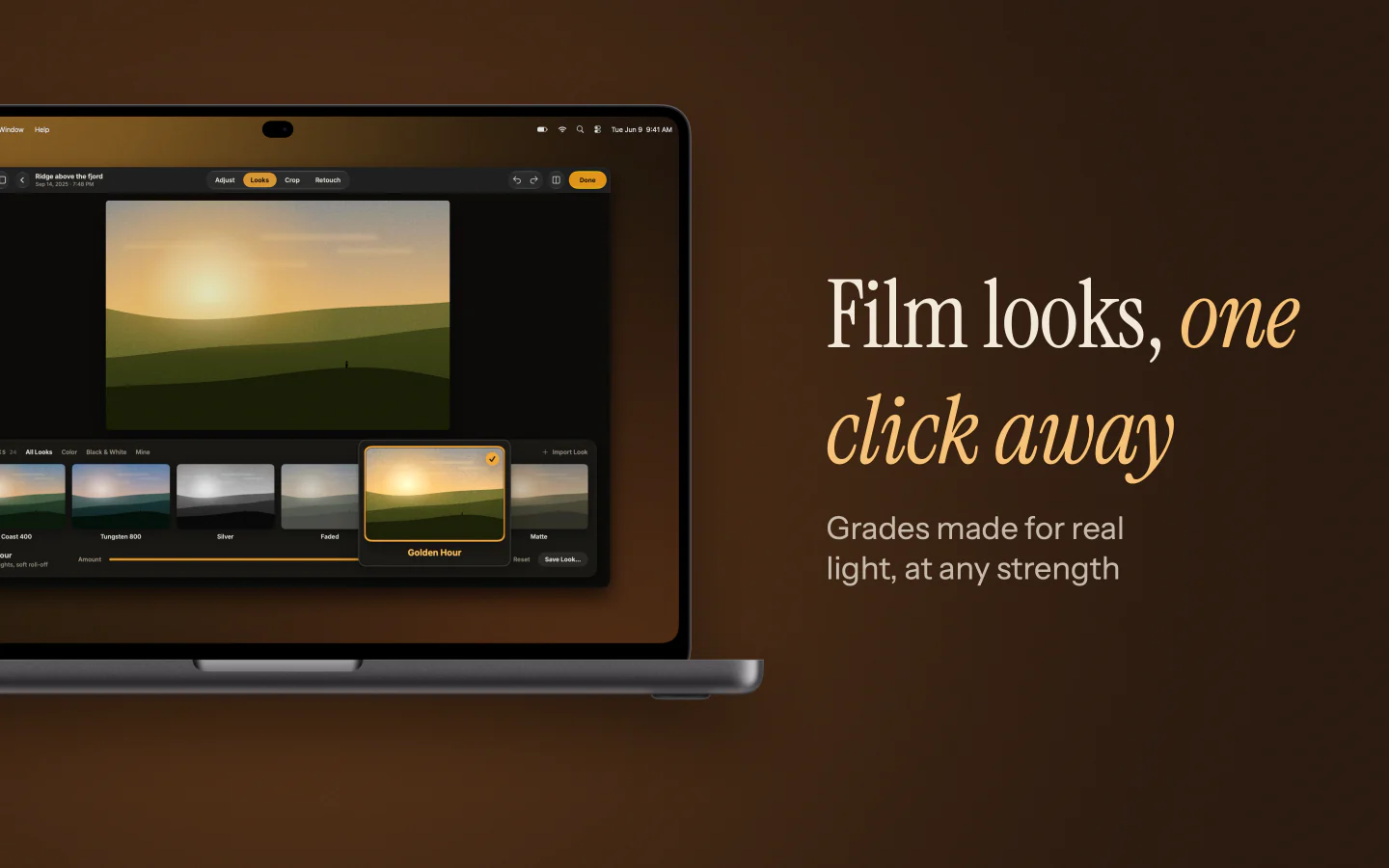
FrameRoll comes with these sets to open and take apart. Every app in them is made up.
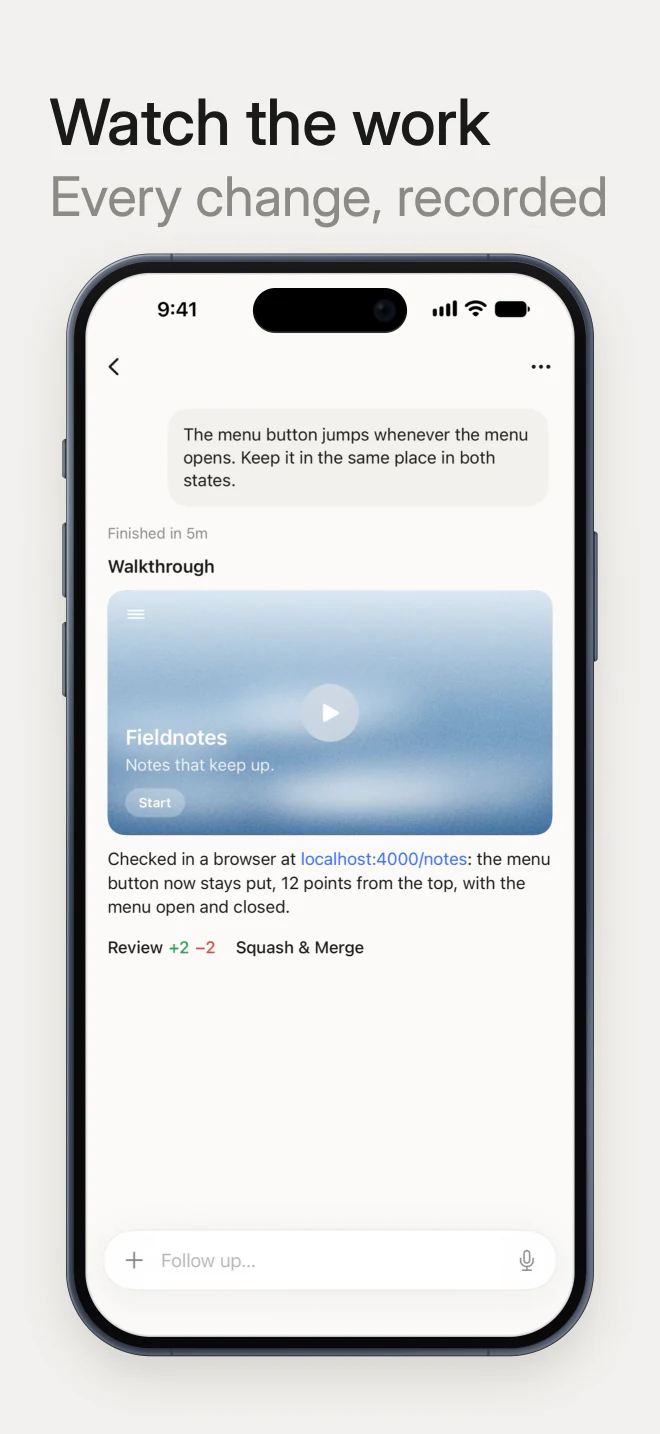
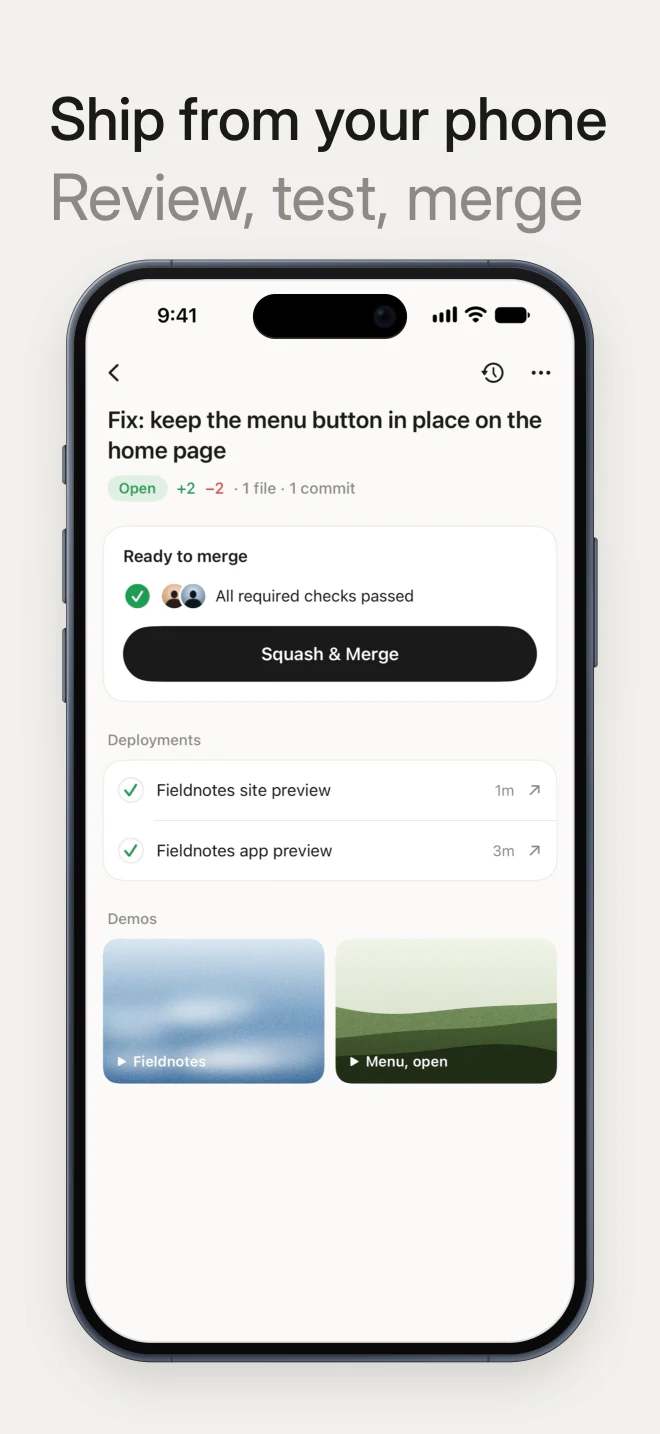
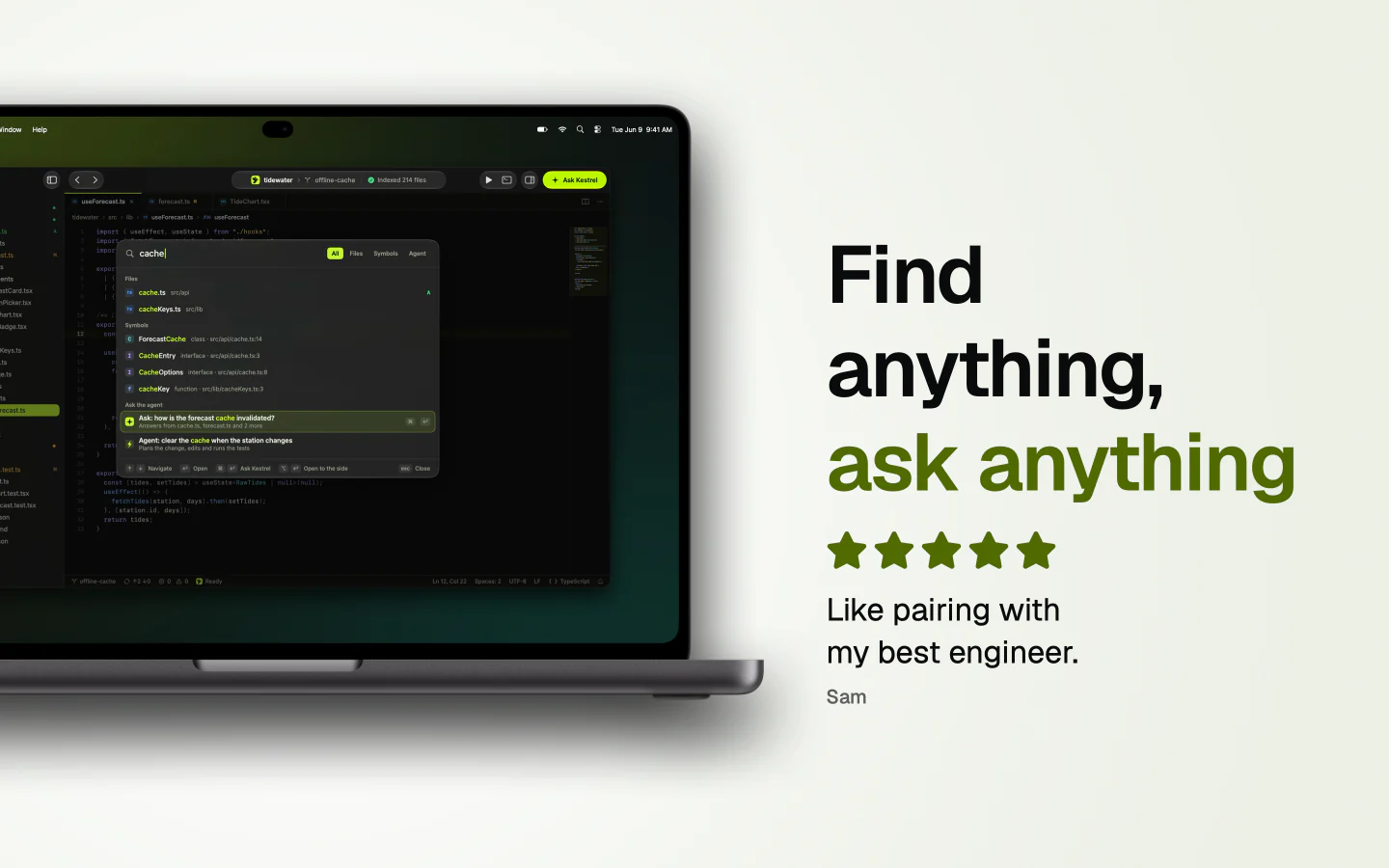
Coding agents. Quiet and warm: two lines at the top left, the phone upright.
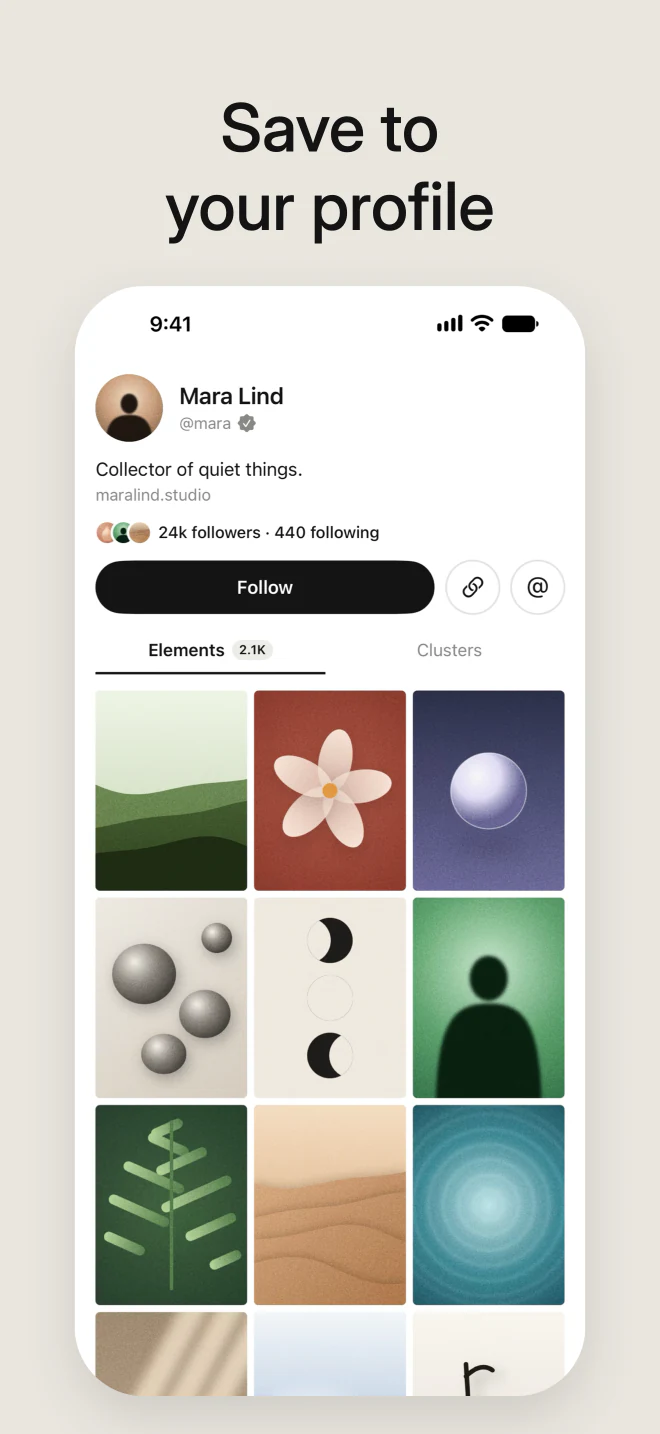
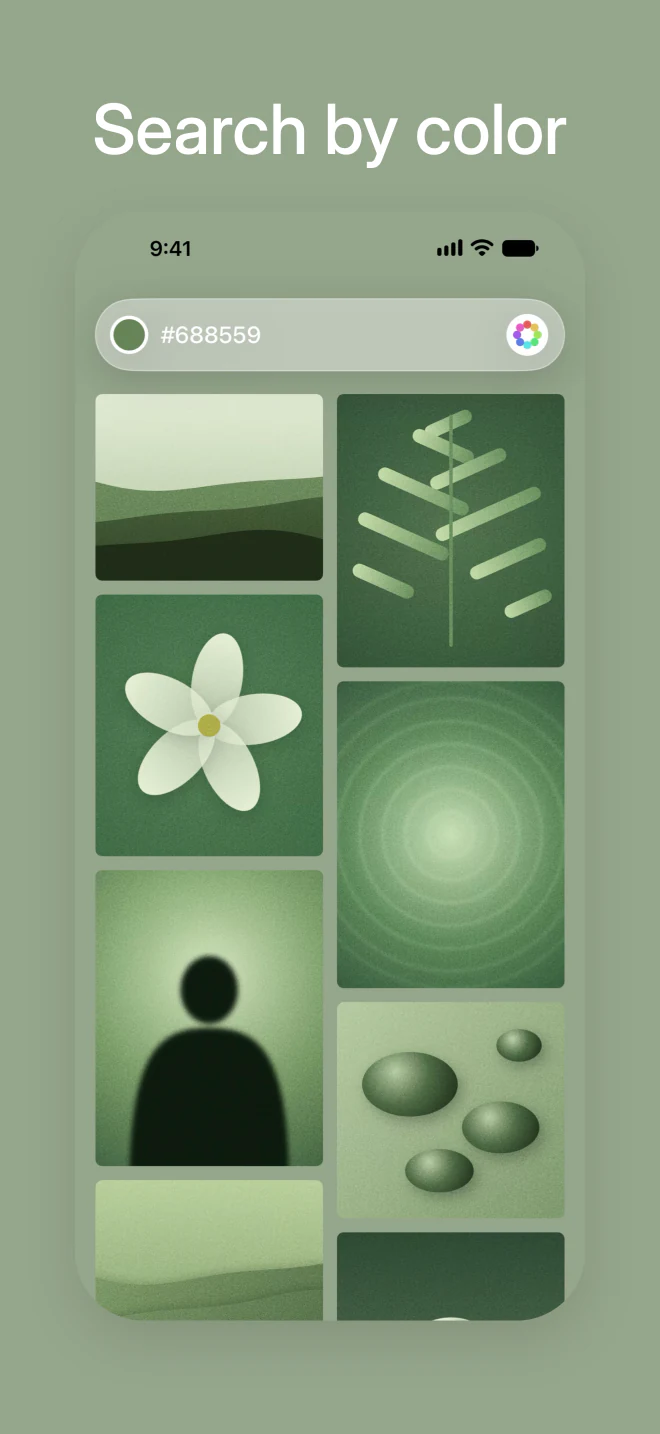
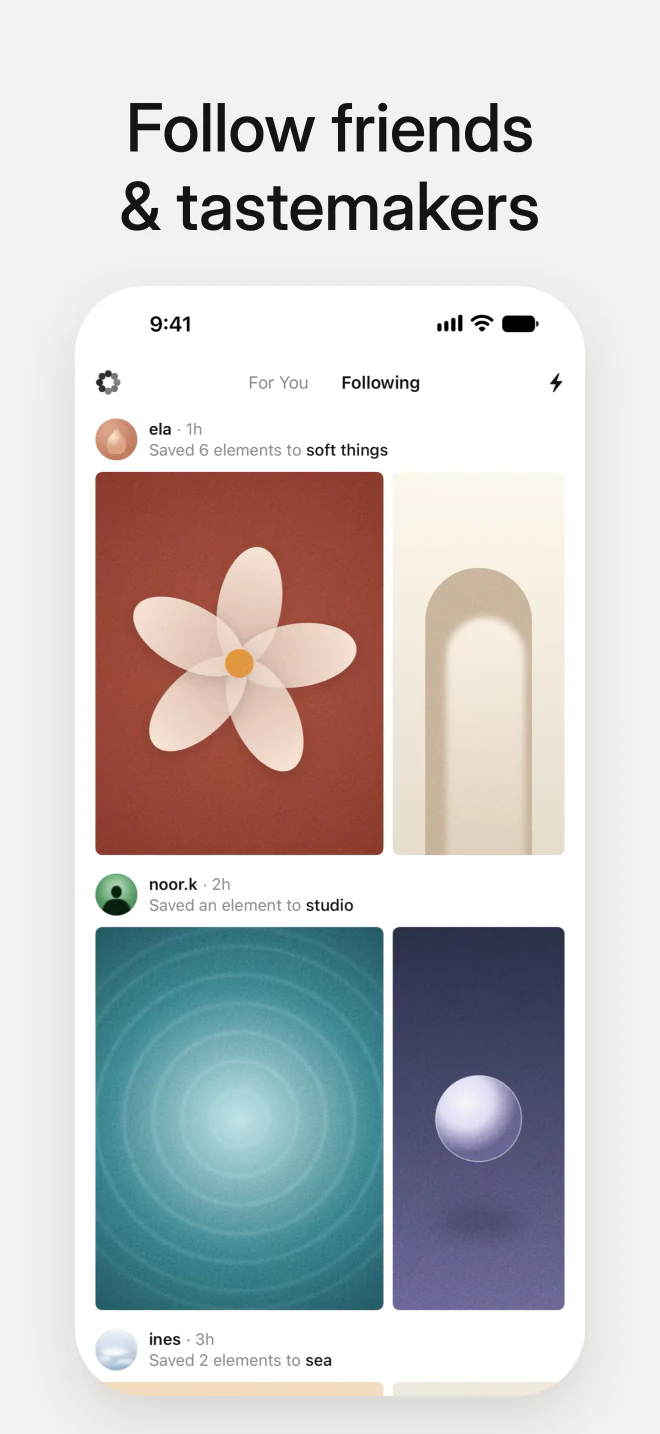
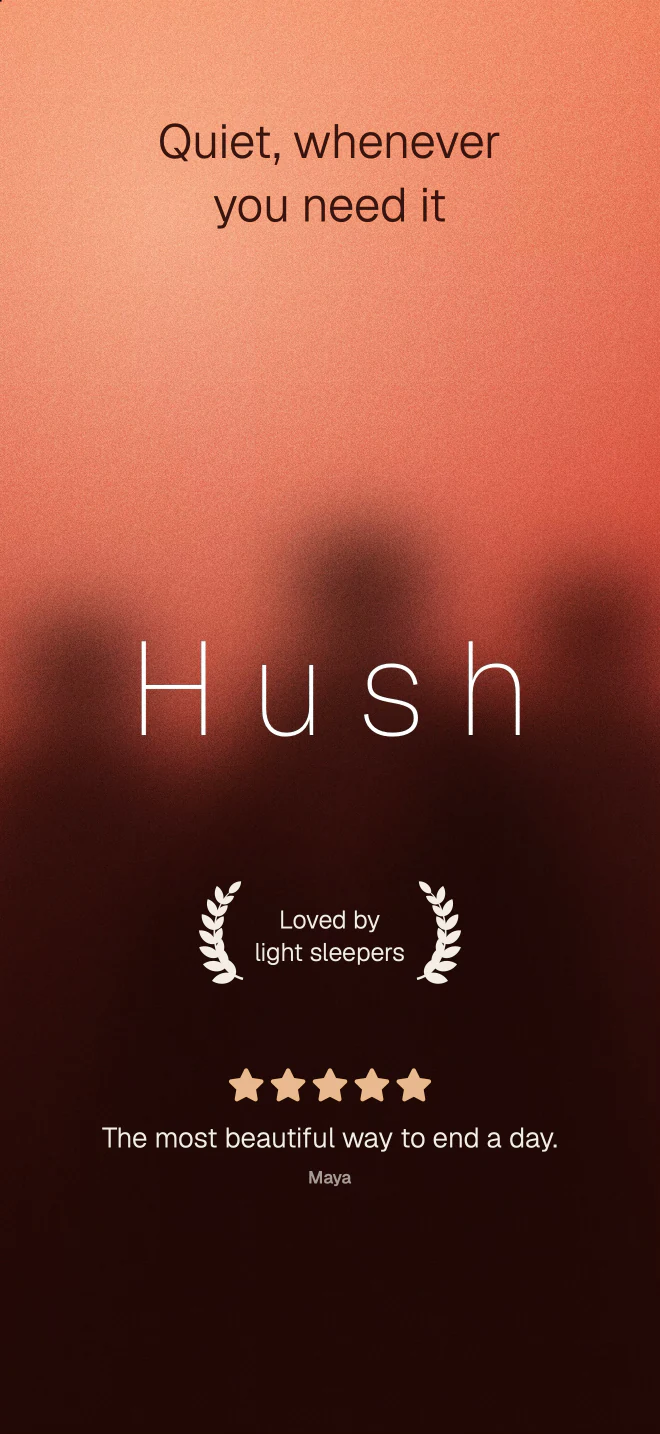
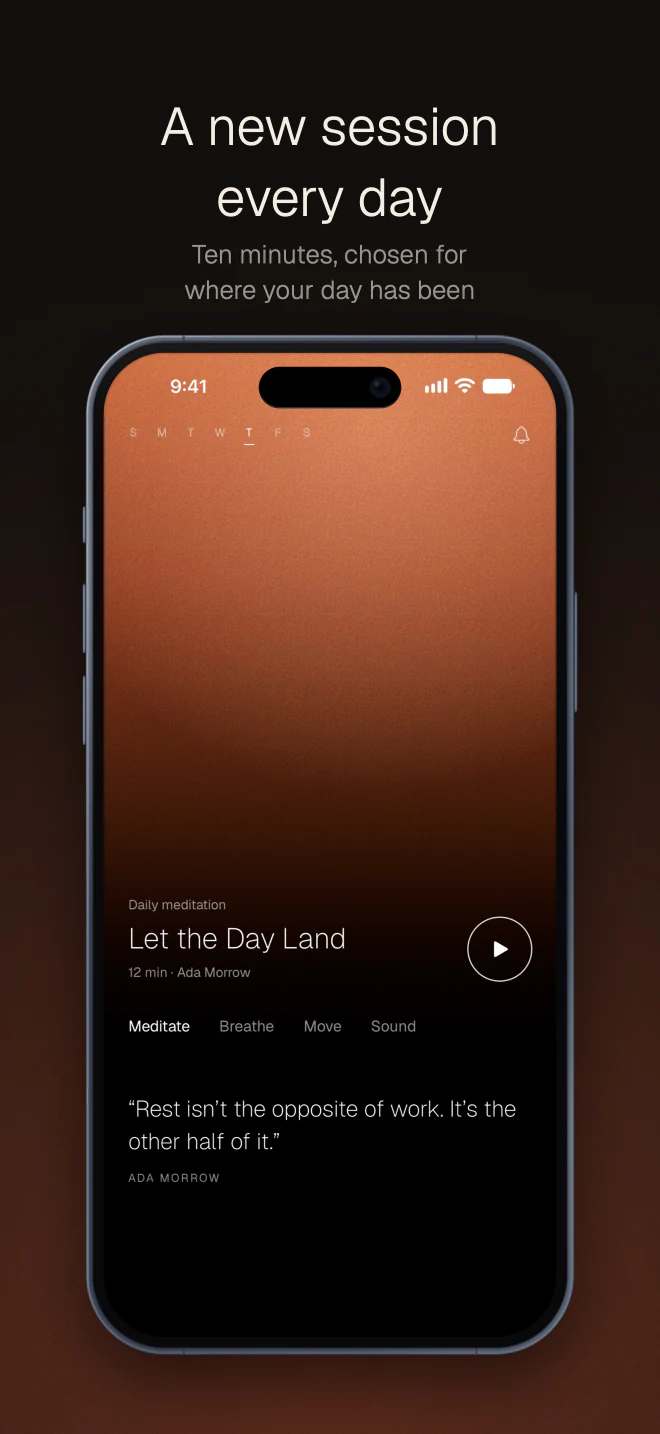
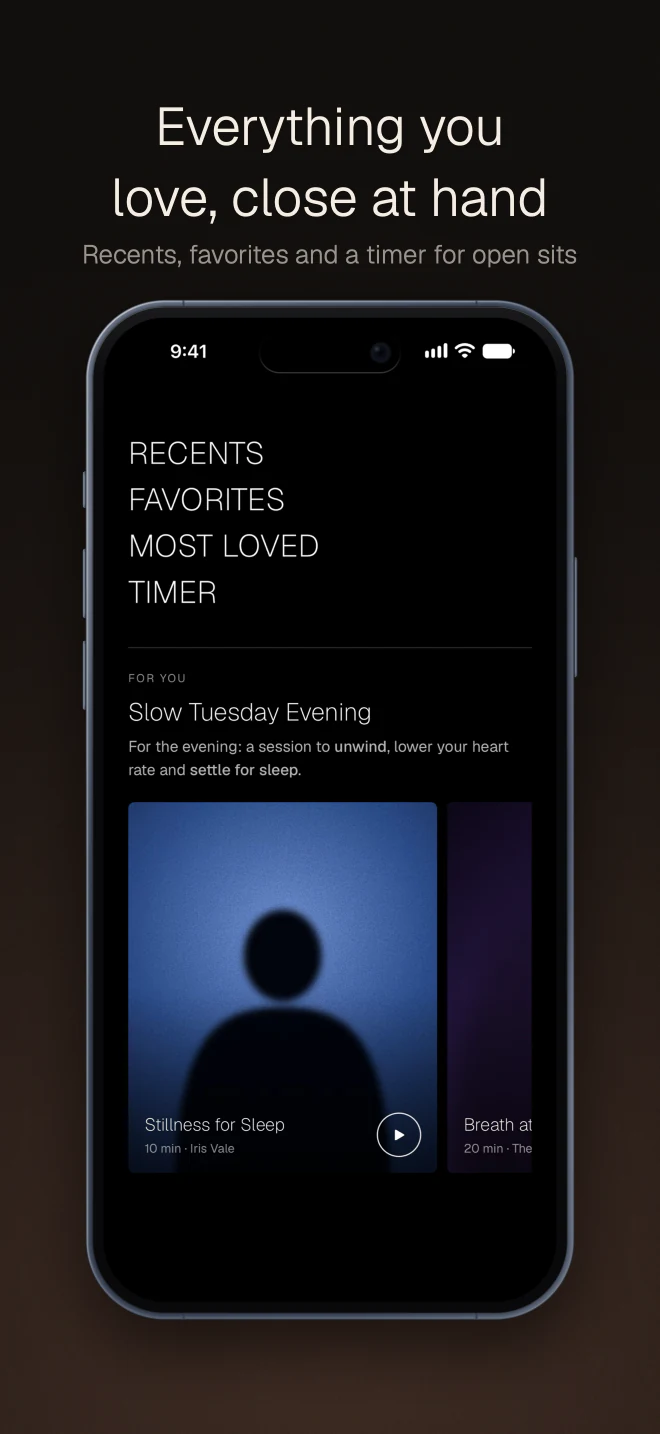
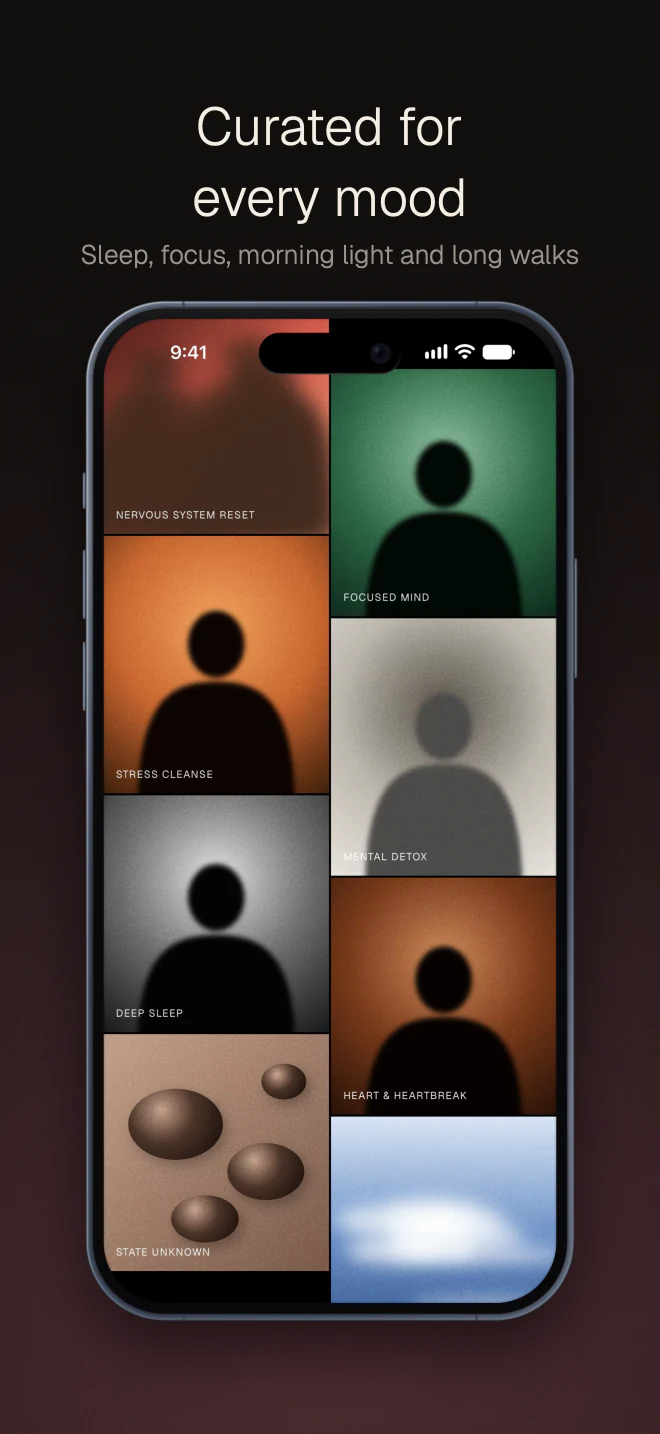
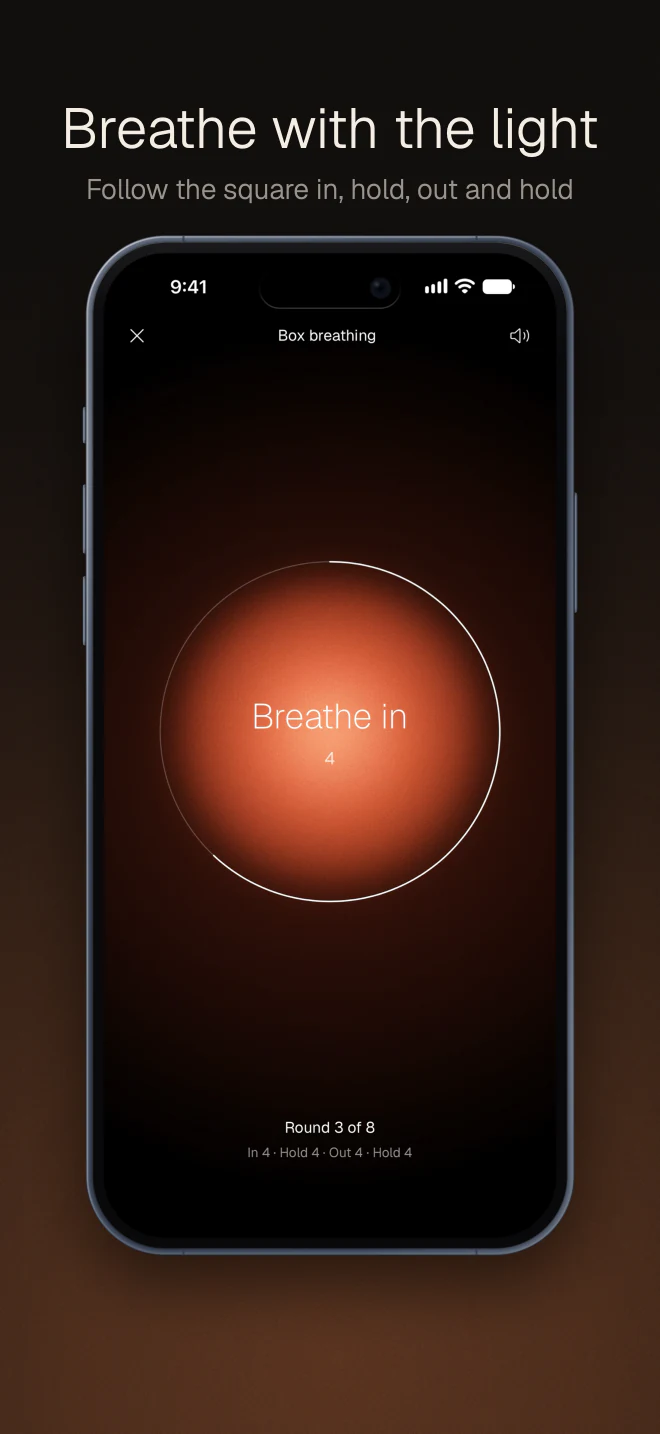
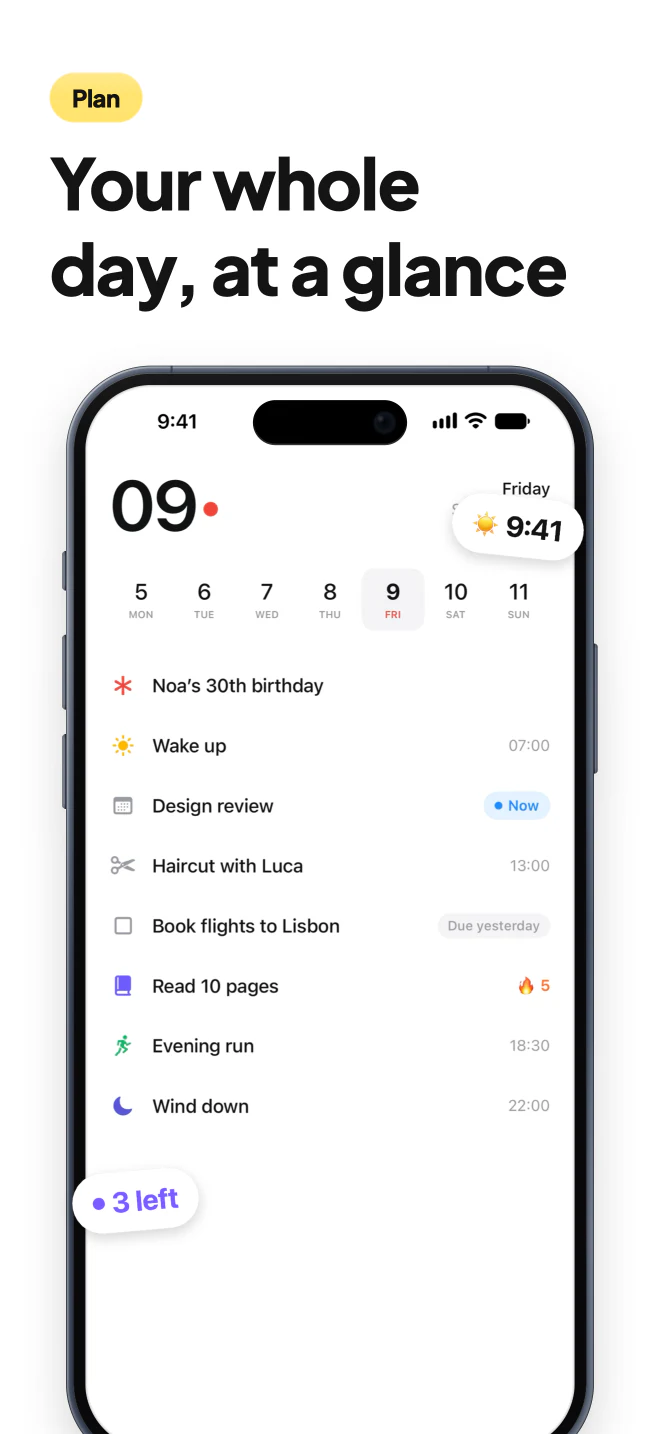
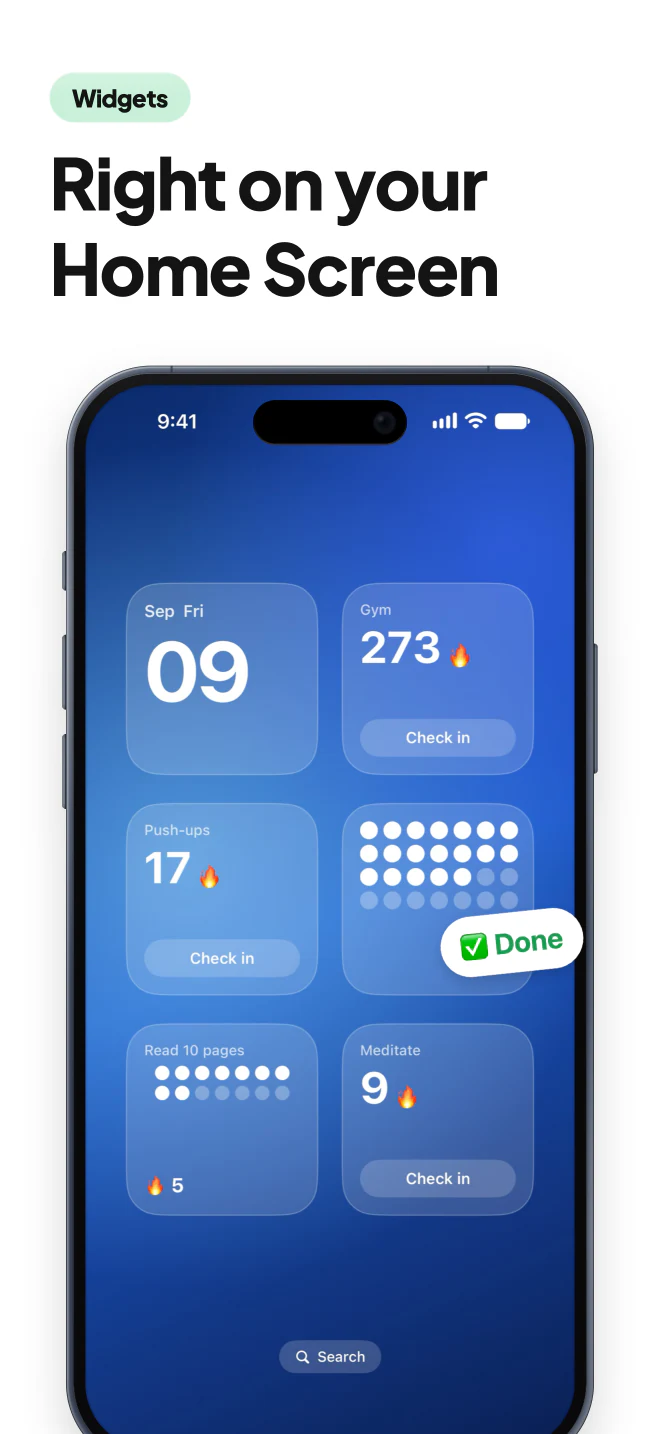
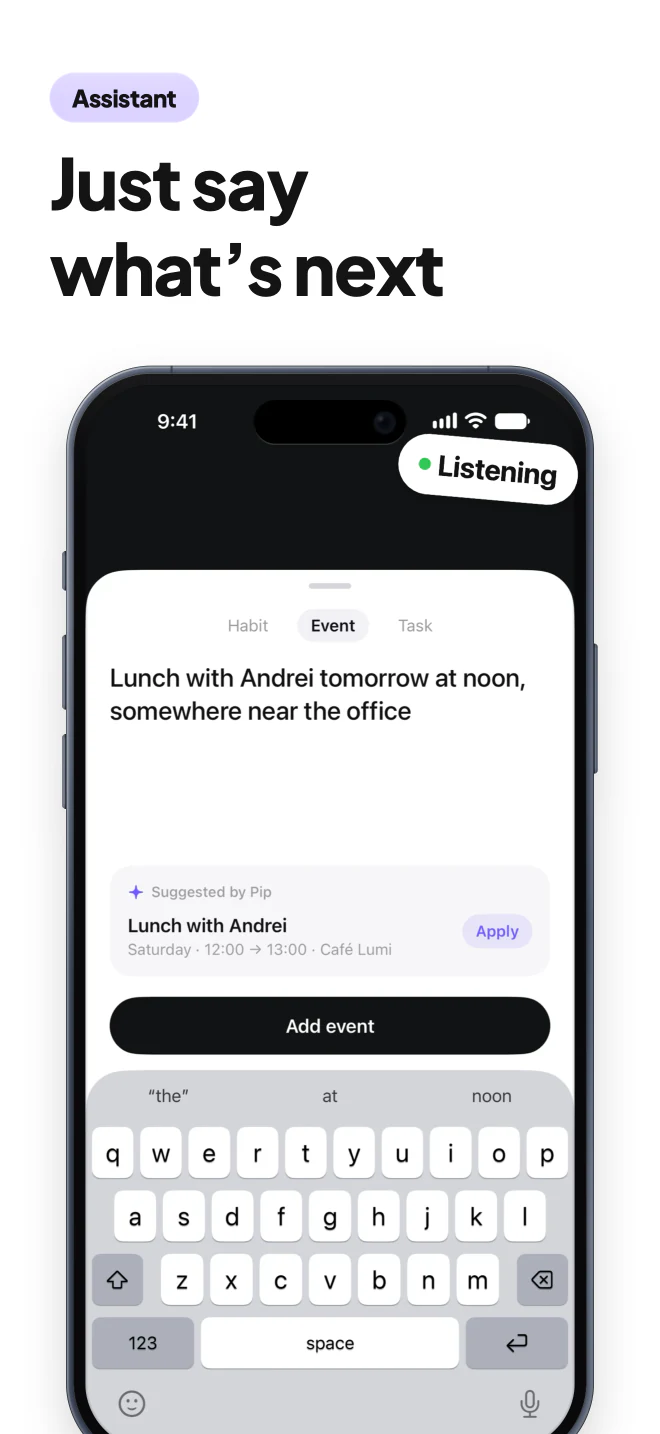
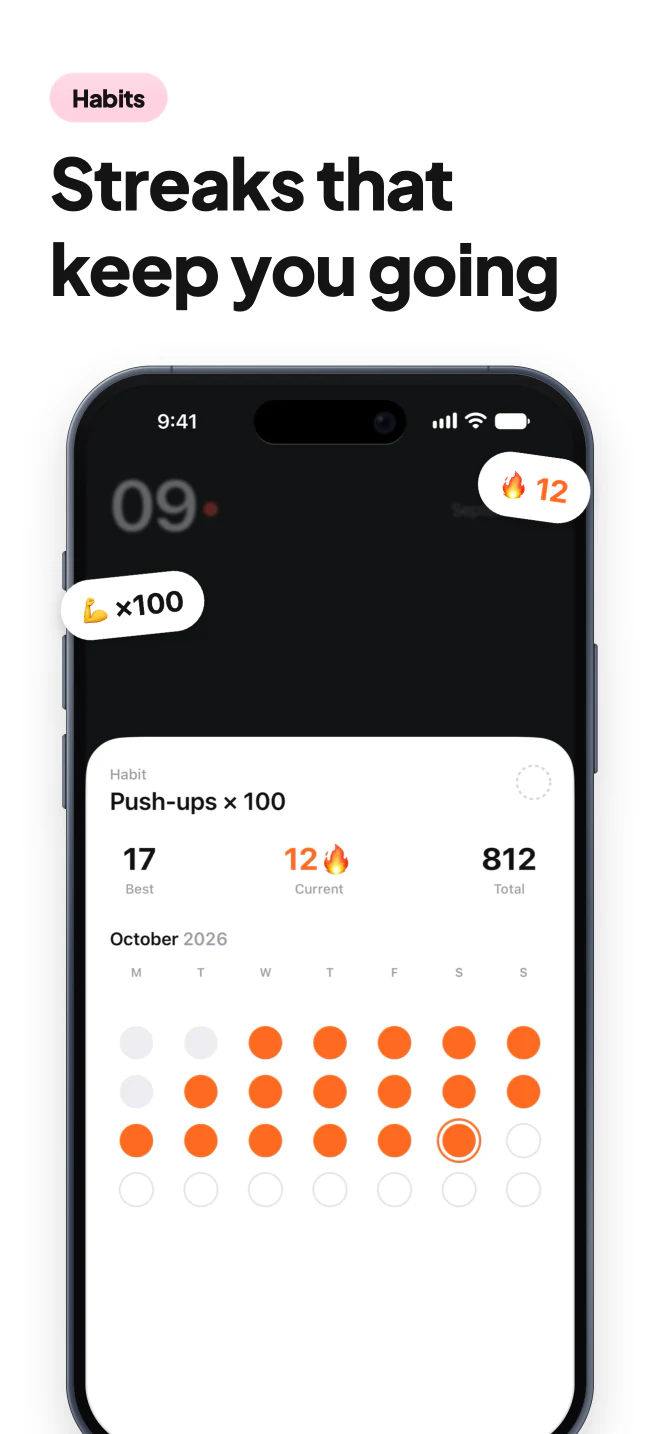
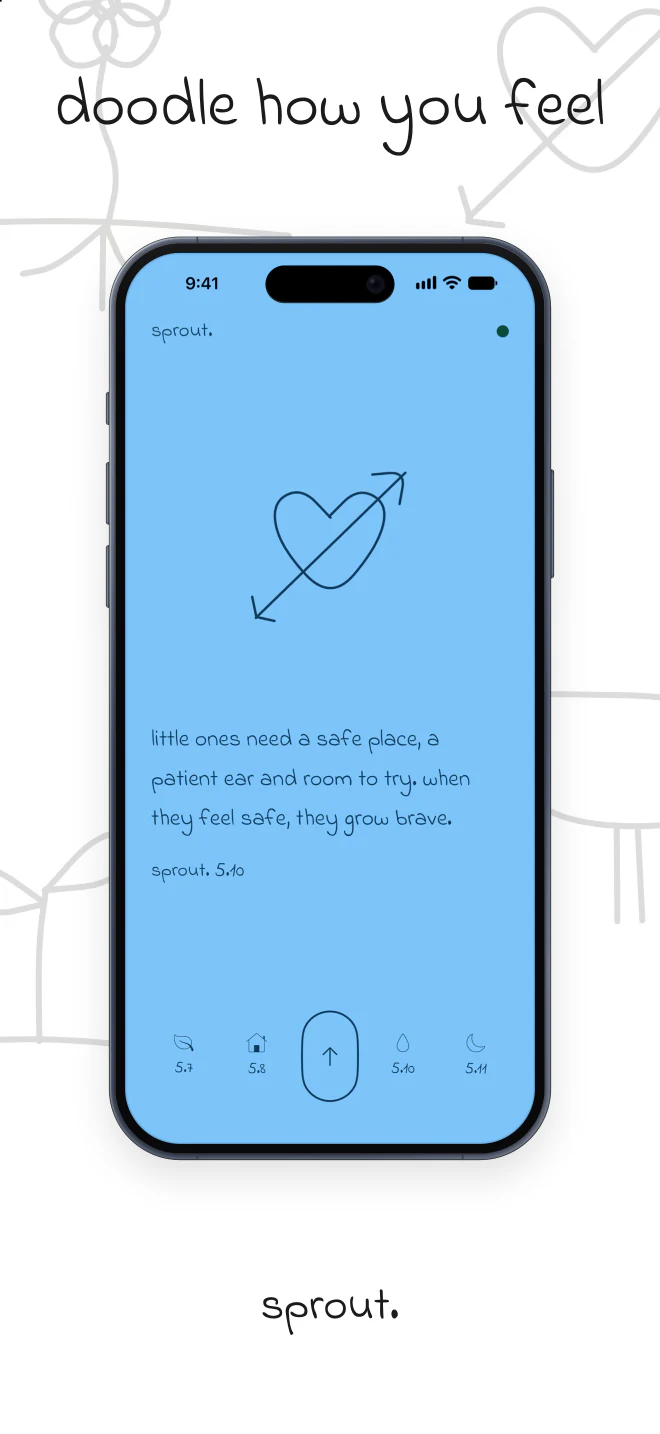
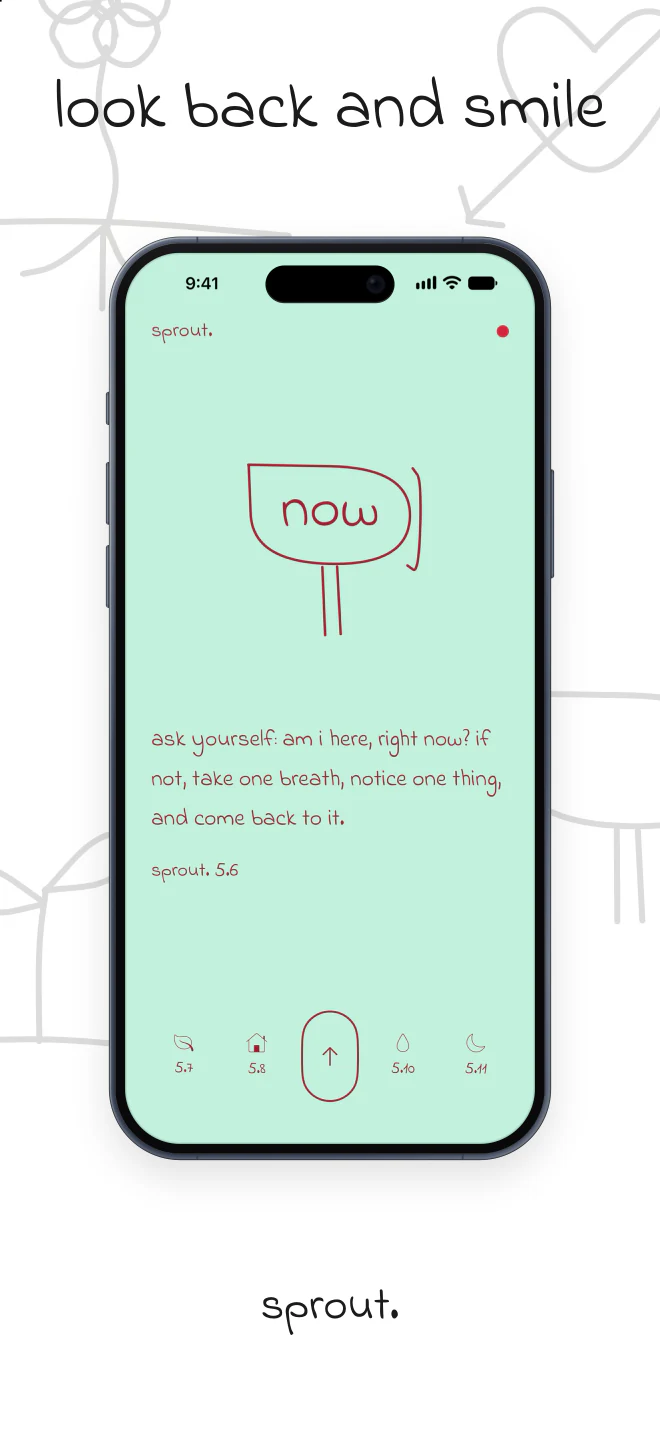
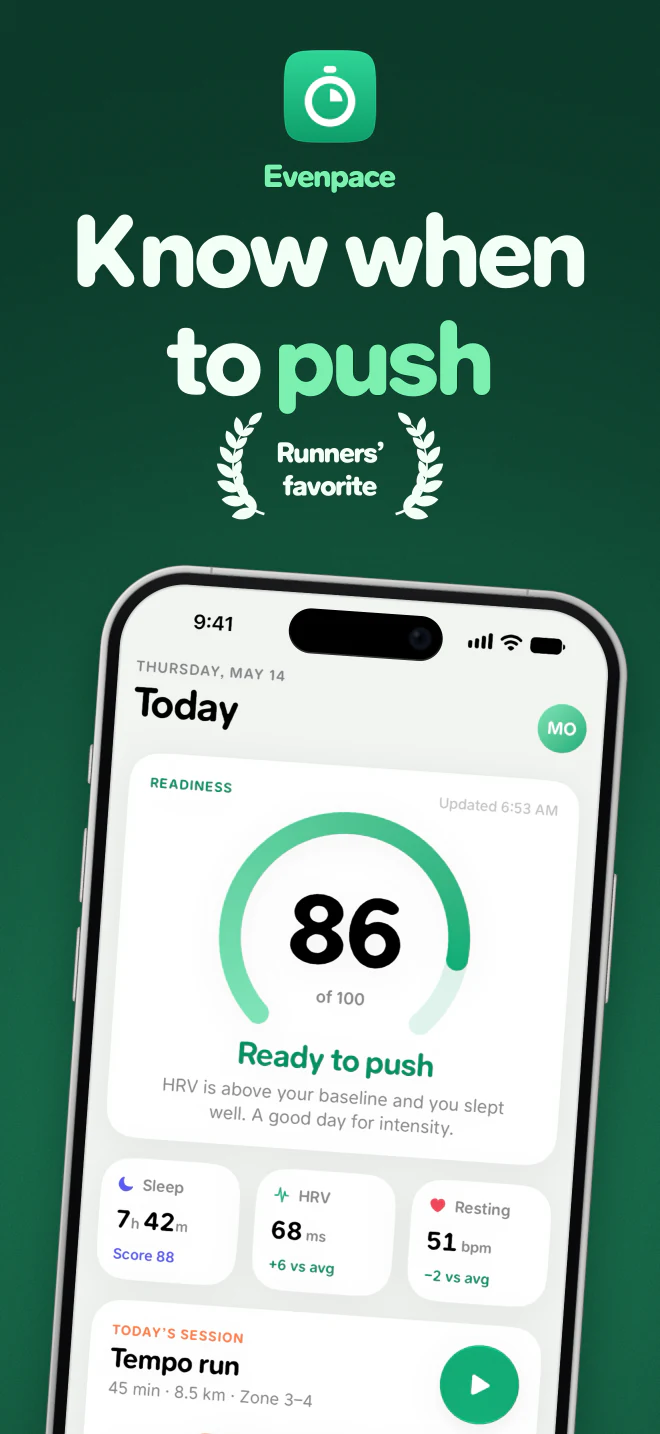
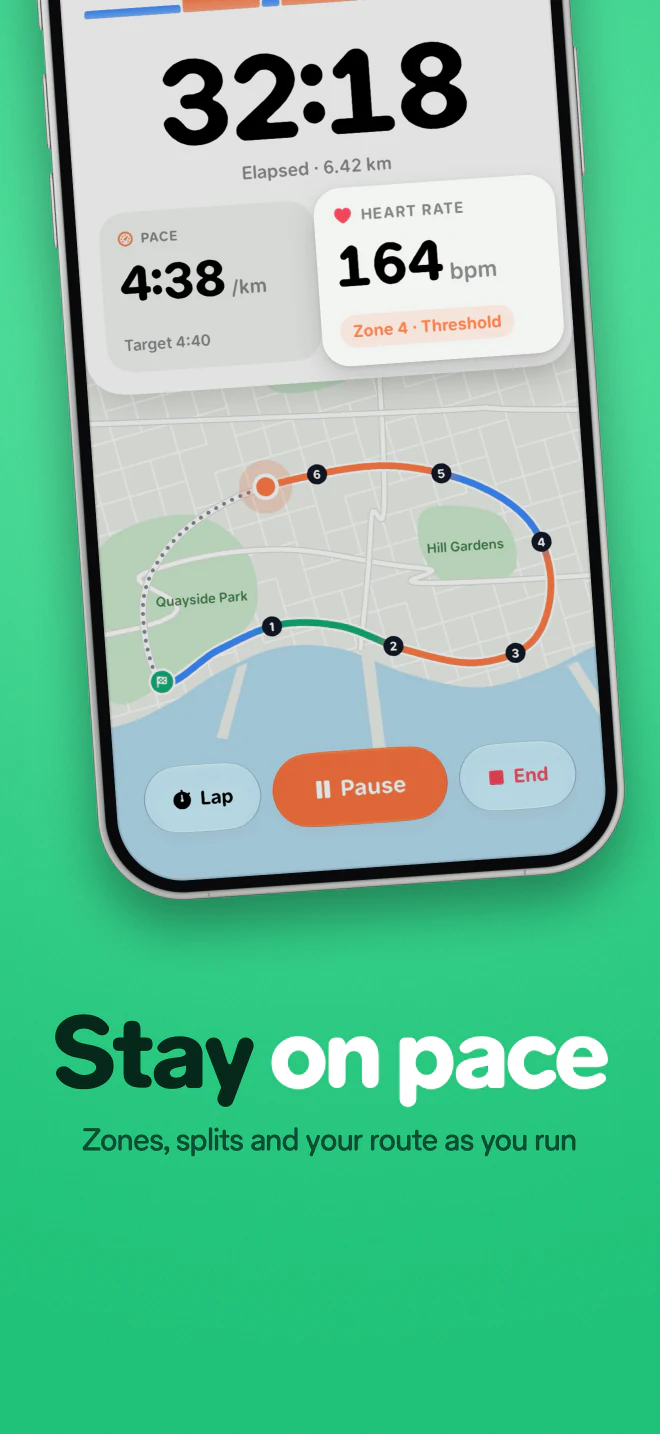
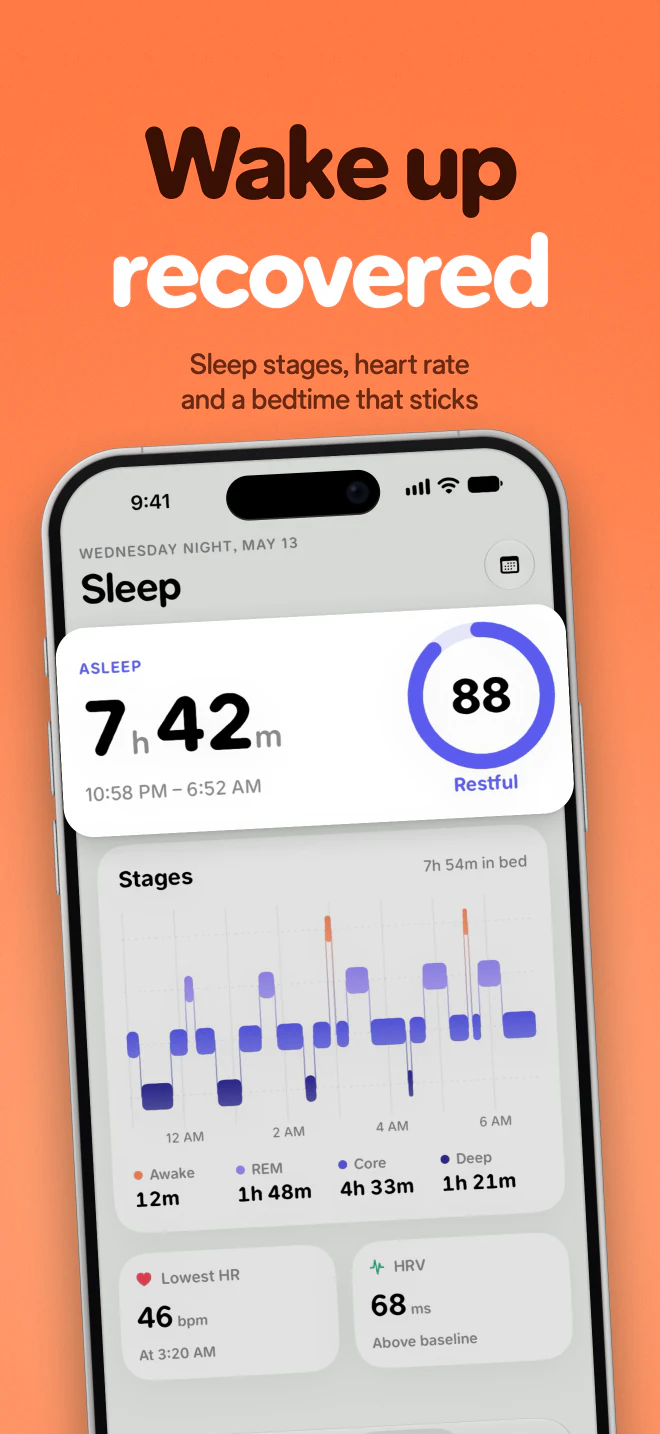
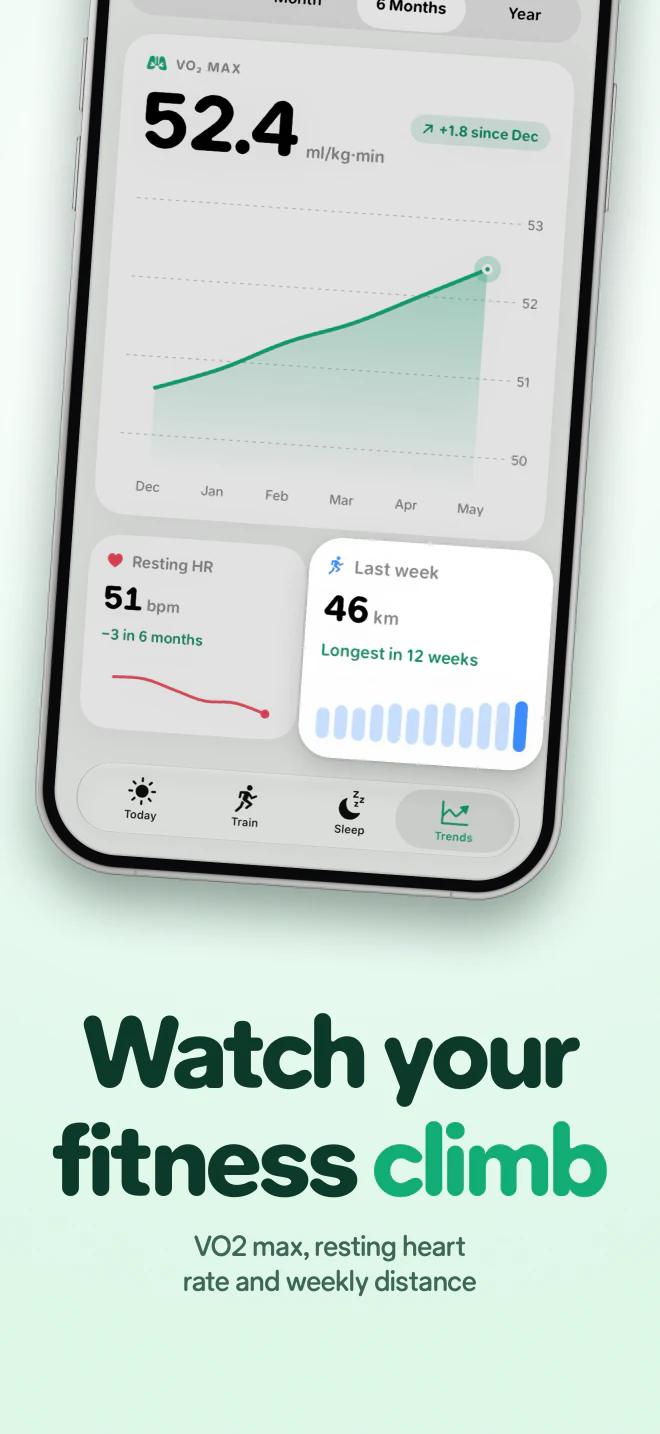
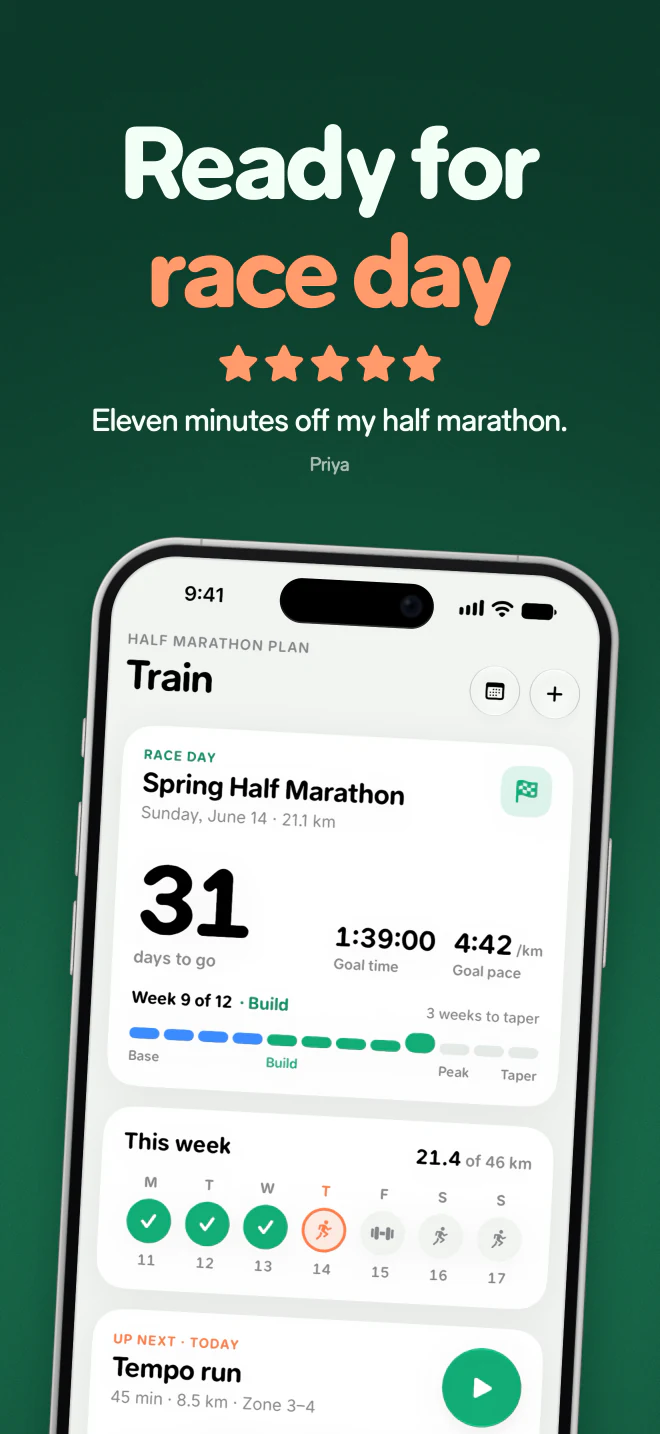
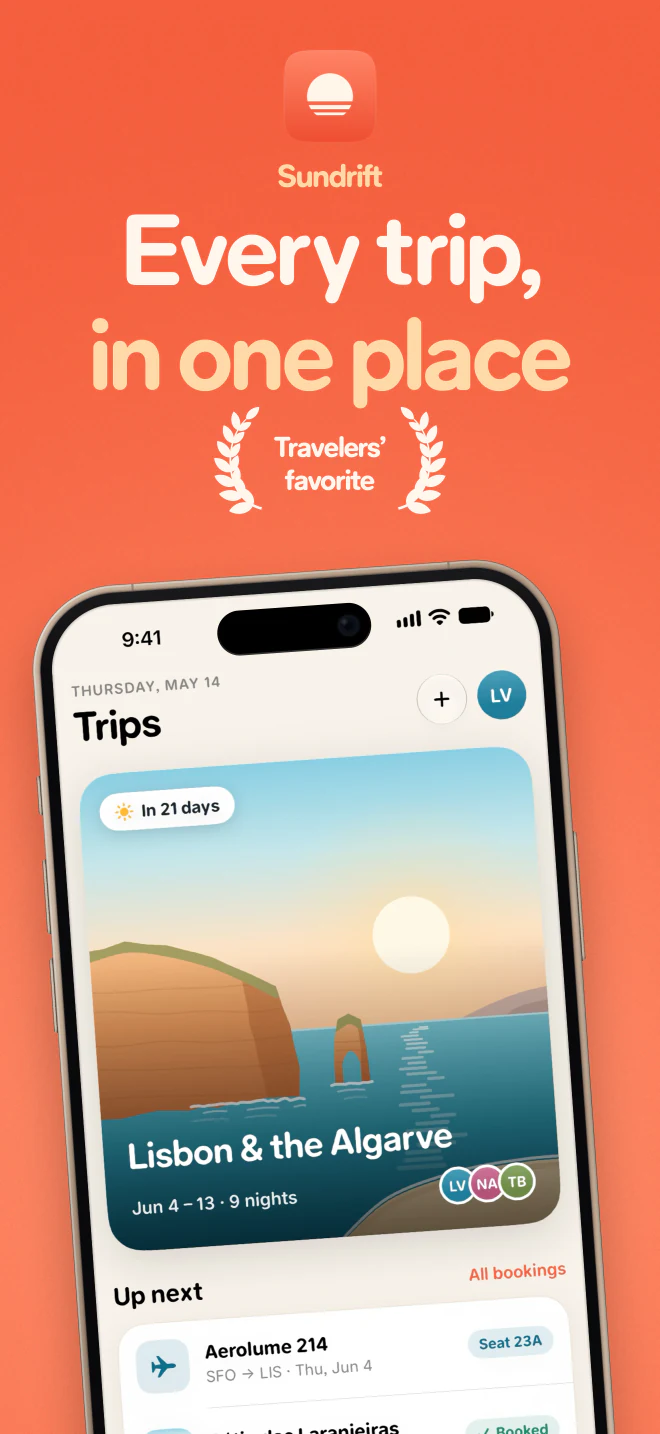
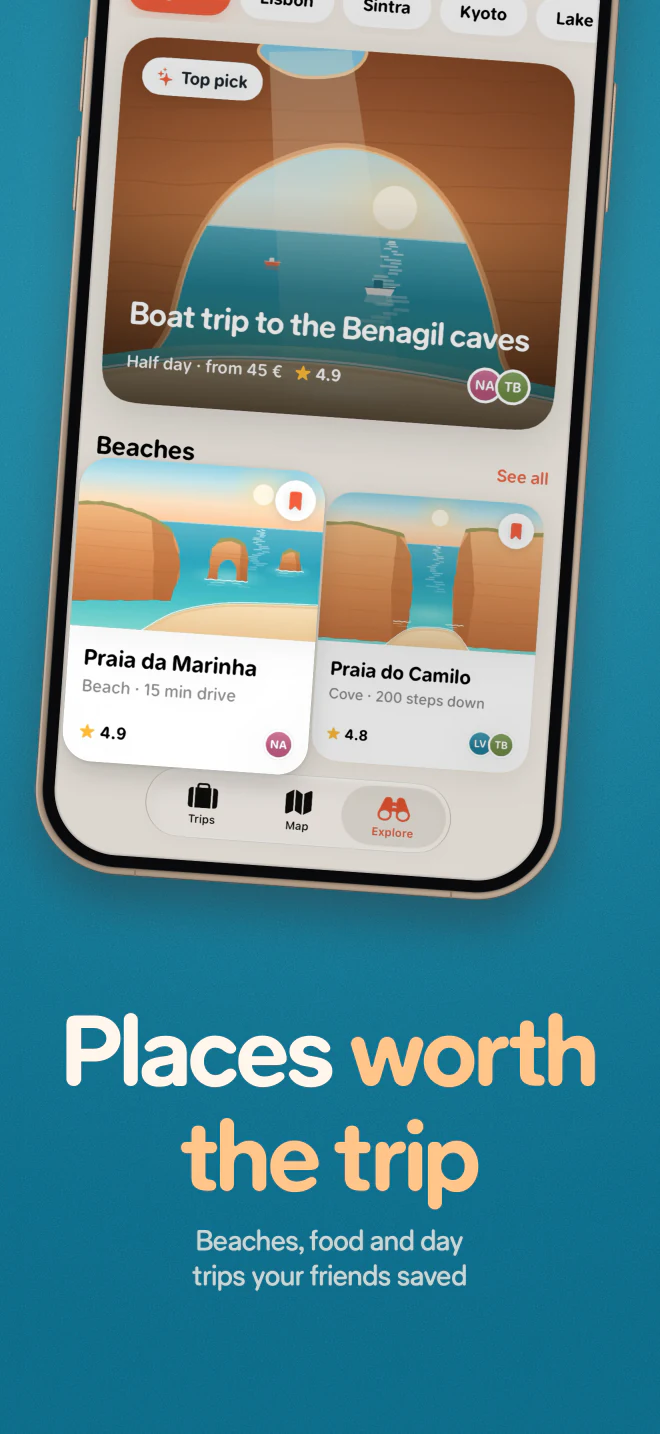
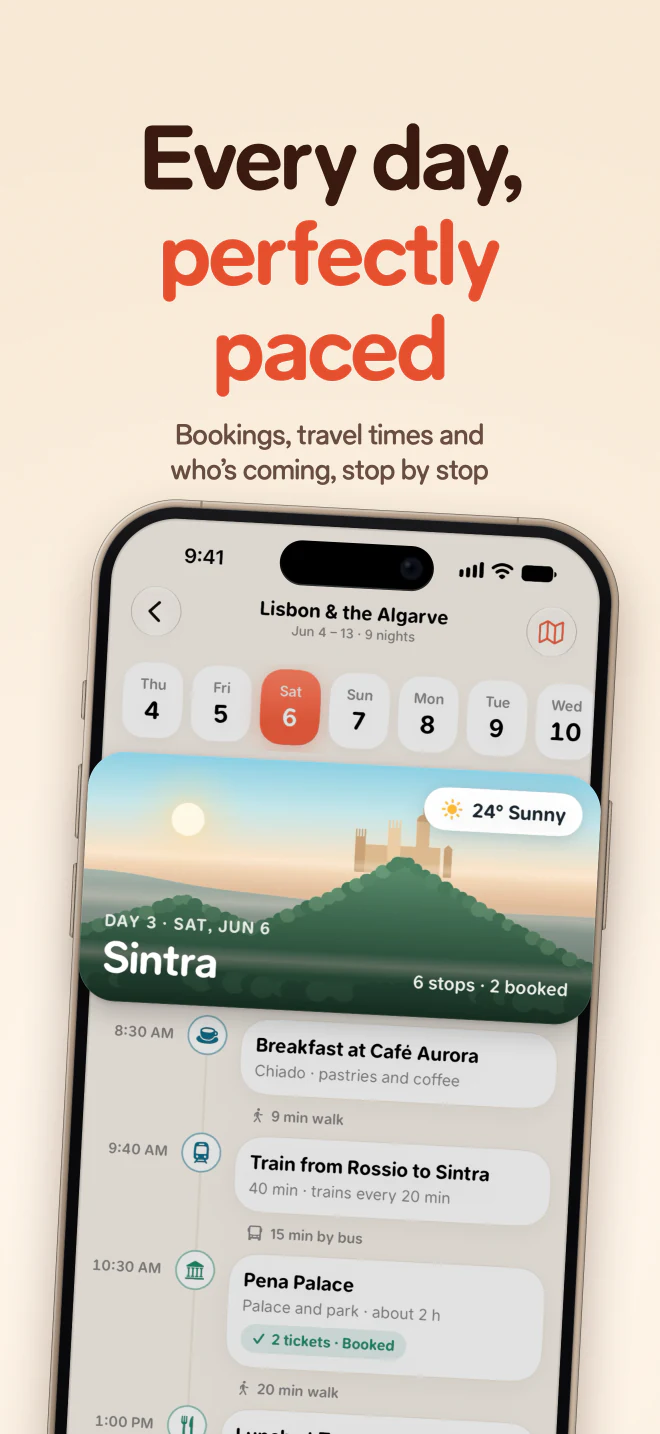
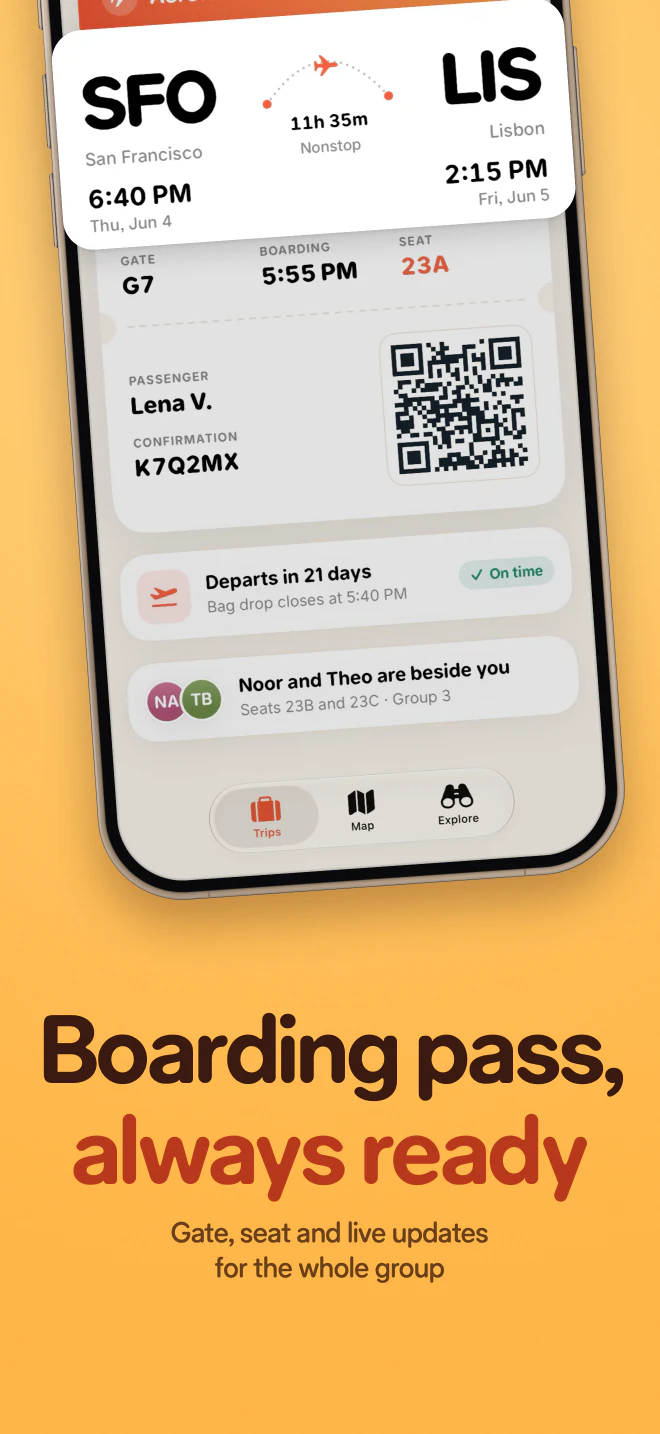
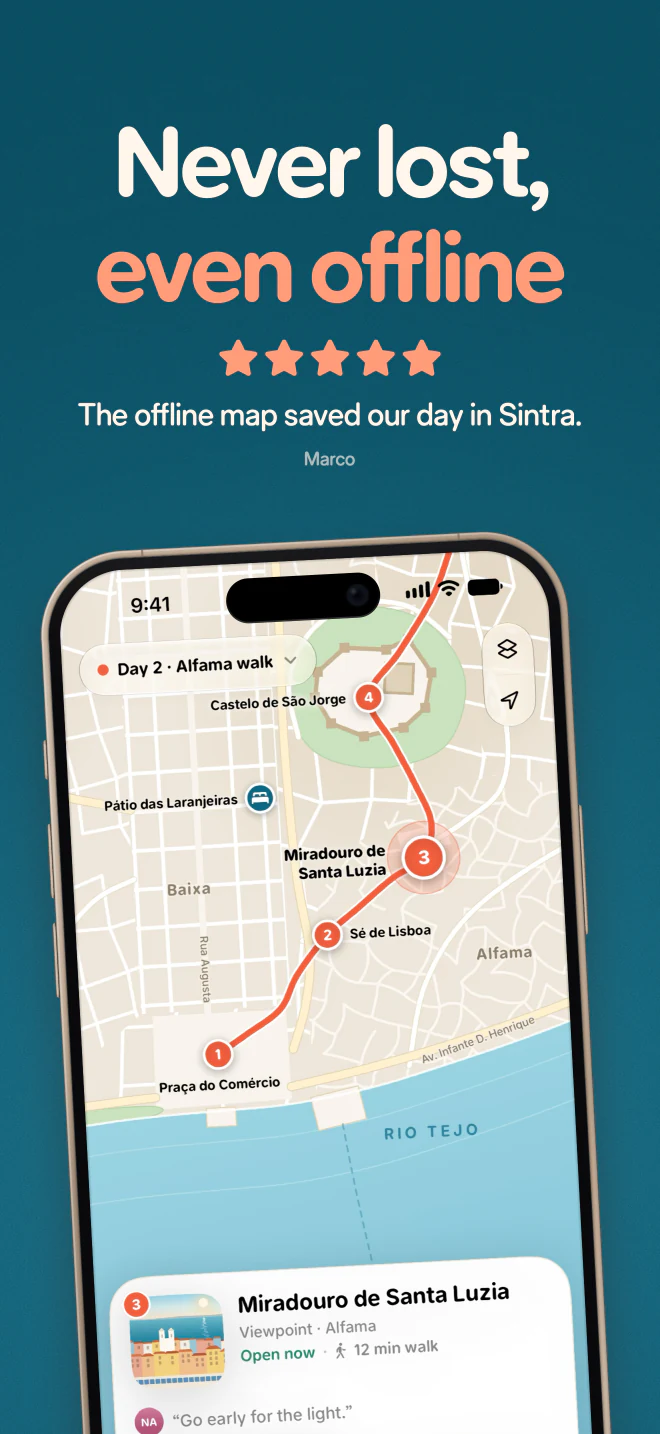
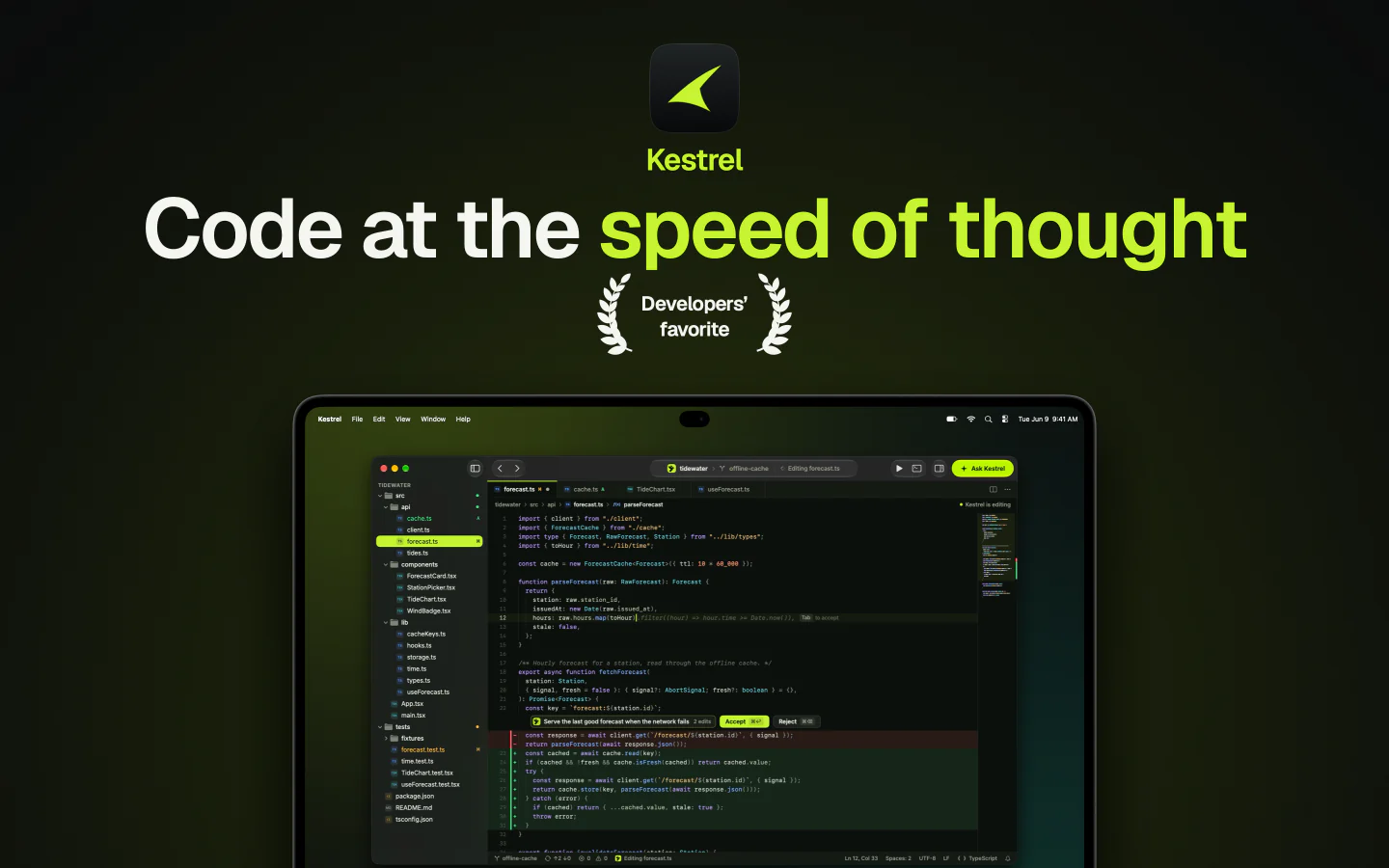
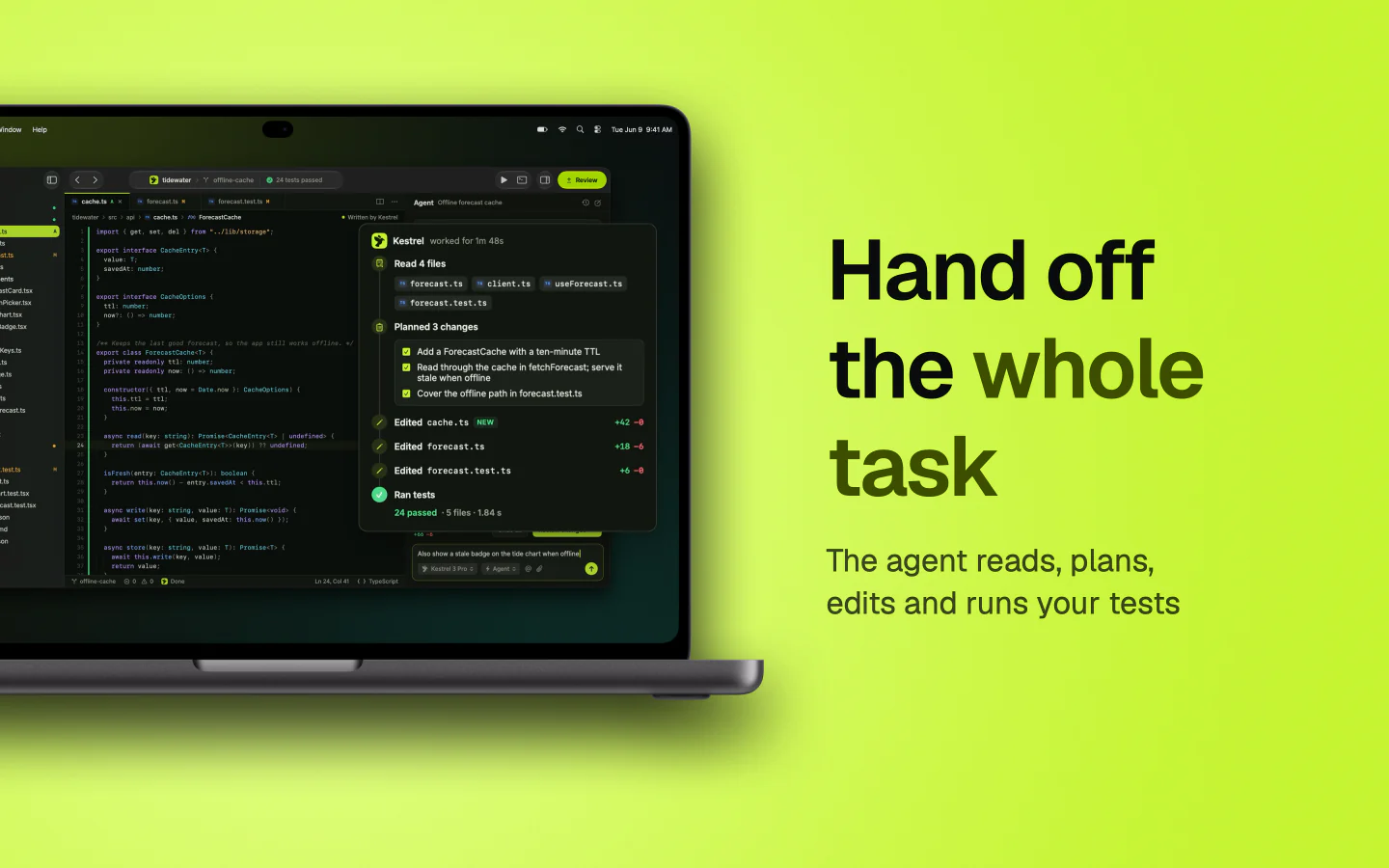
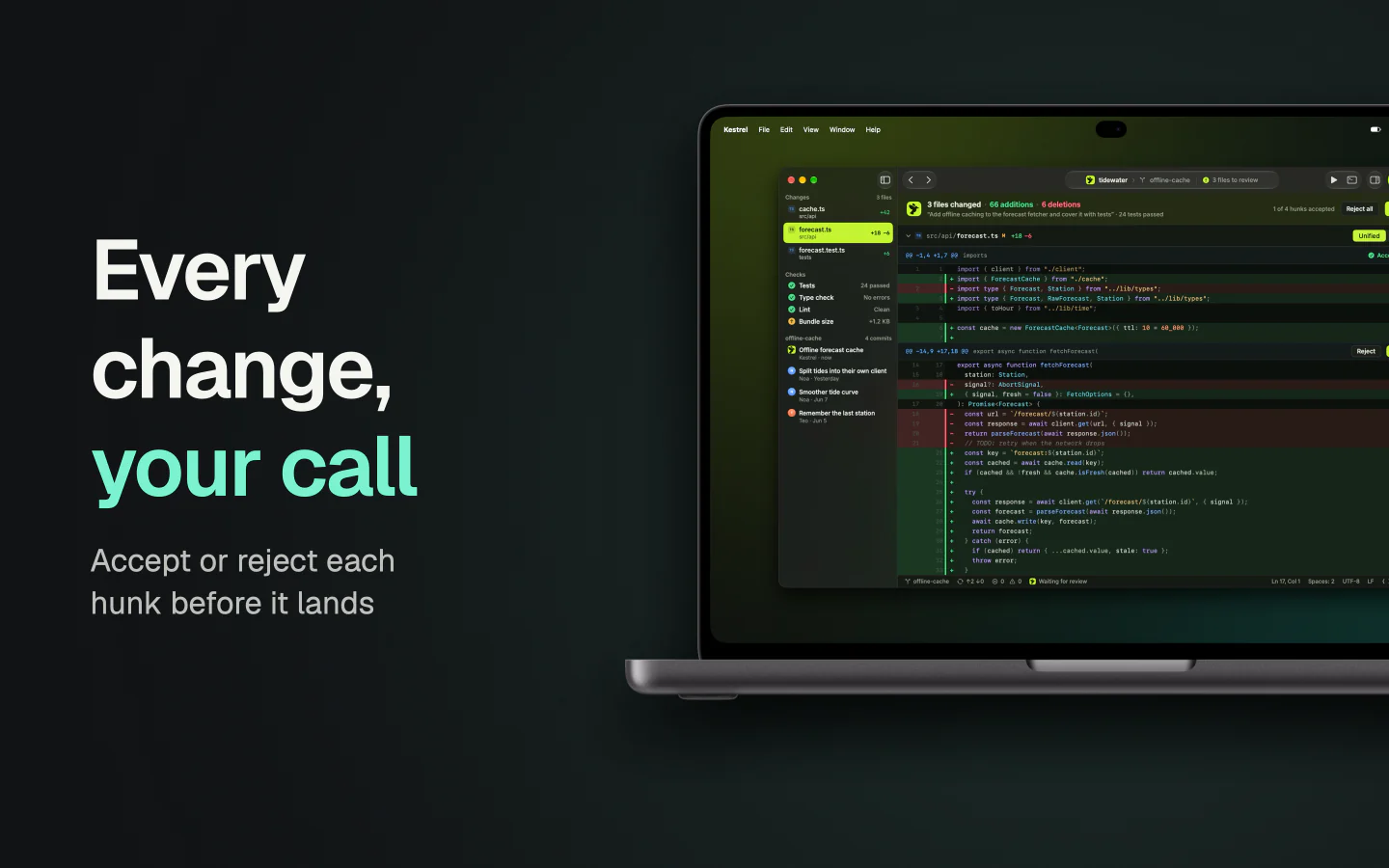
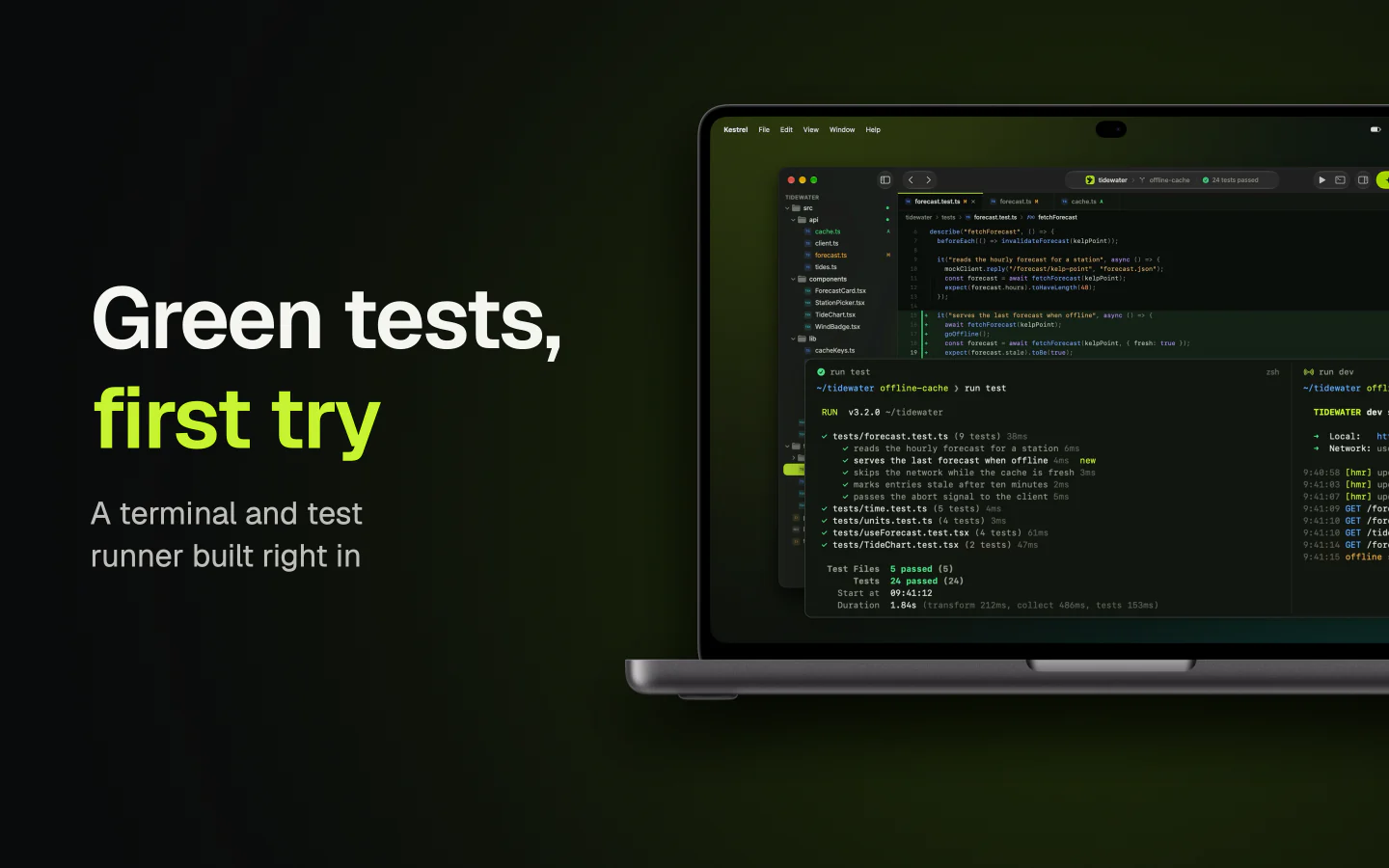
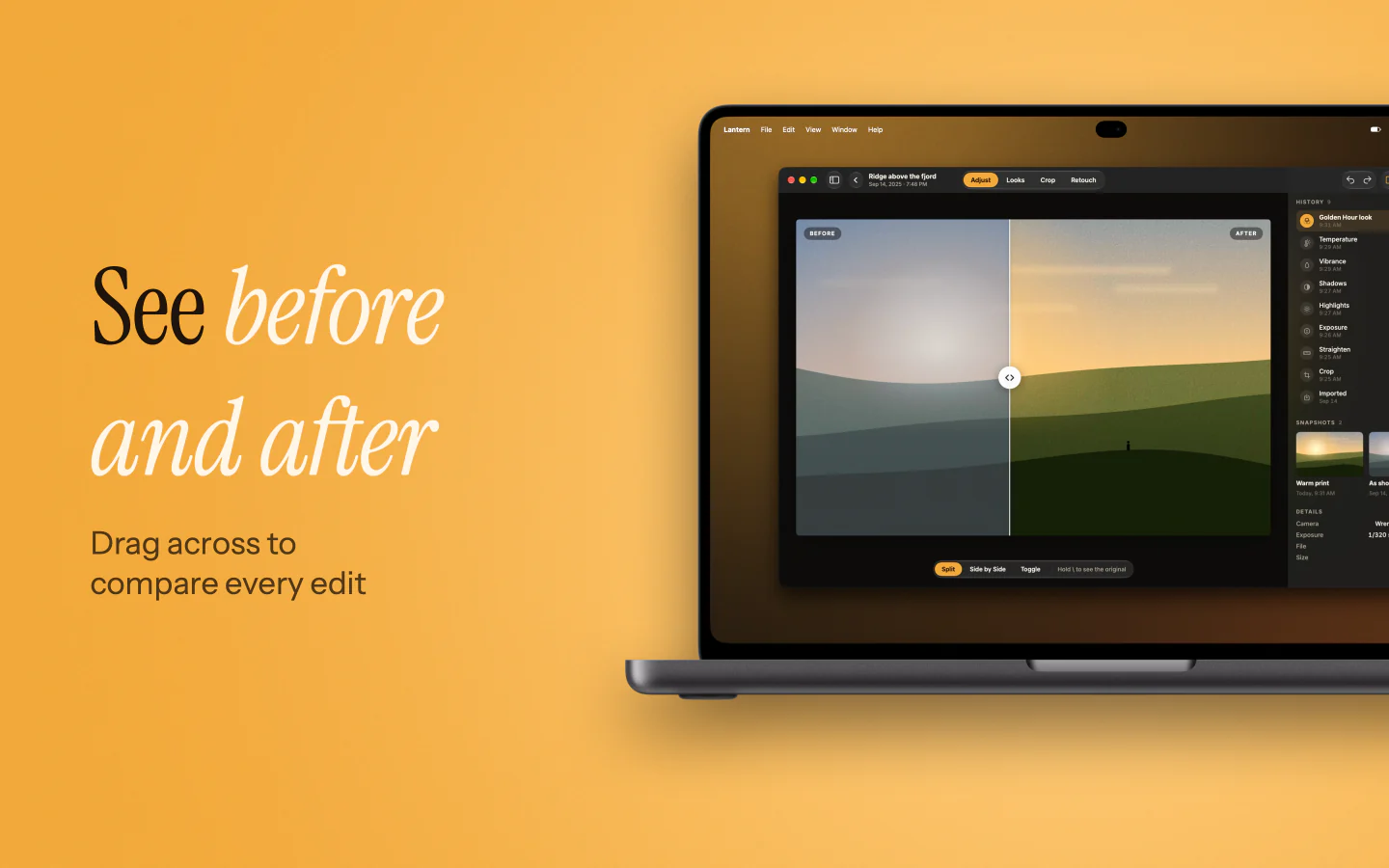
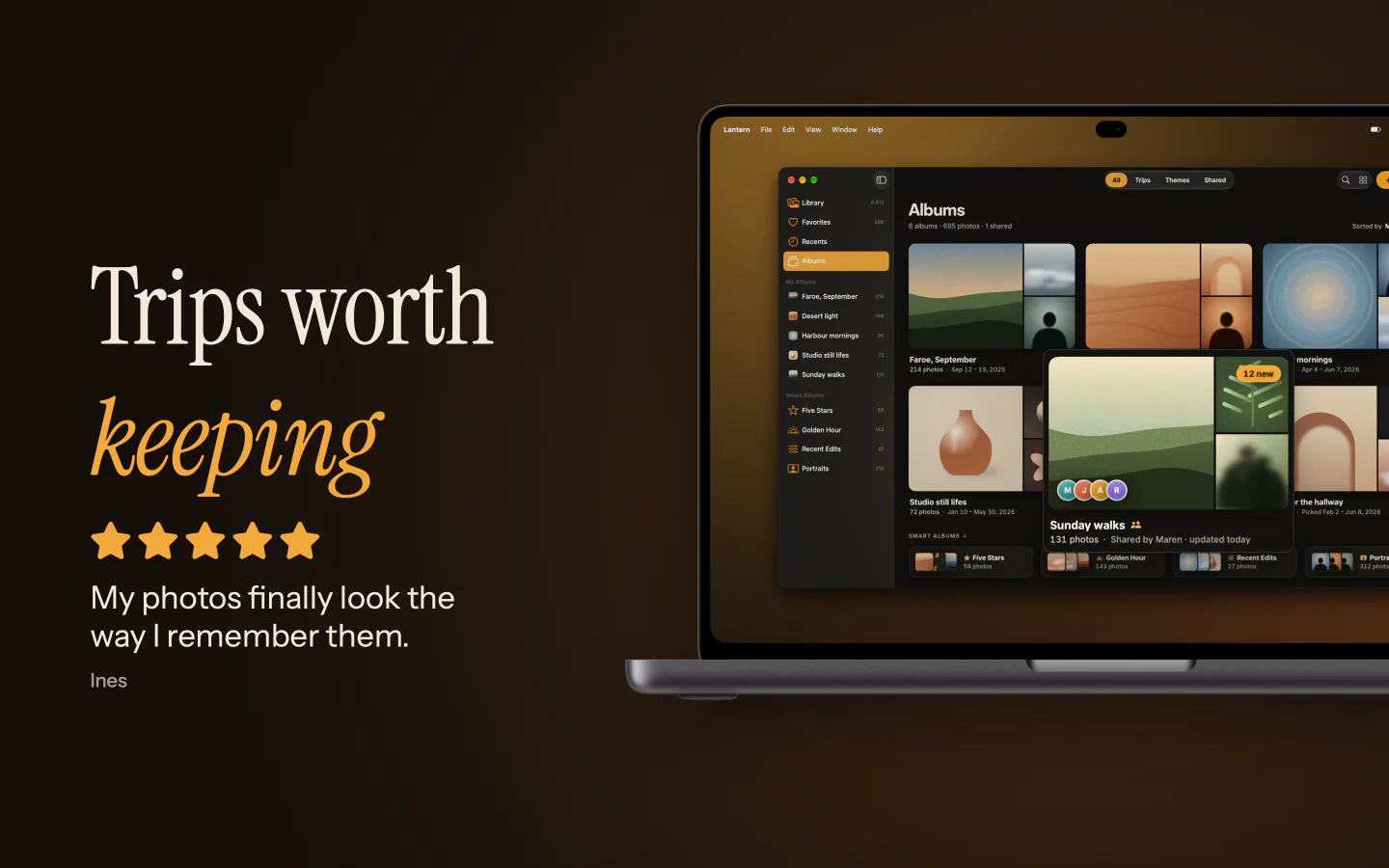
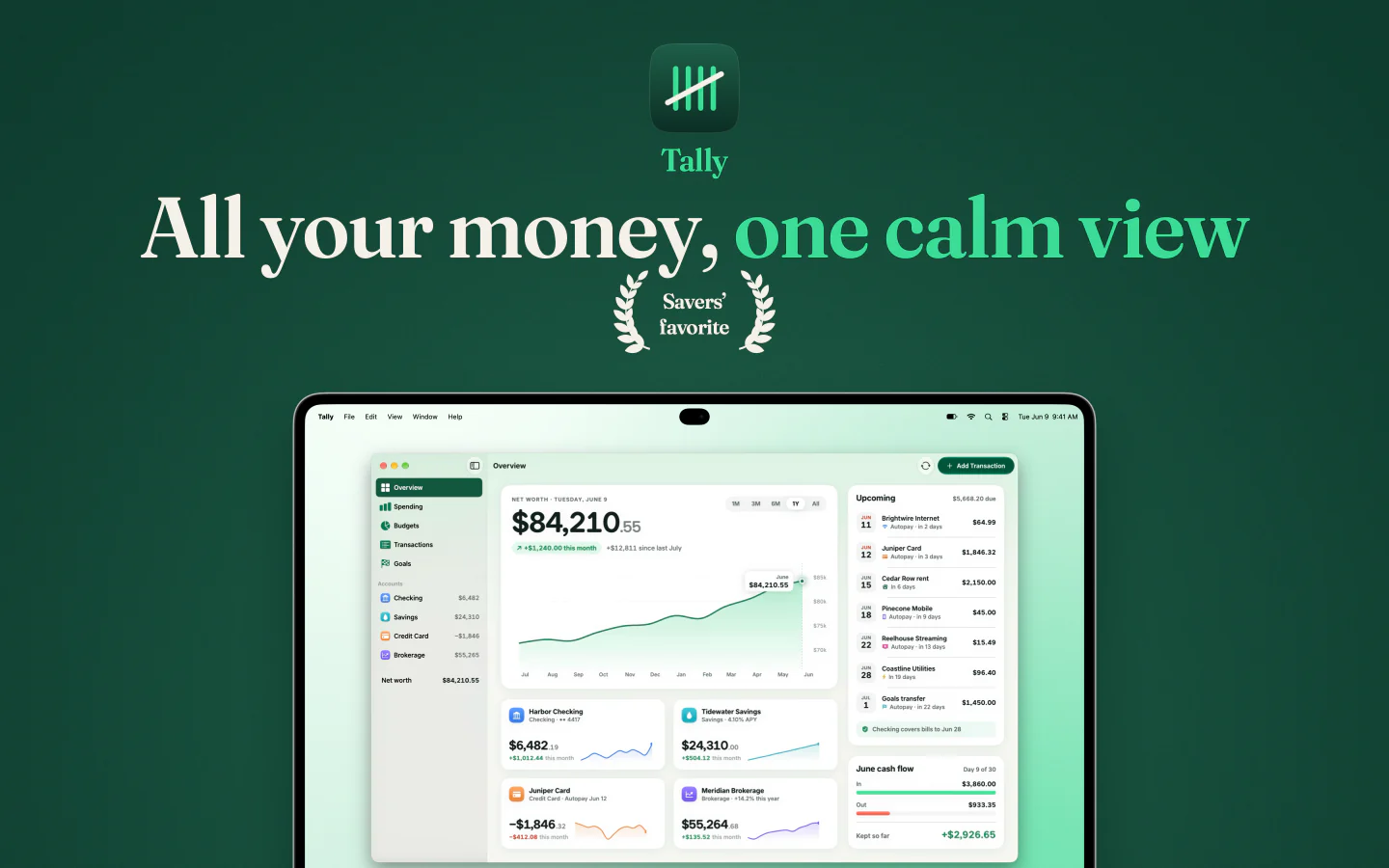
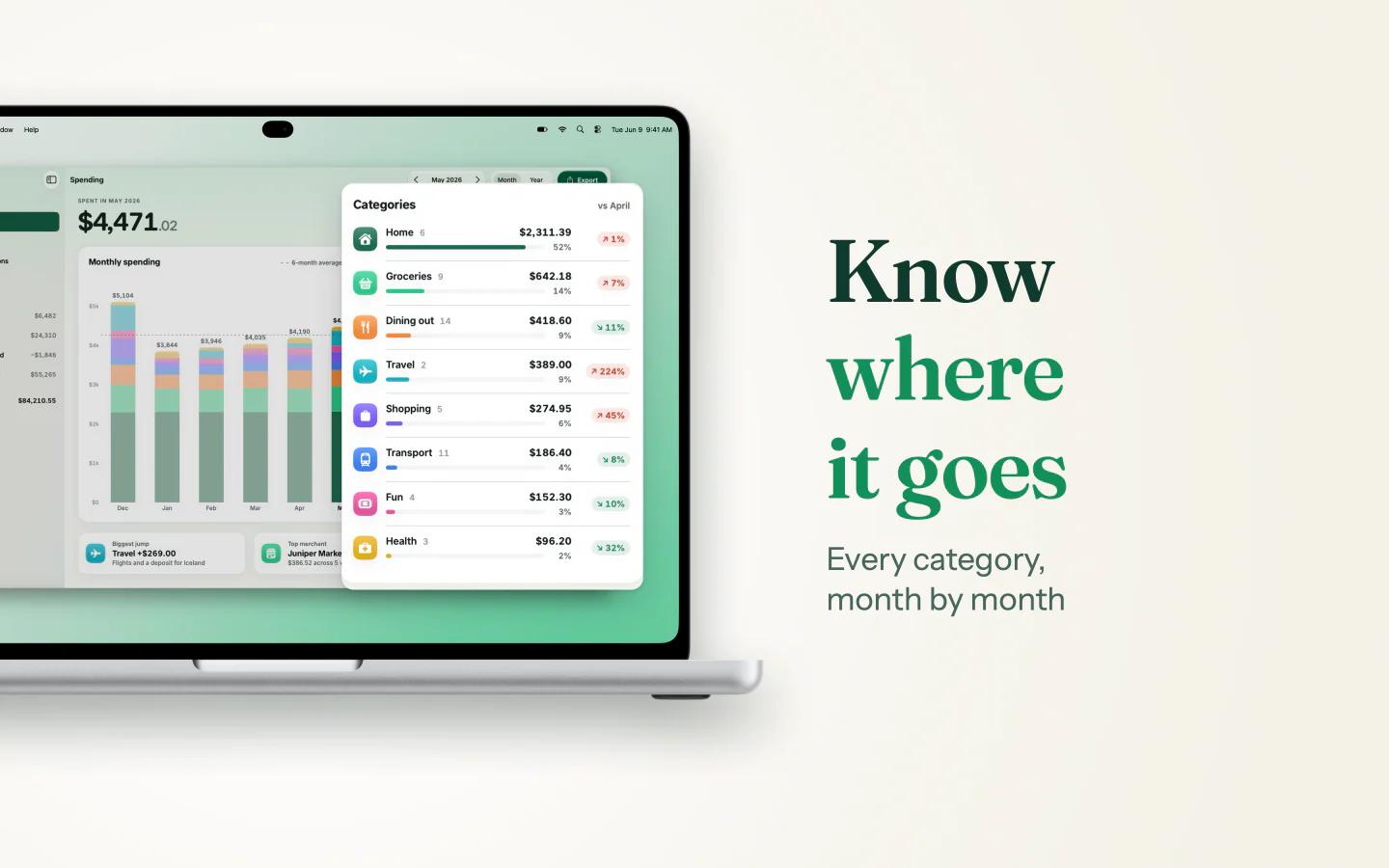
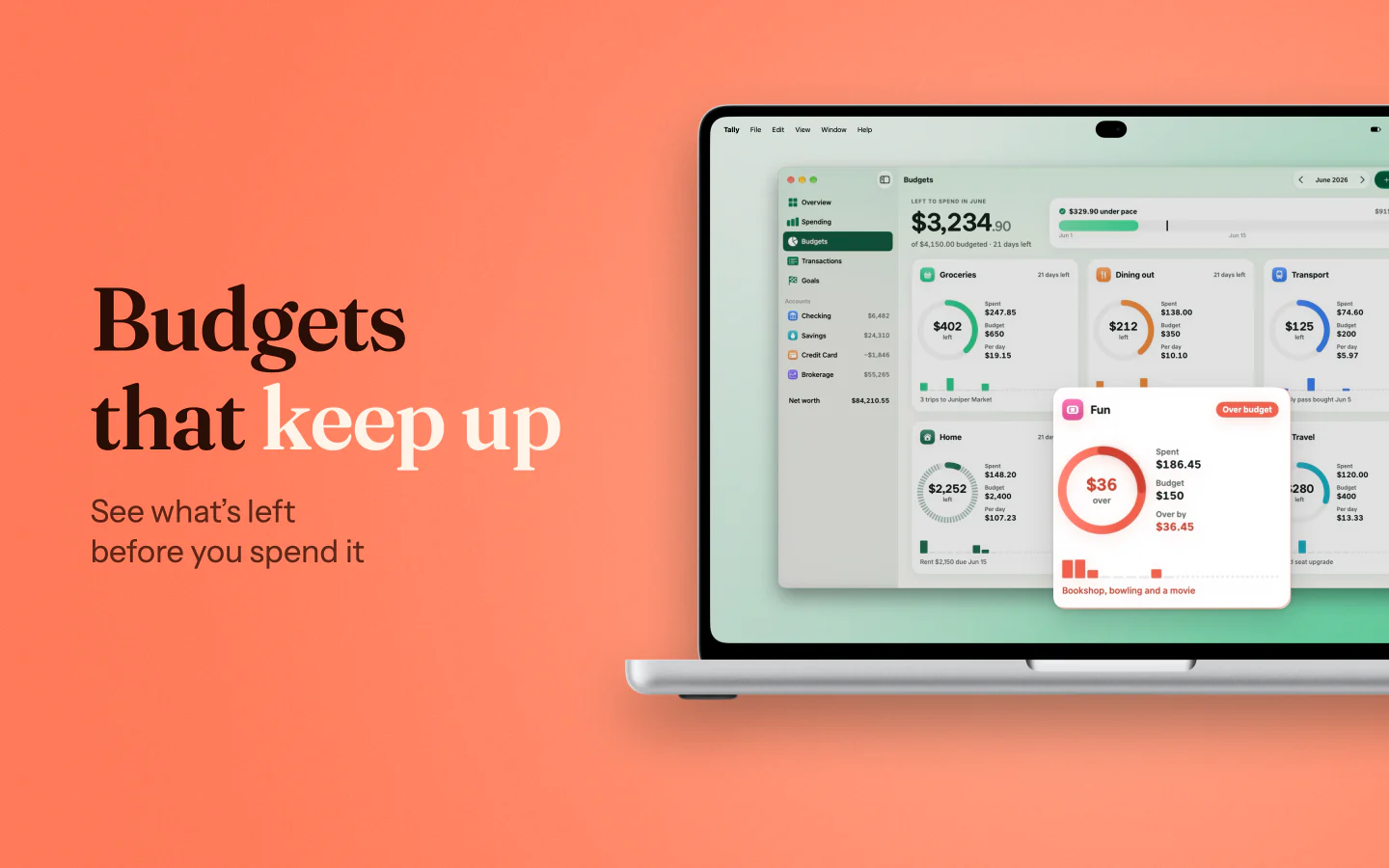
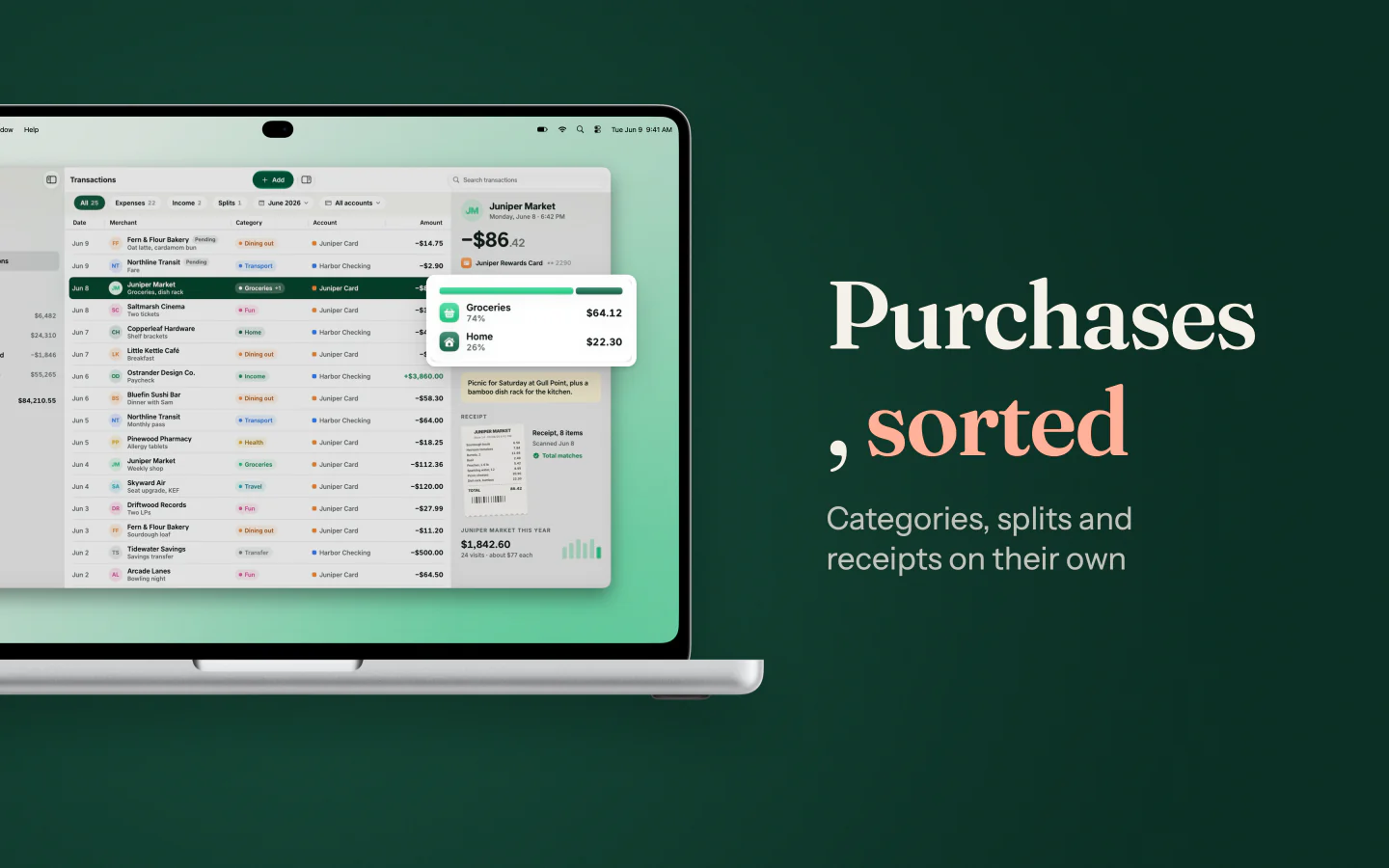
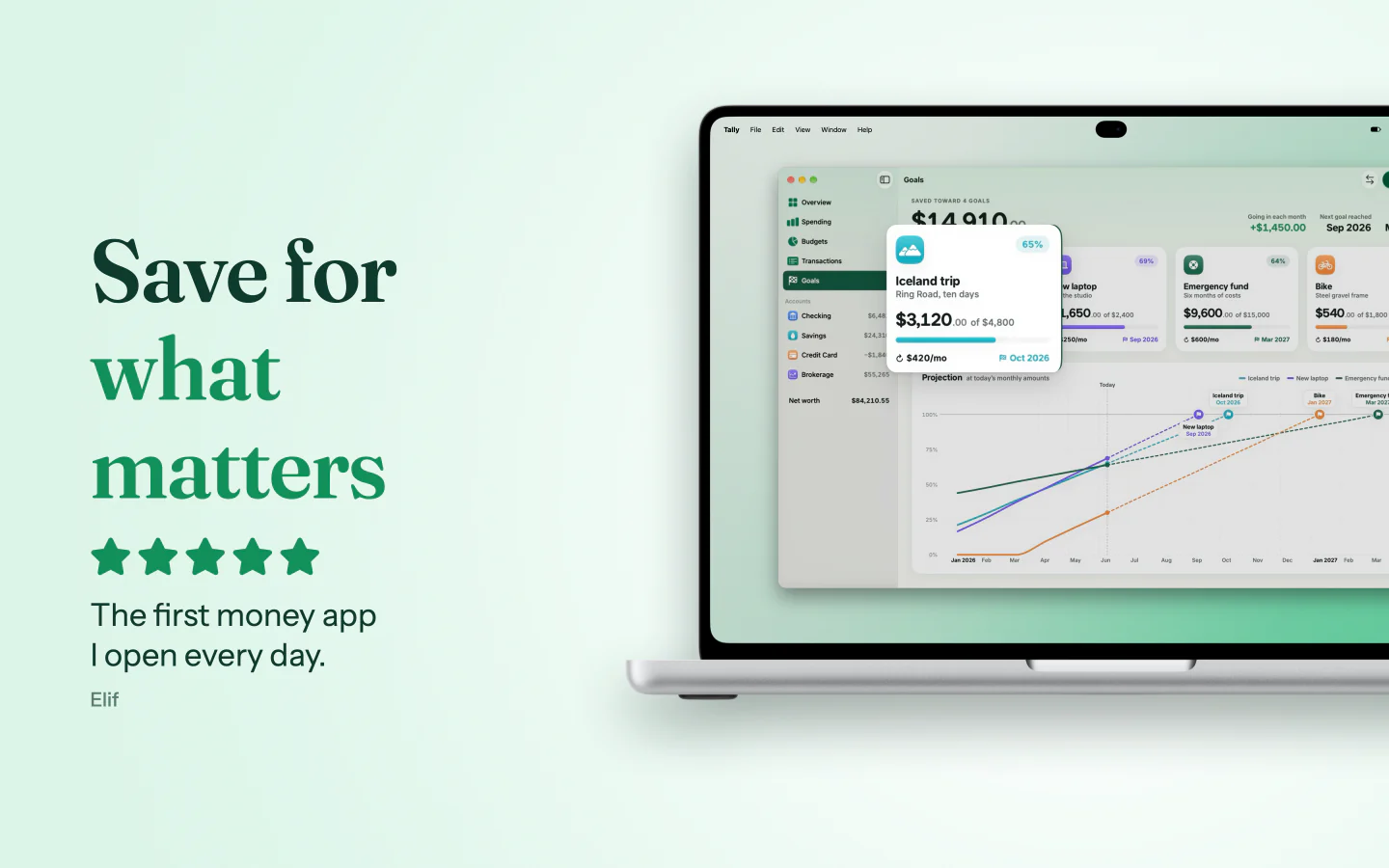
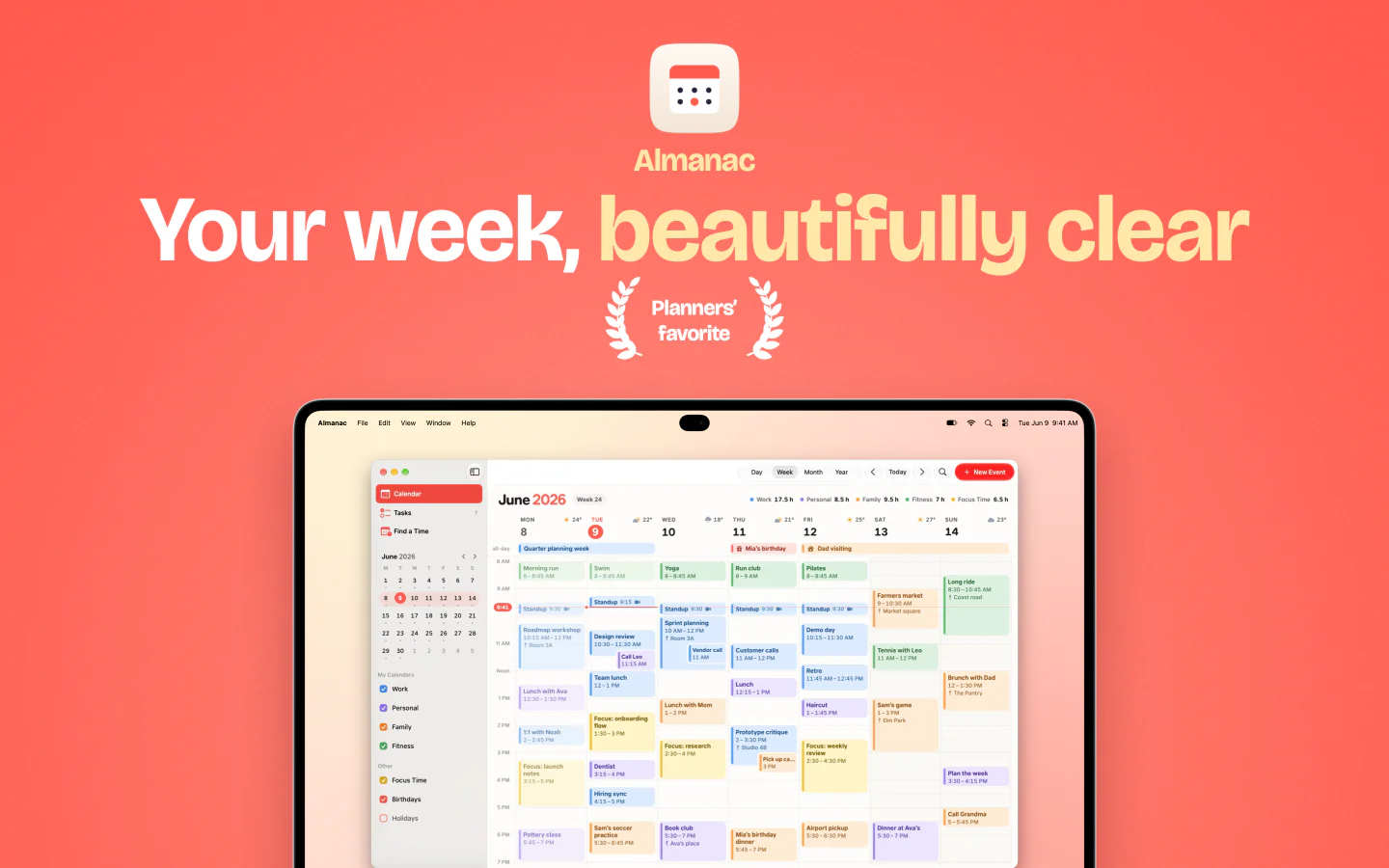
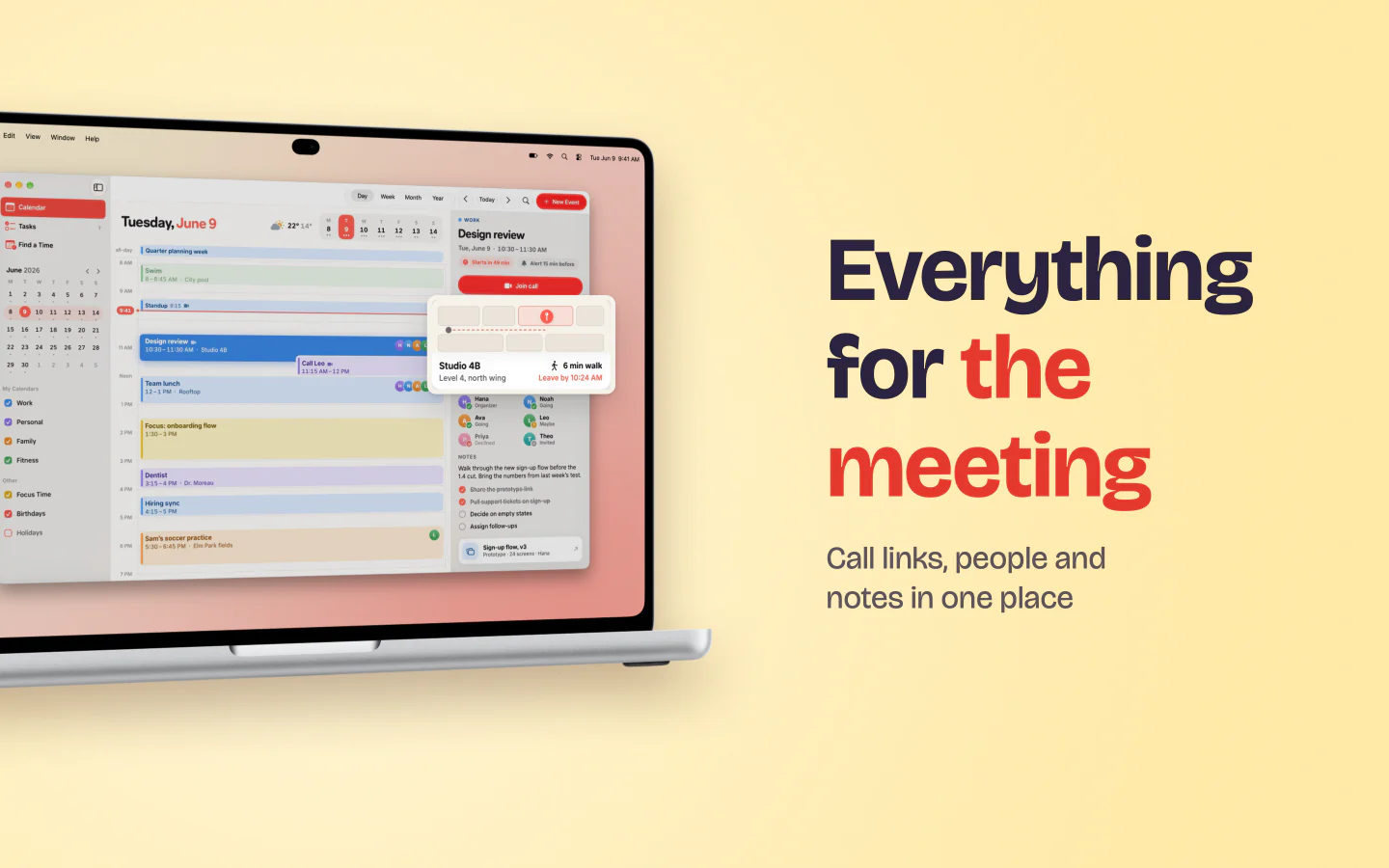
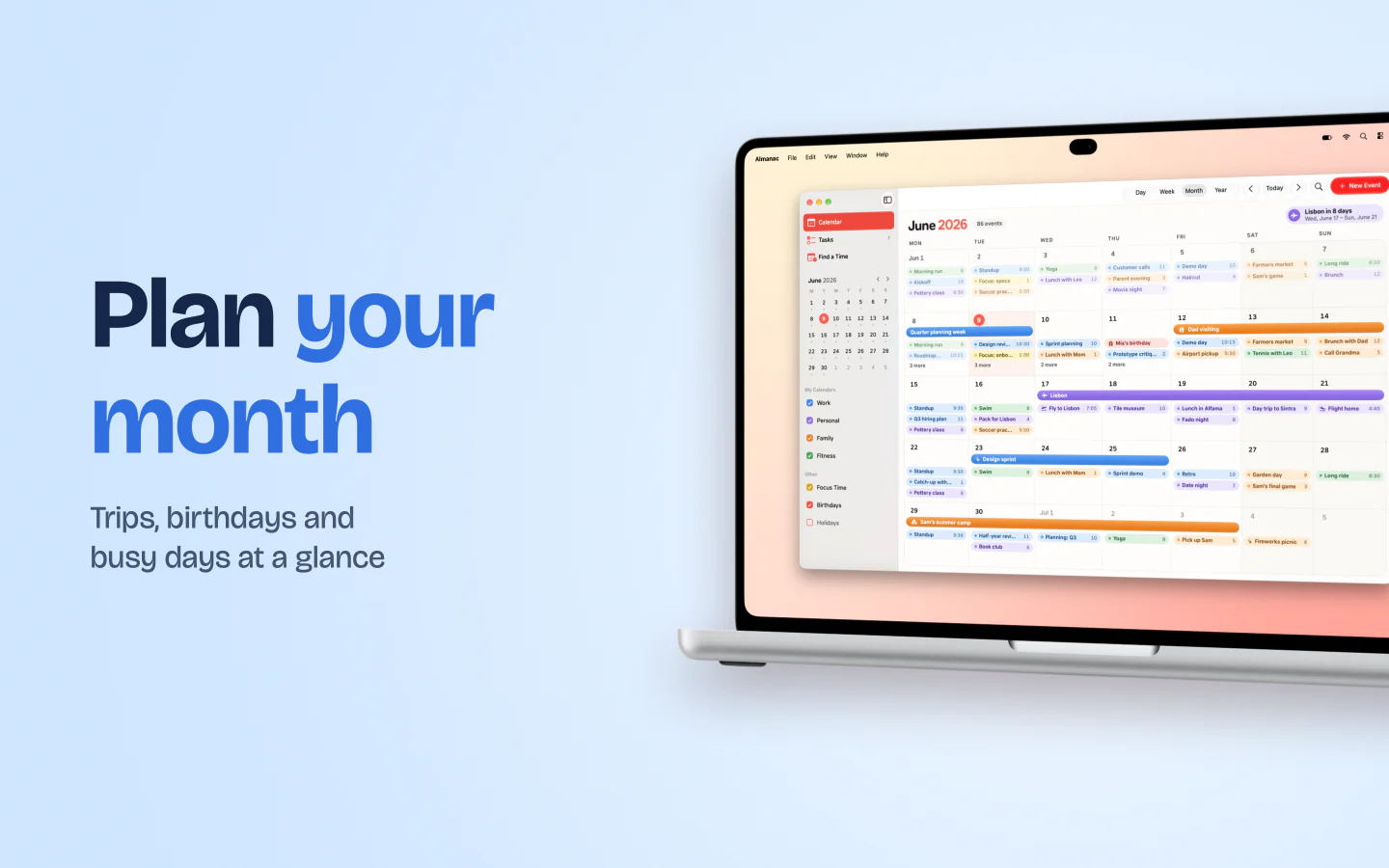
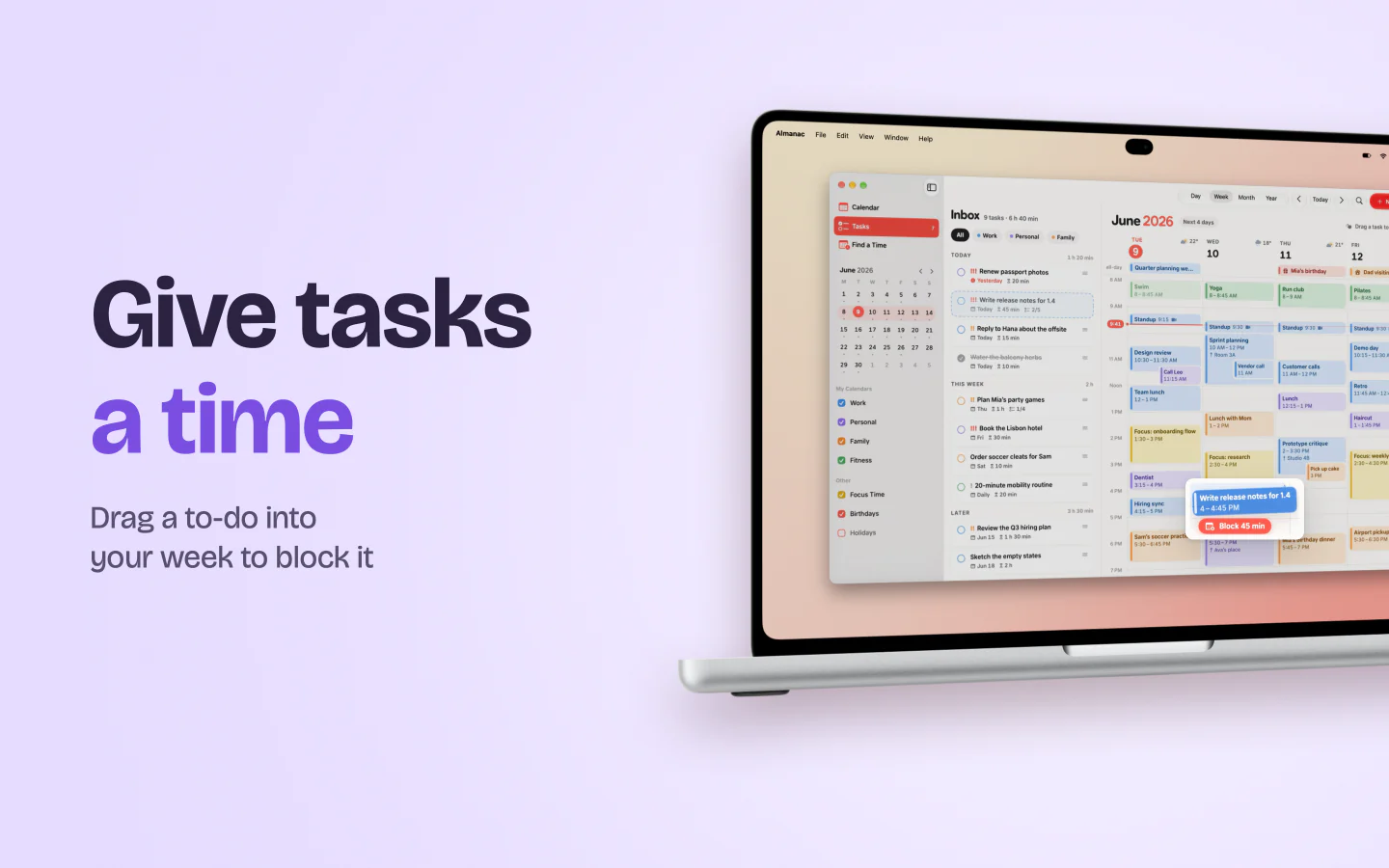
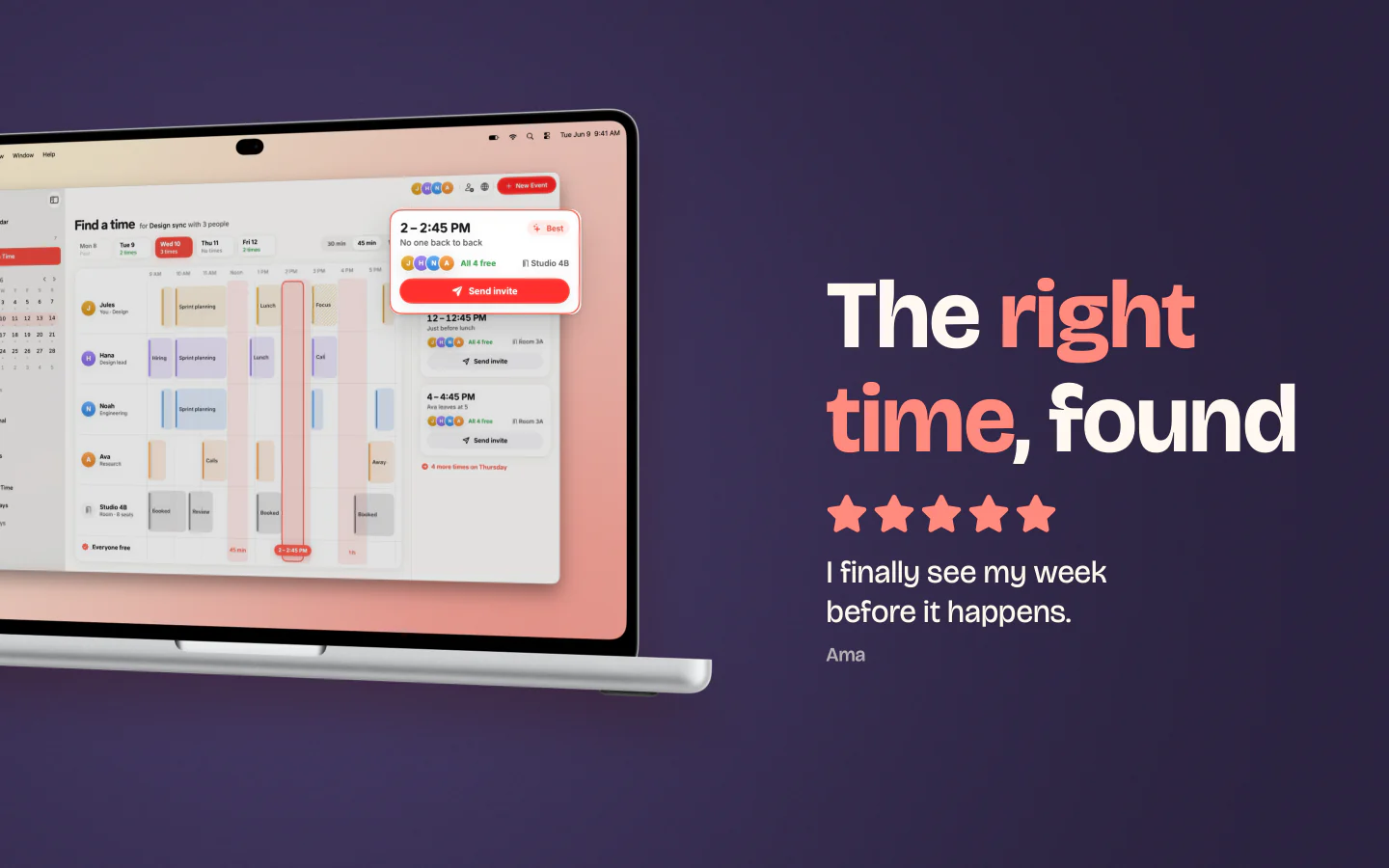
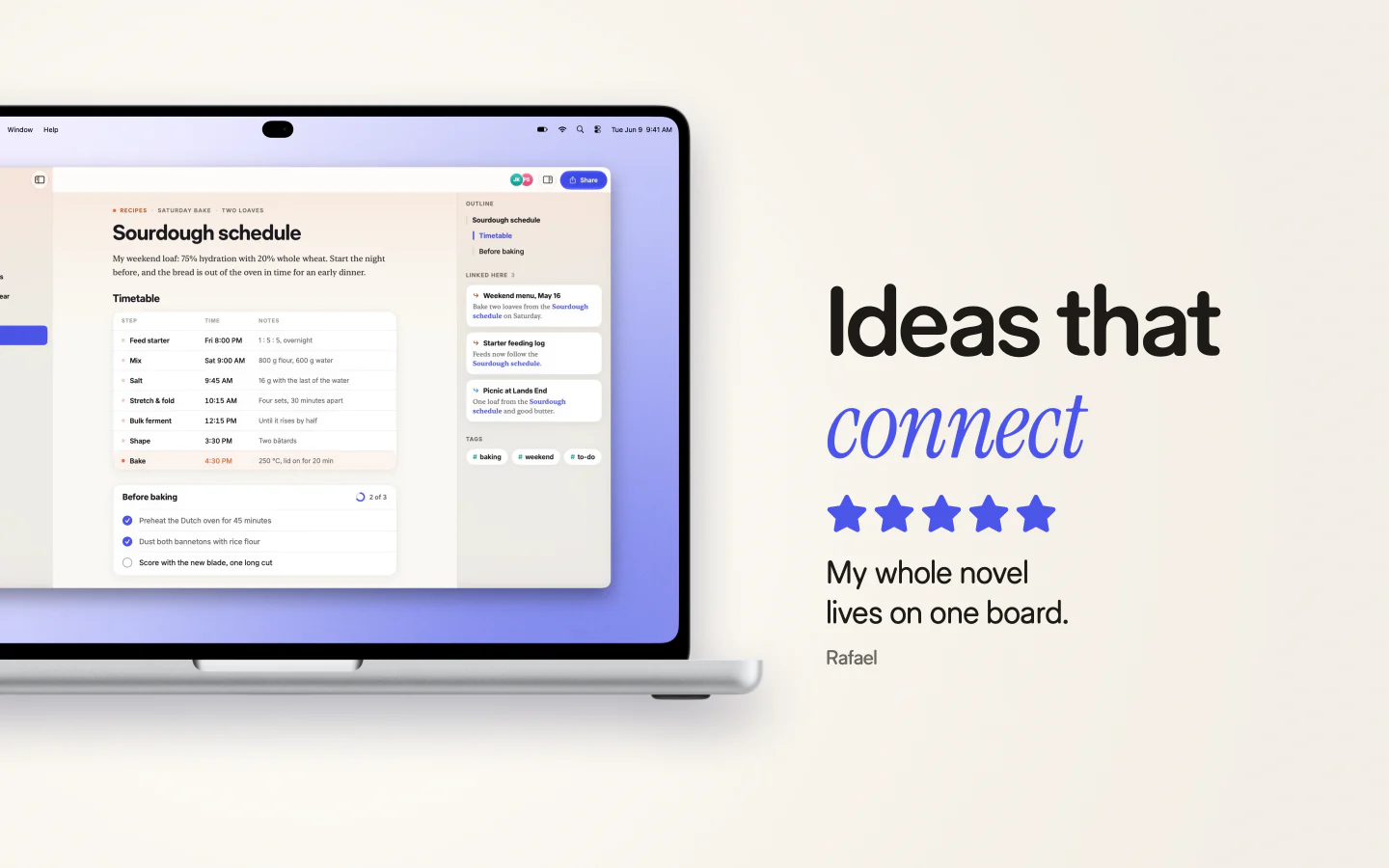
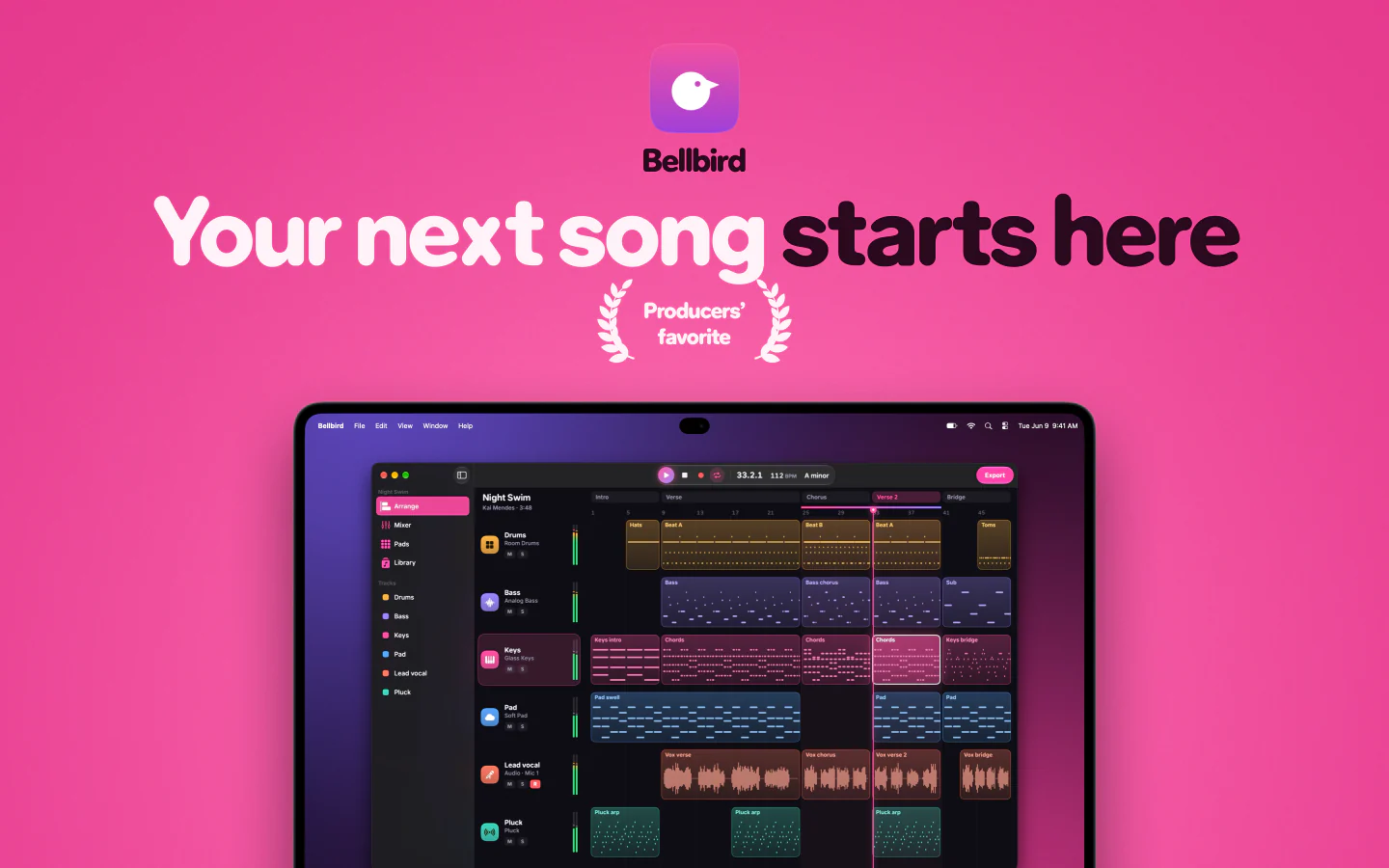
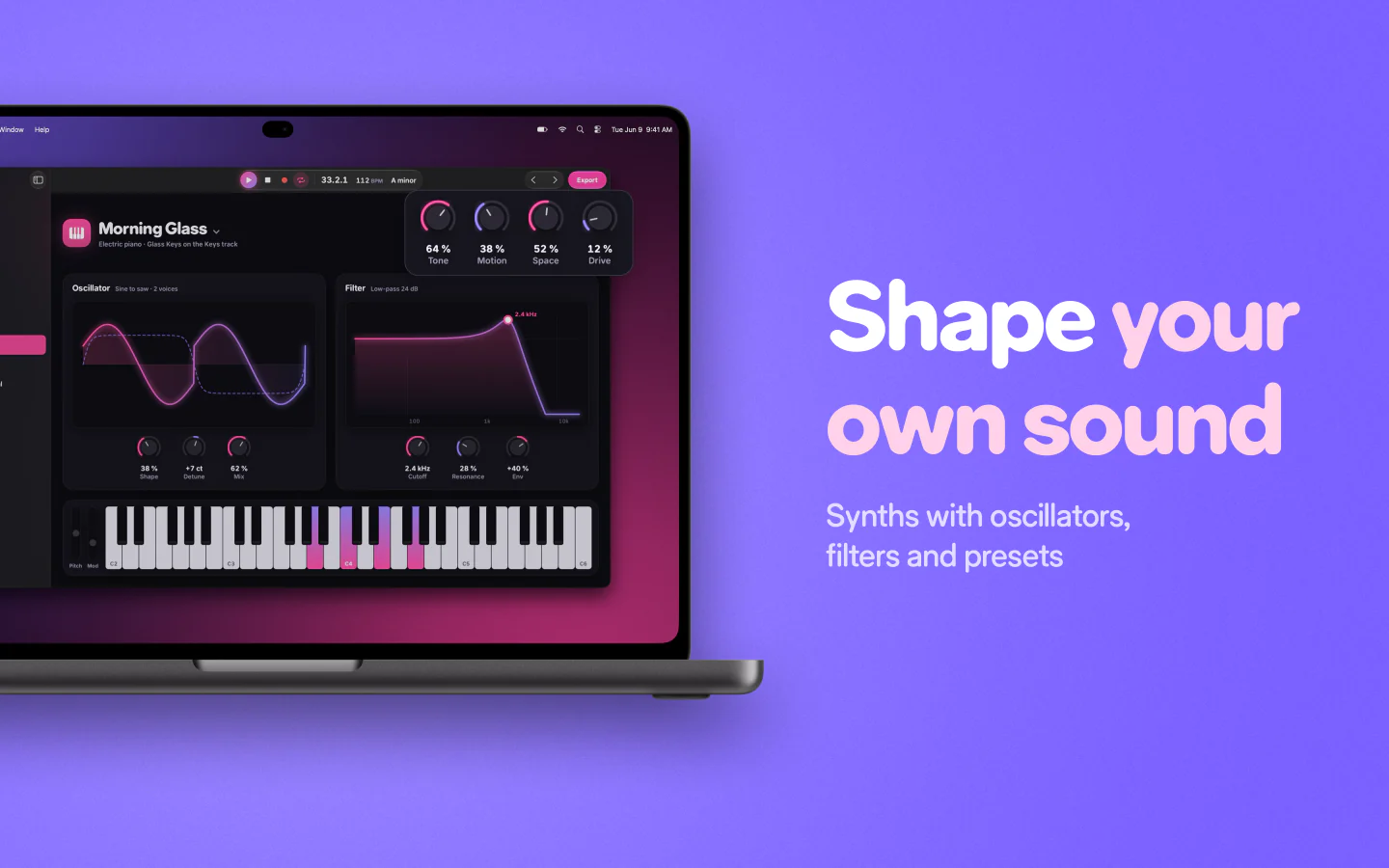
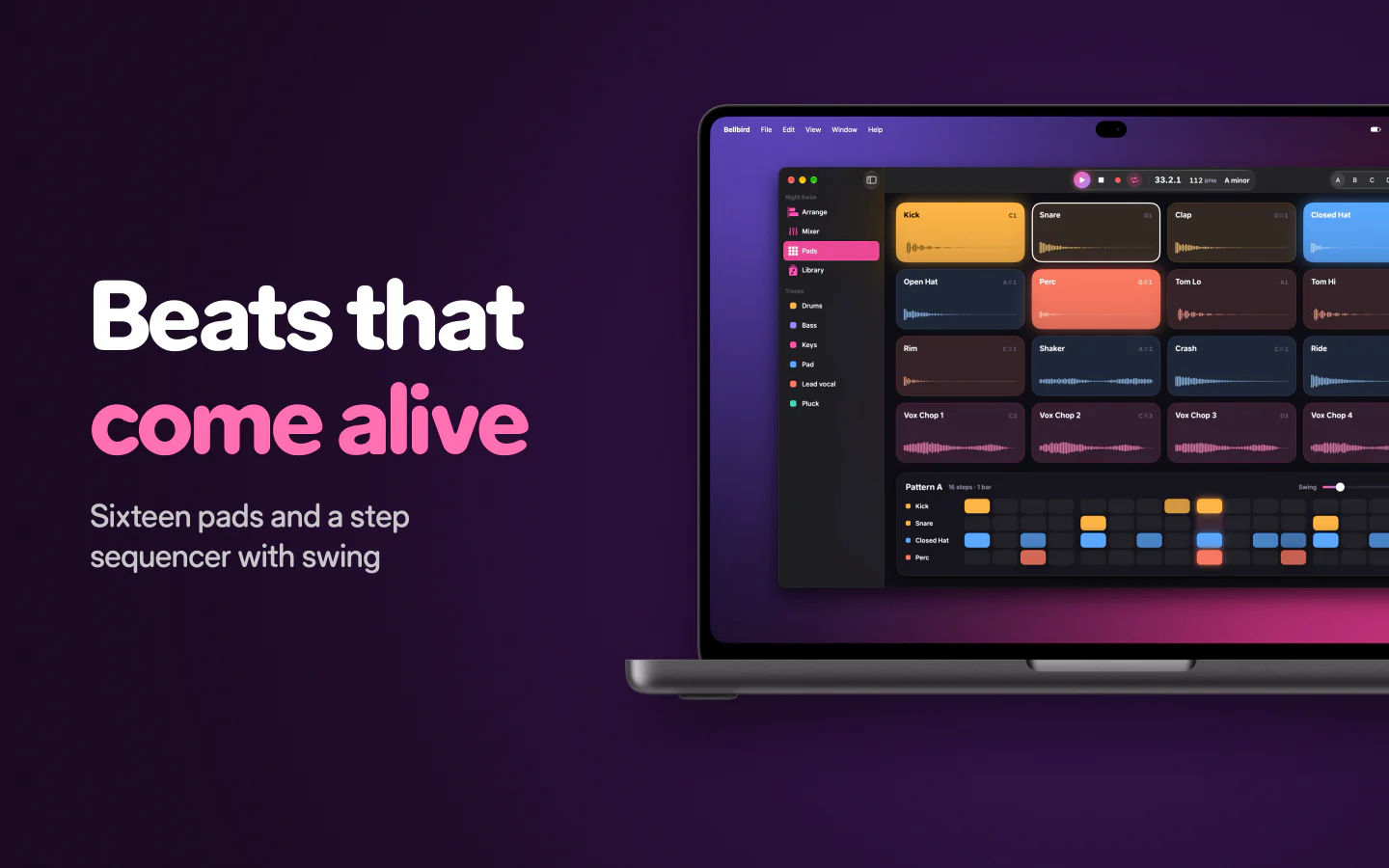
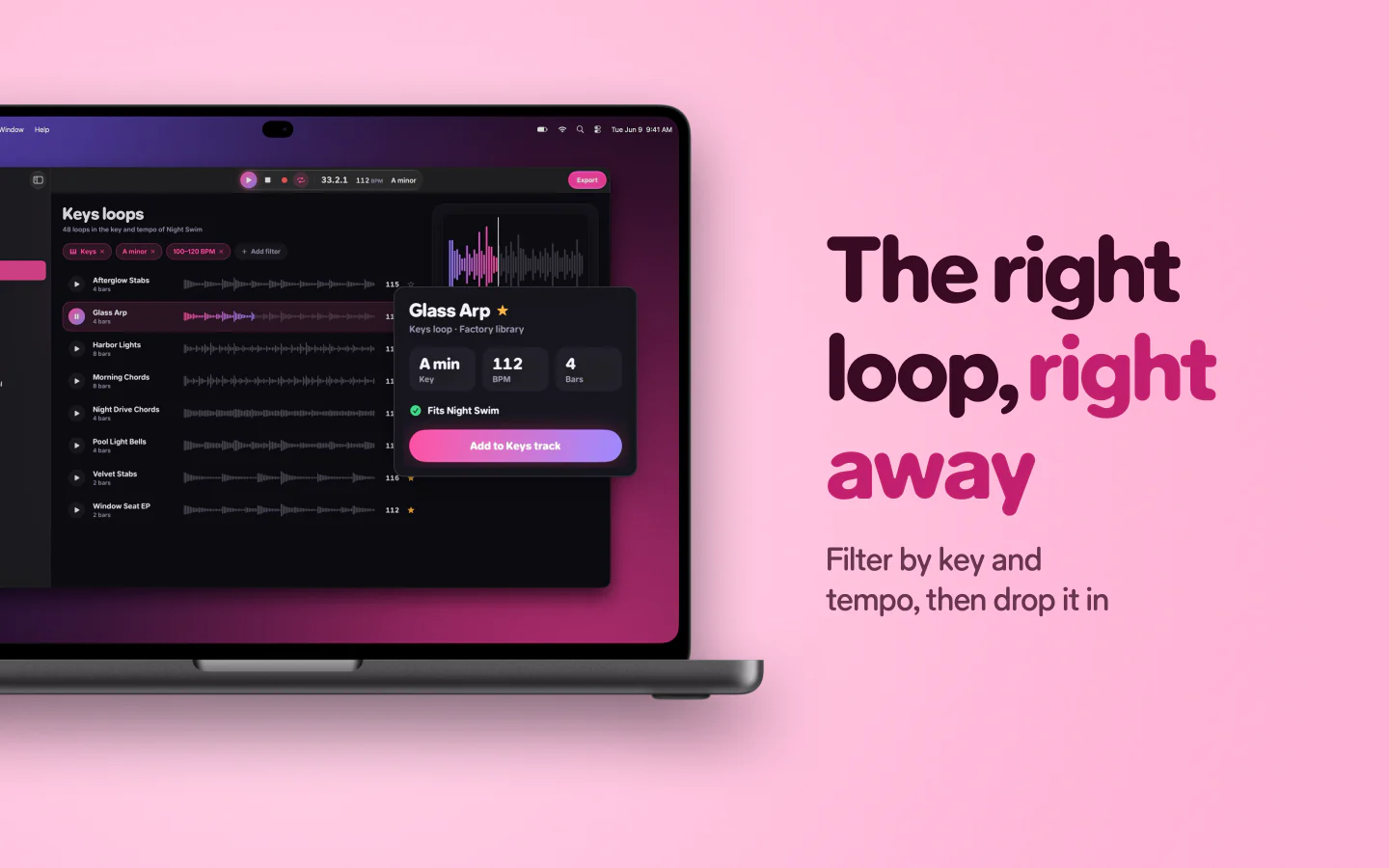
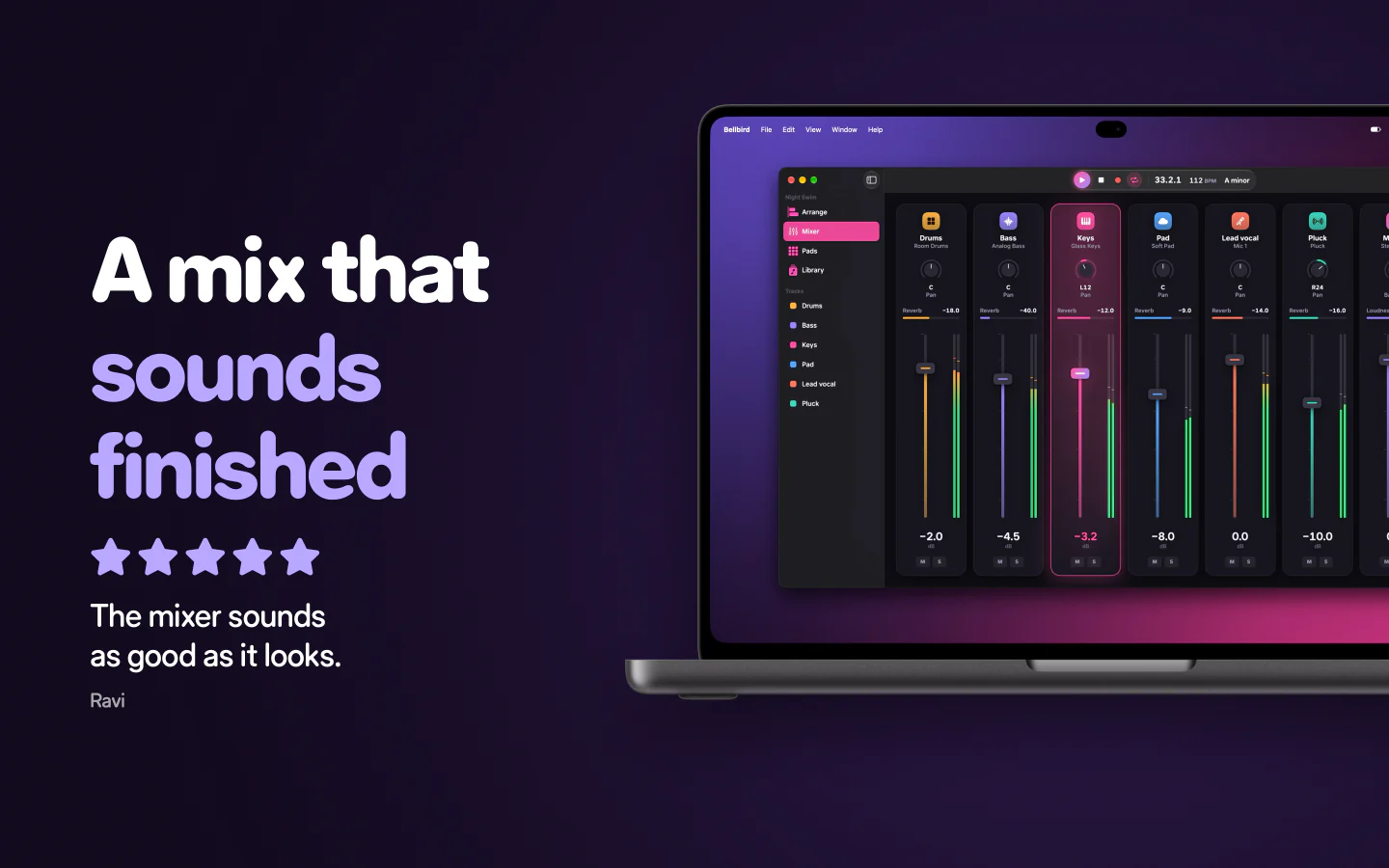
Write it once. Read it everywhere.
Each caption is translated on your Mac, then fitted to every slide and size, right to left included.
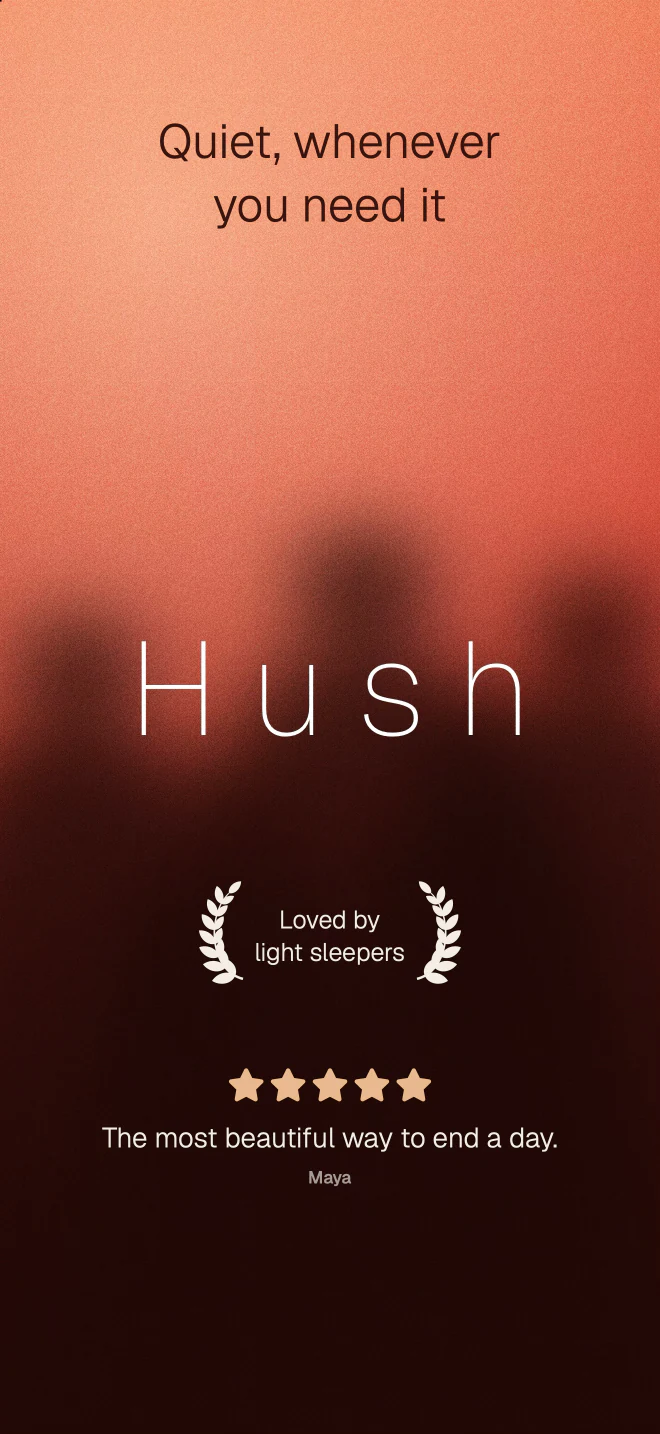 English
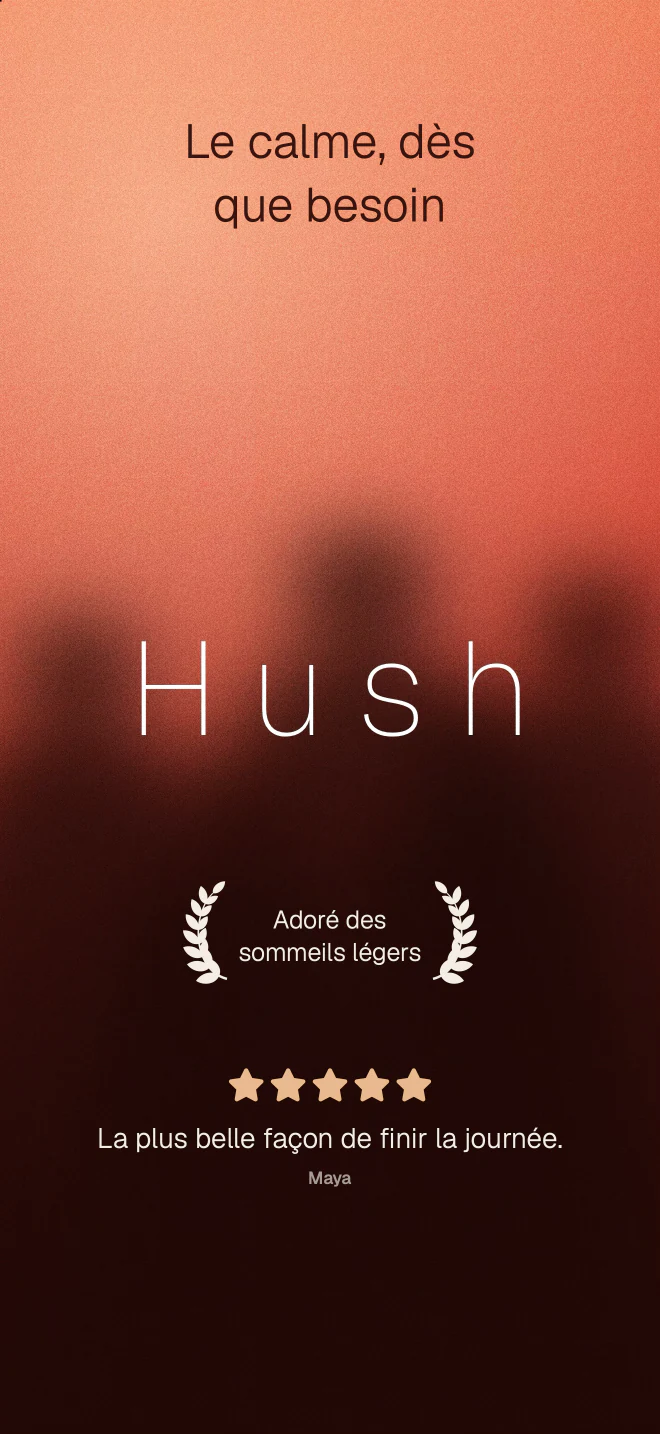 Français
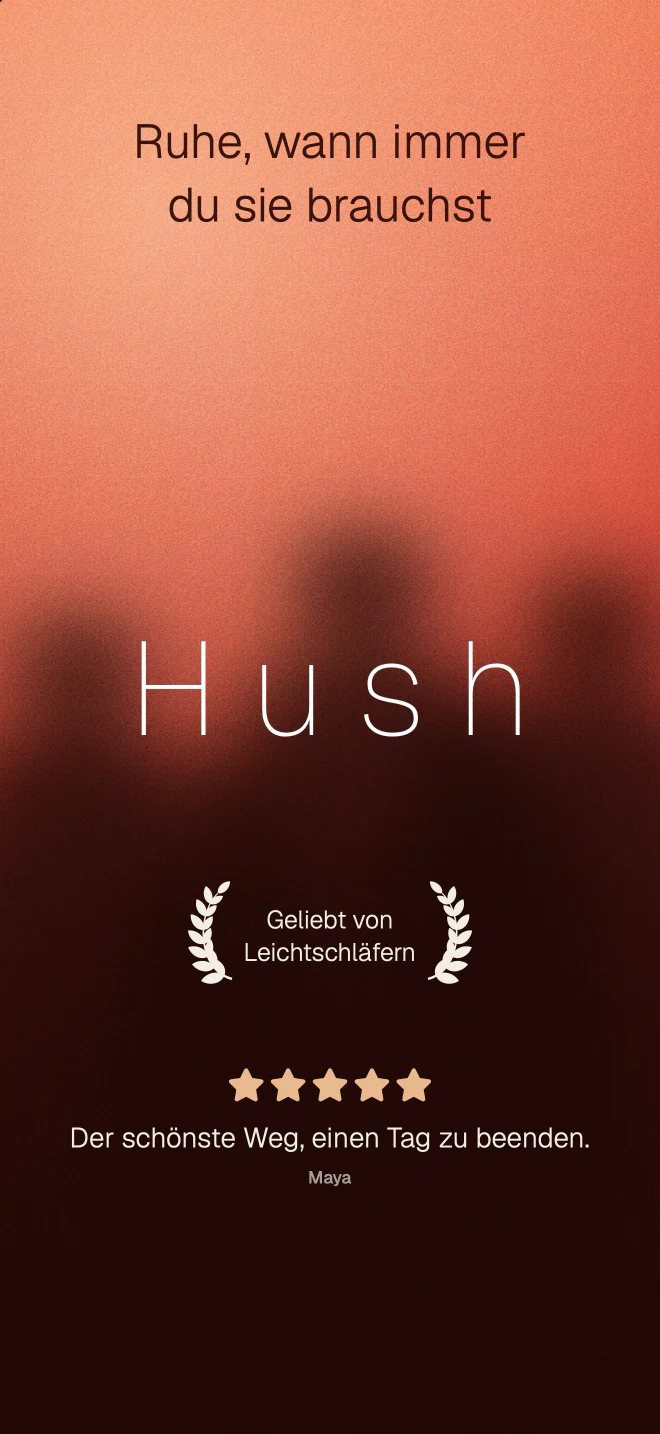 Deutsch
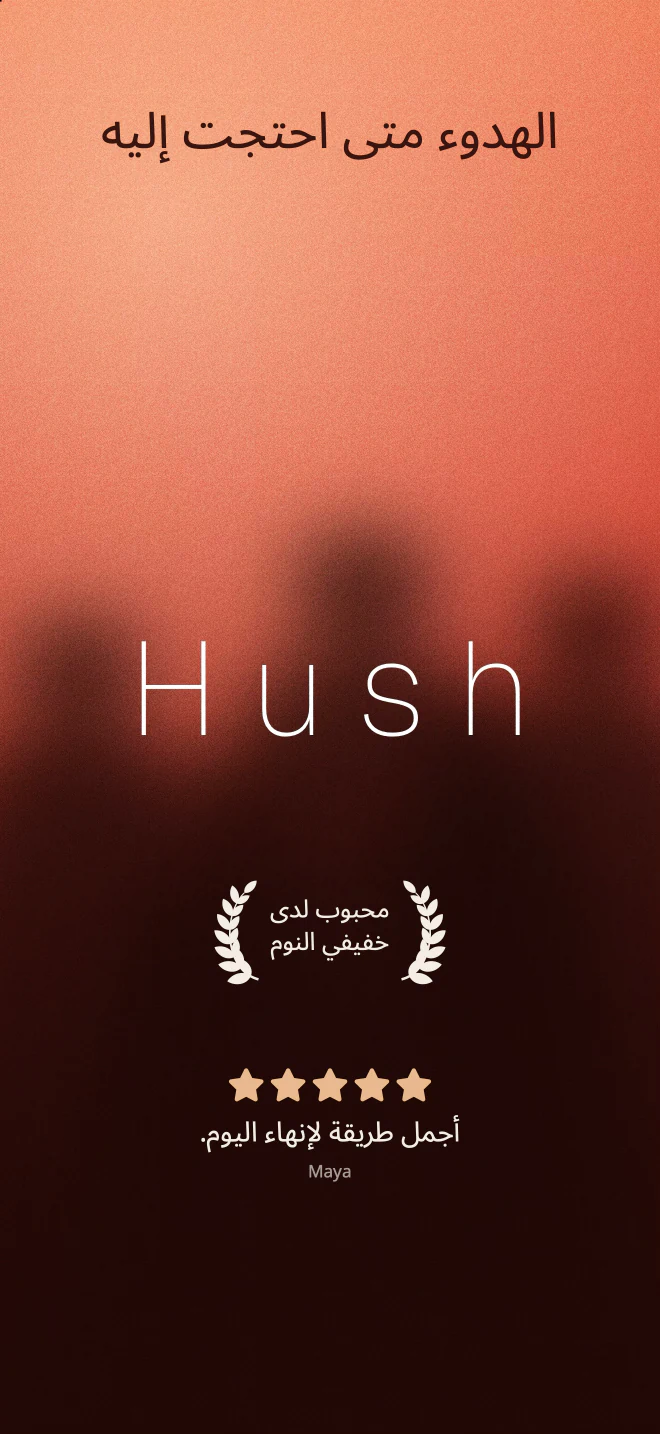 العربية
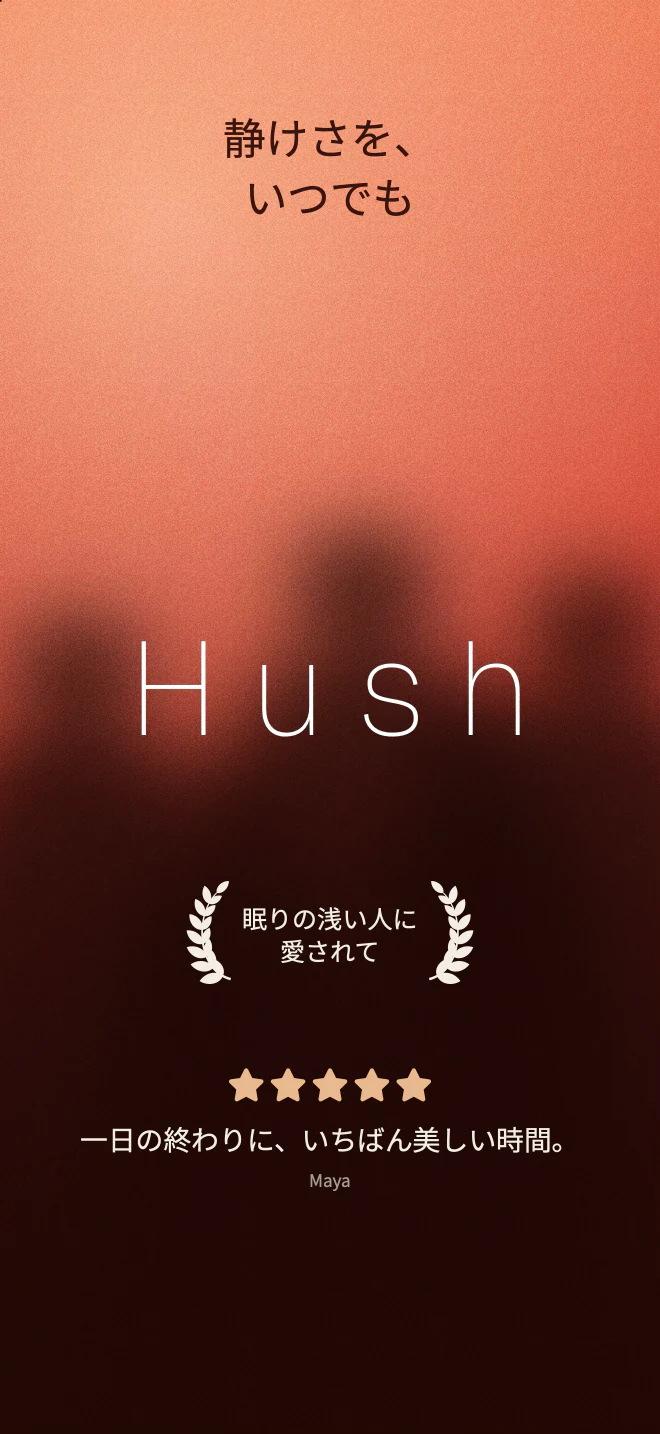 日本語
The next release in minutes.
Pick the stores and devices. iPhone, iPad, Android phones and tablets, portrait or landscape. FrameRoll knows each store’s exact sizes.
Bring in the screens. Drop in screenshots, or capture your app on the Simulator in every language, light and dark.
Write the captions once. Lay out each slide with a template, then adjust one size or language only where it needs it.
Translate. With Apple’s translation on your Mac, or send a file to your translator and bring it back.
Check the set. Missing translations, text that doesn’t fit and wrong sizes are flagged before anything is written.
Export or upload. Write every size in every language, or send the set to App Store Connect and Google Play once you confirm.
A store release, start to finish.
Everything the stores ask for.
Screens in every language. Captured on the Simulator, so each language shows your app in that language.
See it in the store. Preview the set in search results and on the product page, at real size.
App Previews. Turn a FrameRoll video into an App Preview, cut to the store’s length and size.
Google Play feature graphic. Made from the same design, in the size Google Play asks for.

Make your next release look great.
Every feature is free for 14 days, with no watermark and no card.