Mockup
A screenshot in. A launch image out.
Drop in a screenshot, pick a device, add a headline, in the same studio that styles your store set. FrameRoll sizes the result for every place you post it, so launch day takes minutes.
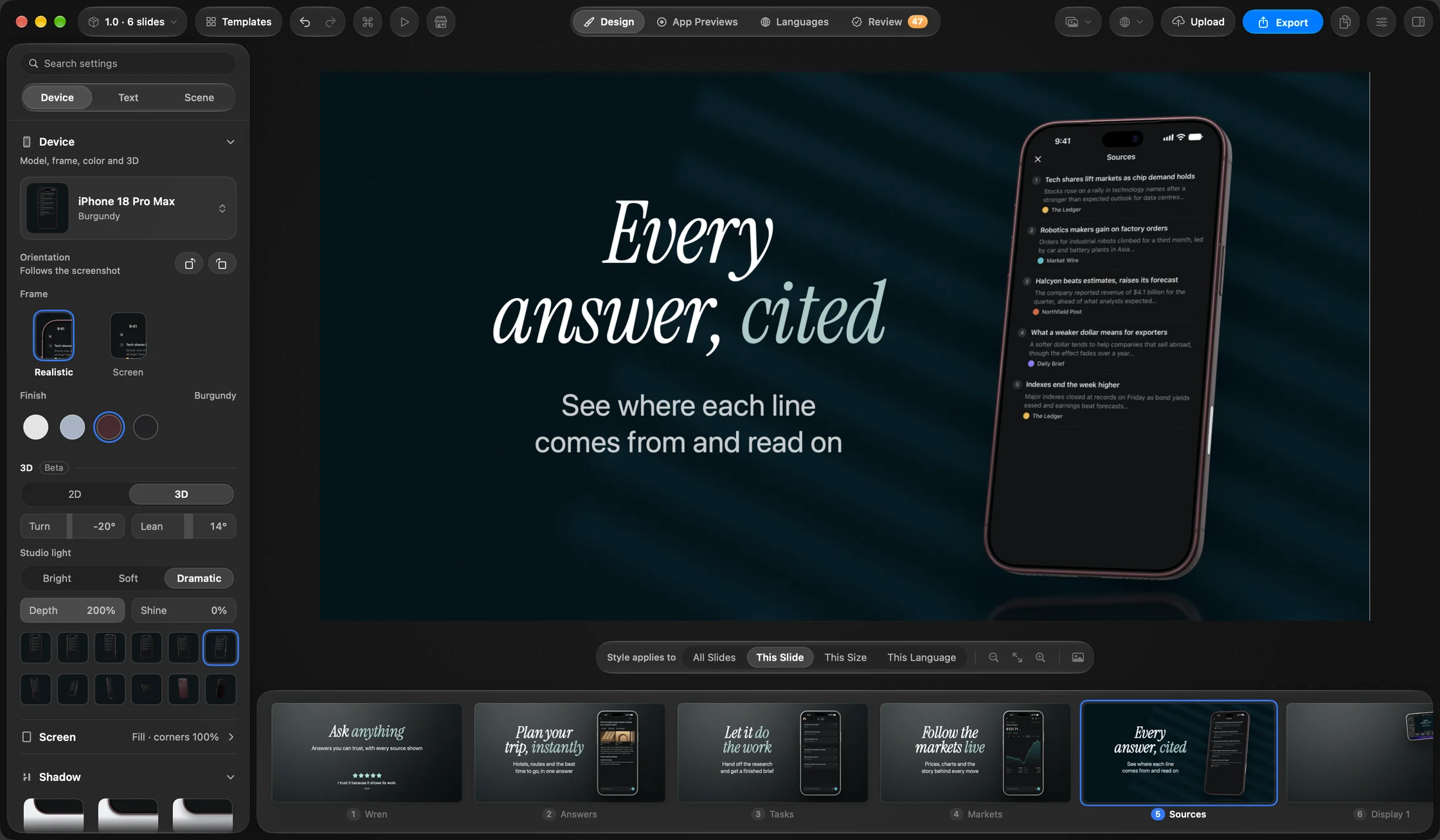
Made in FrameRoll.
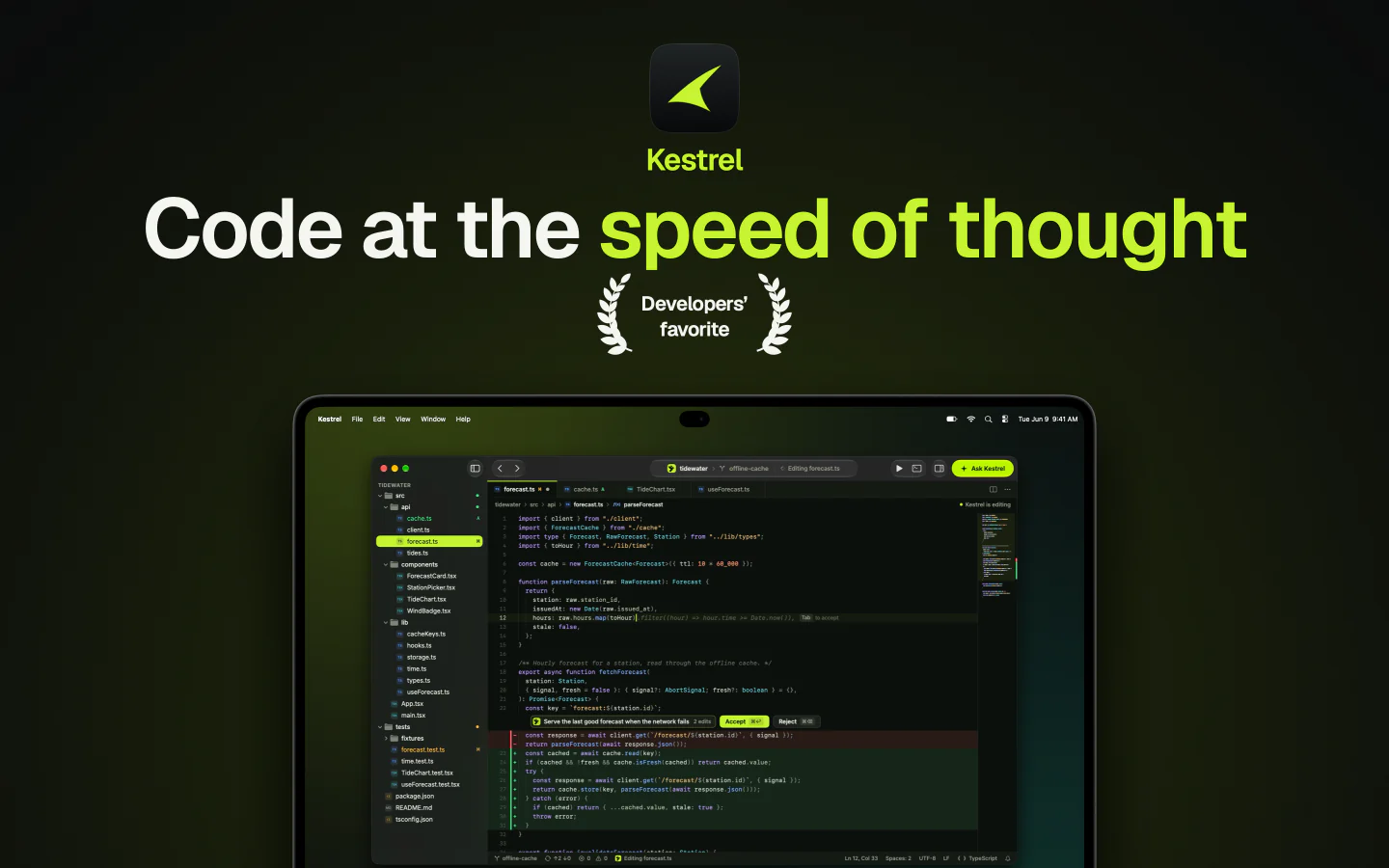
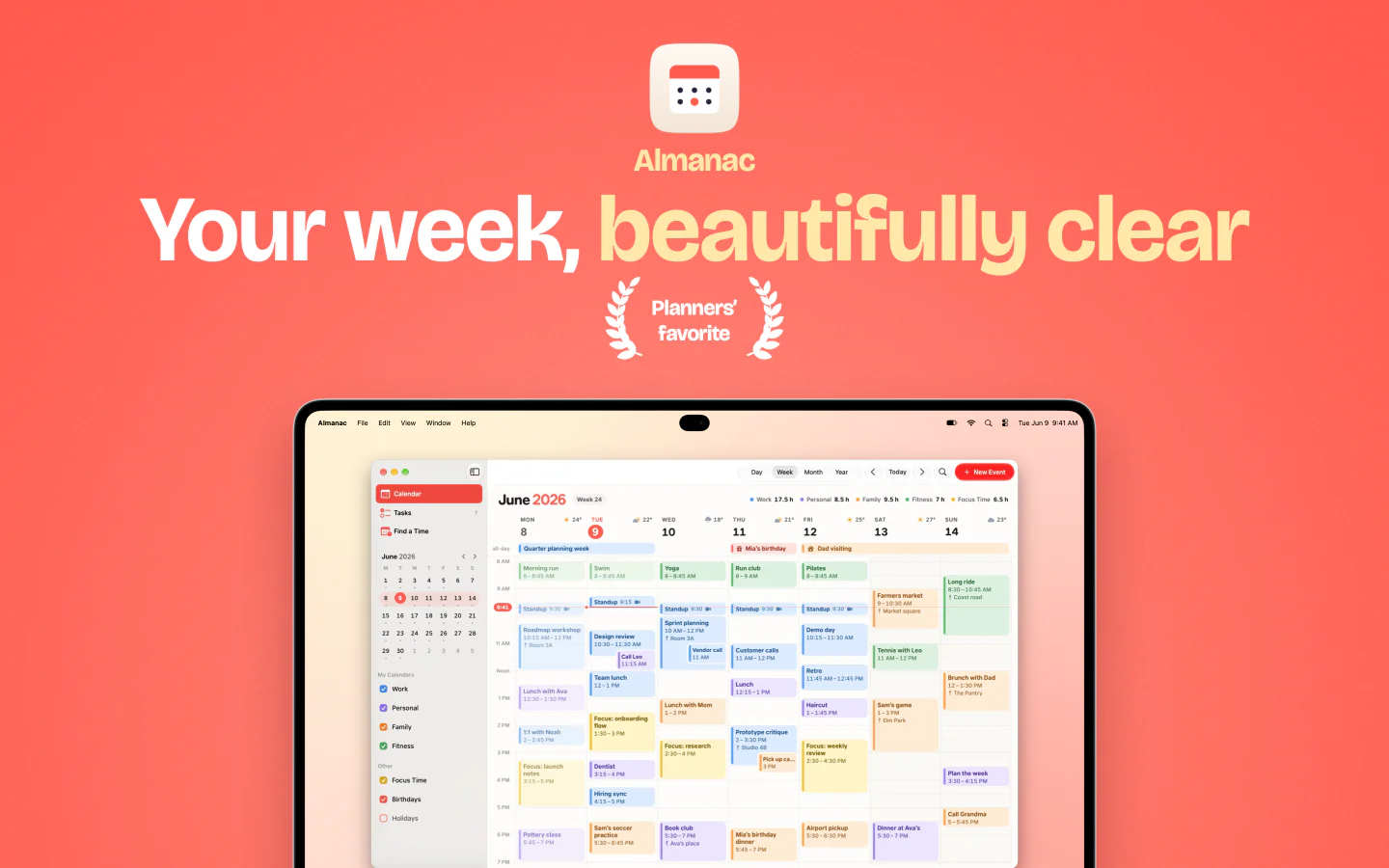
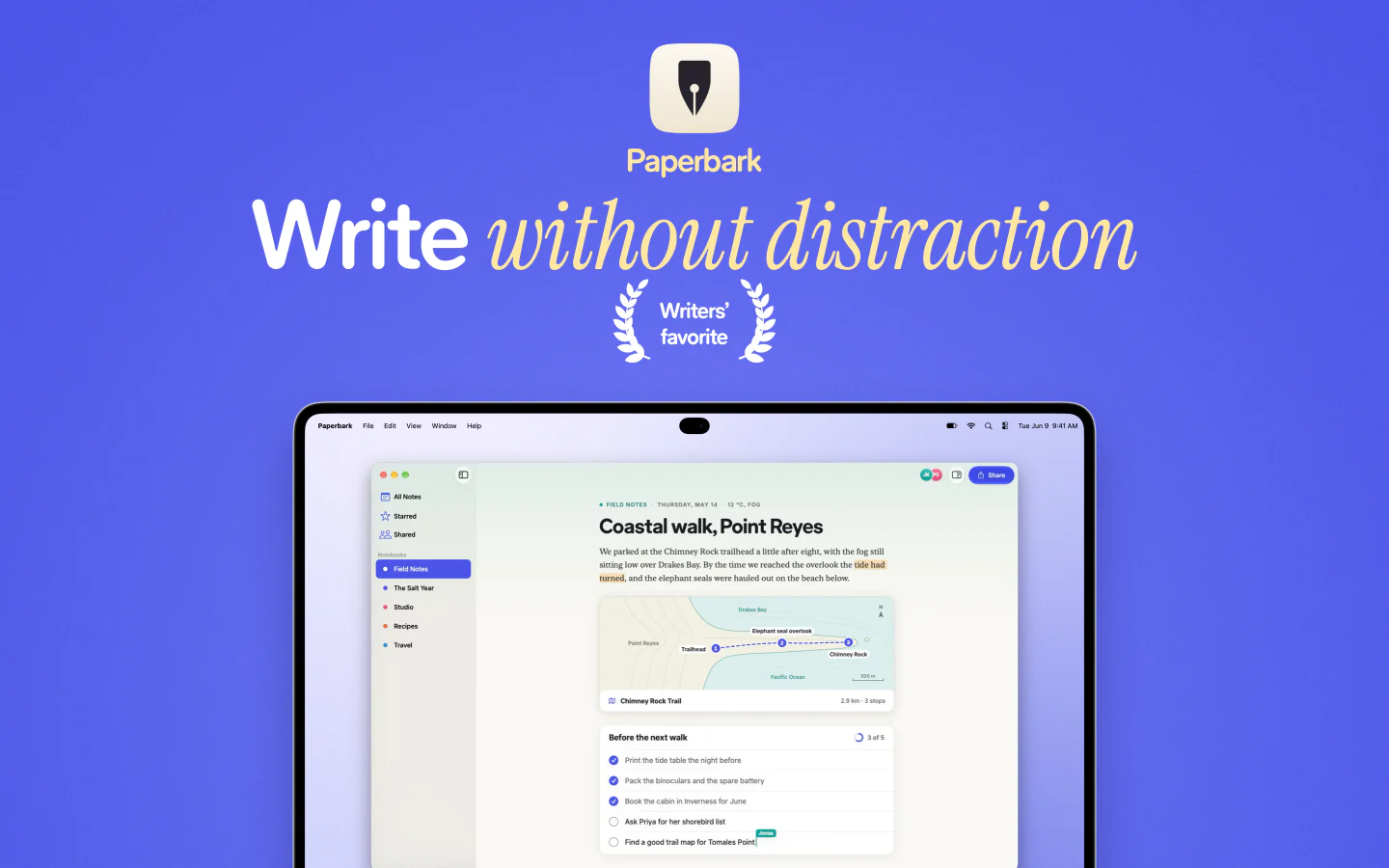
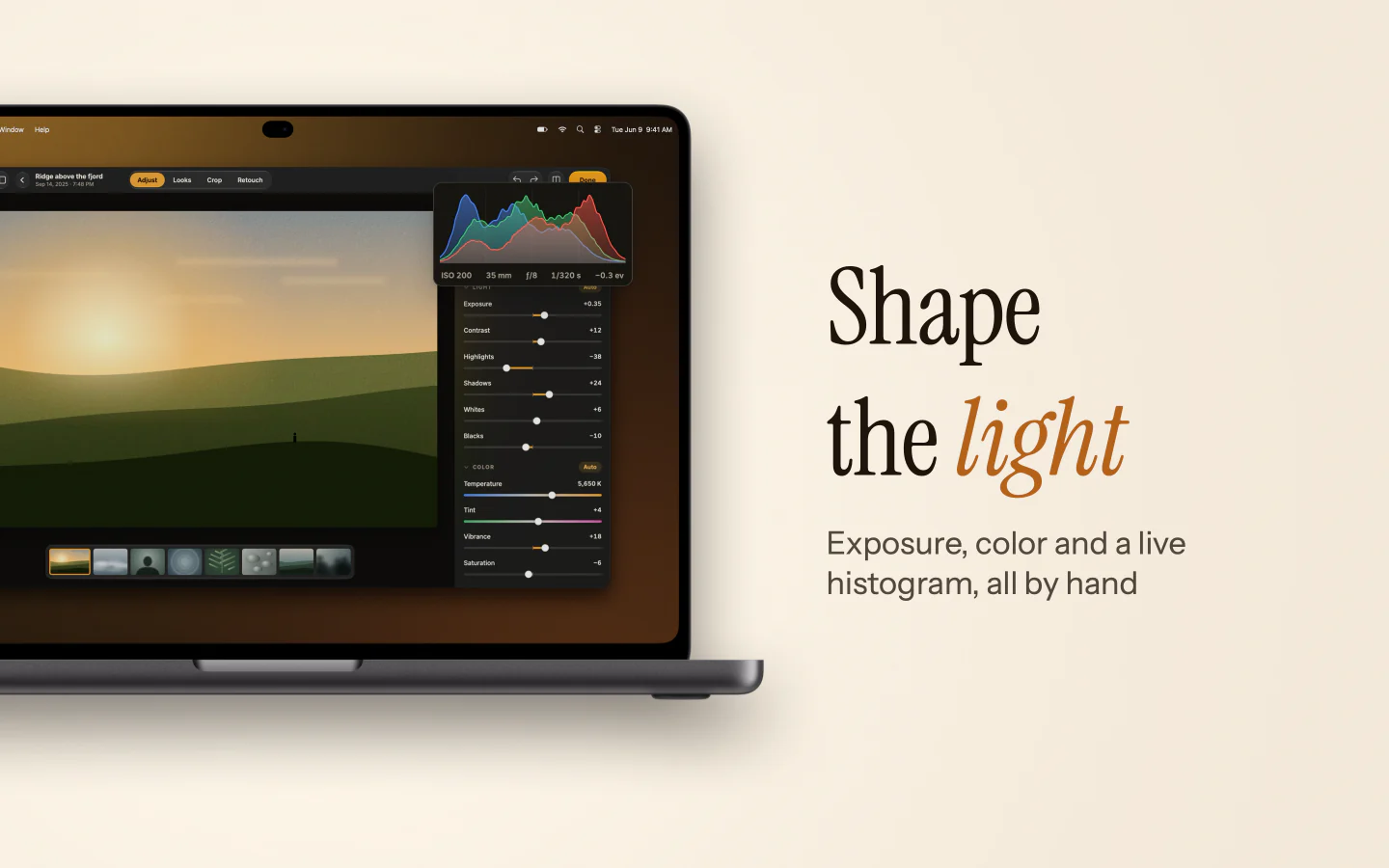
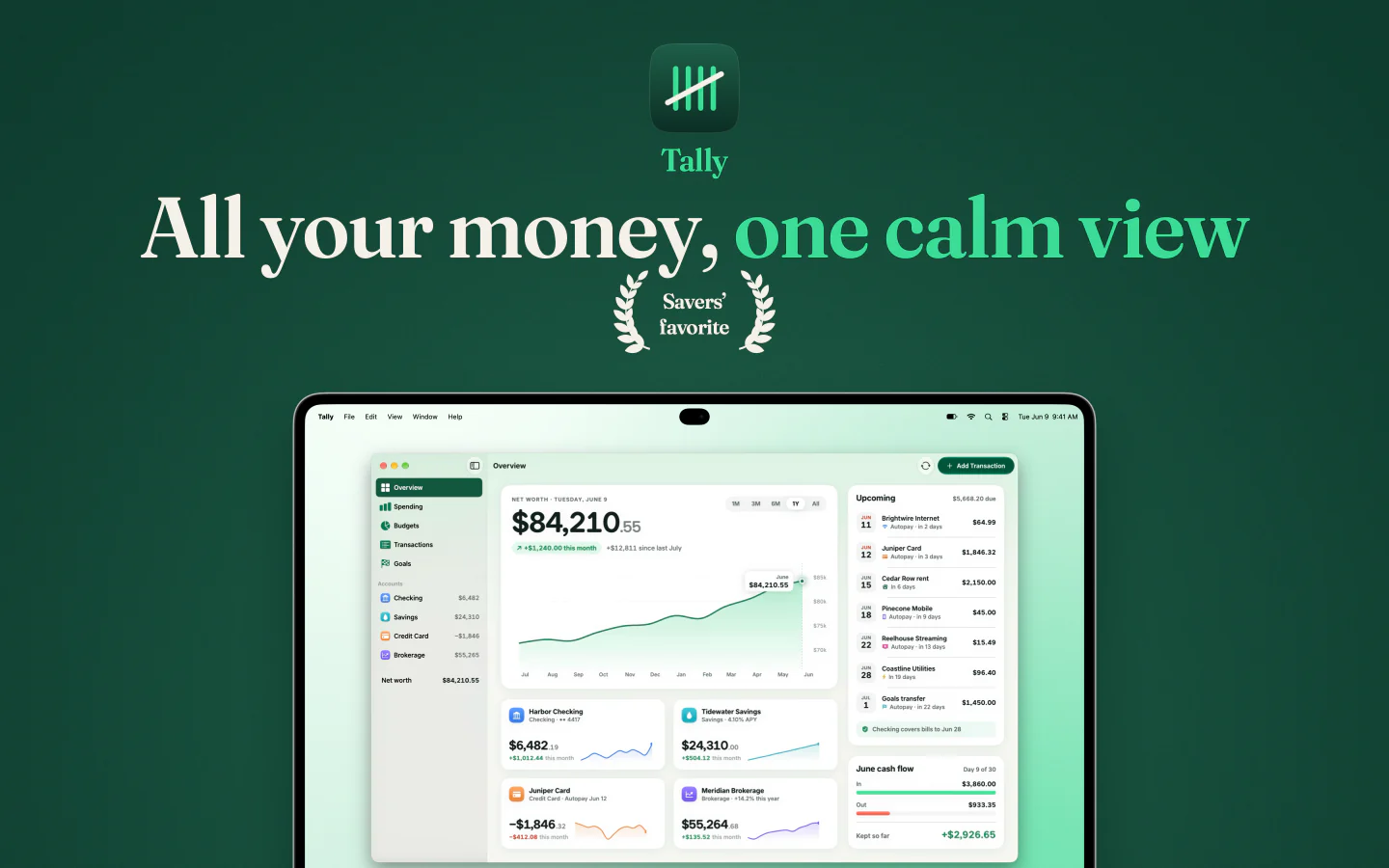
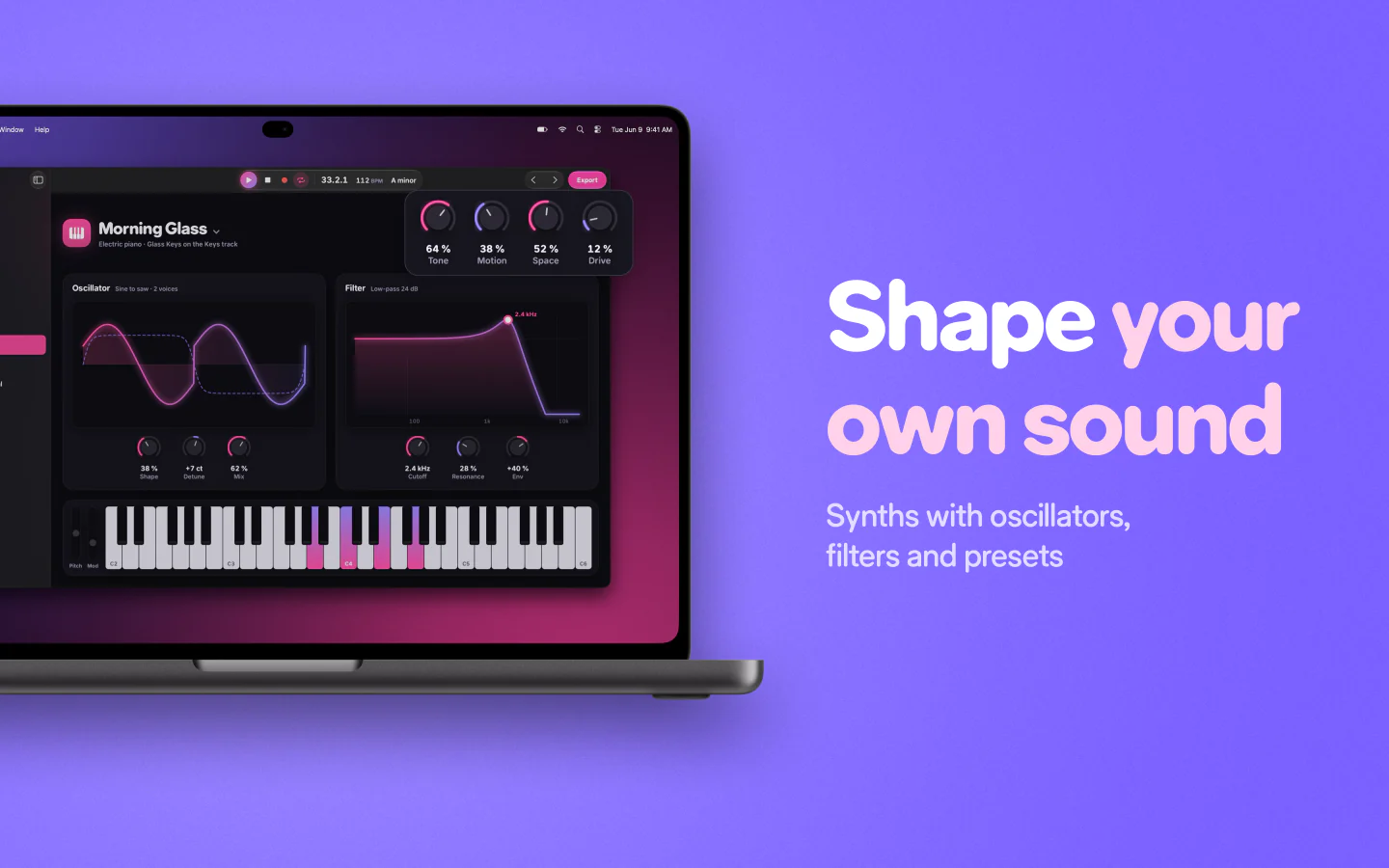
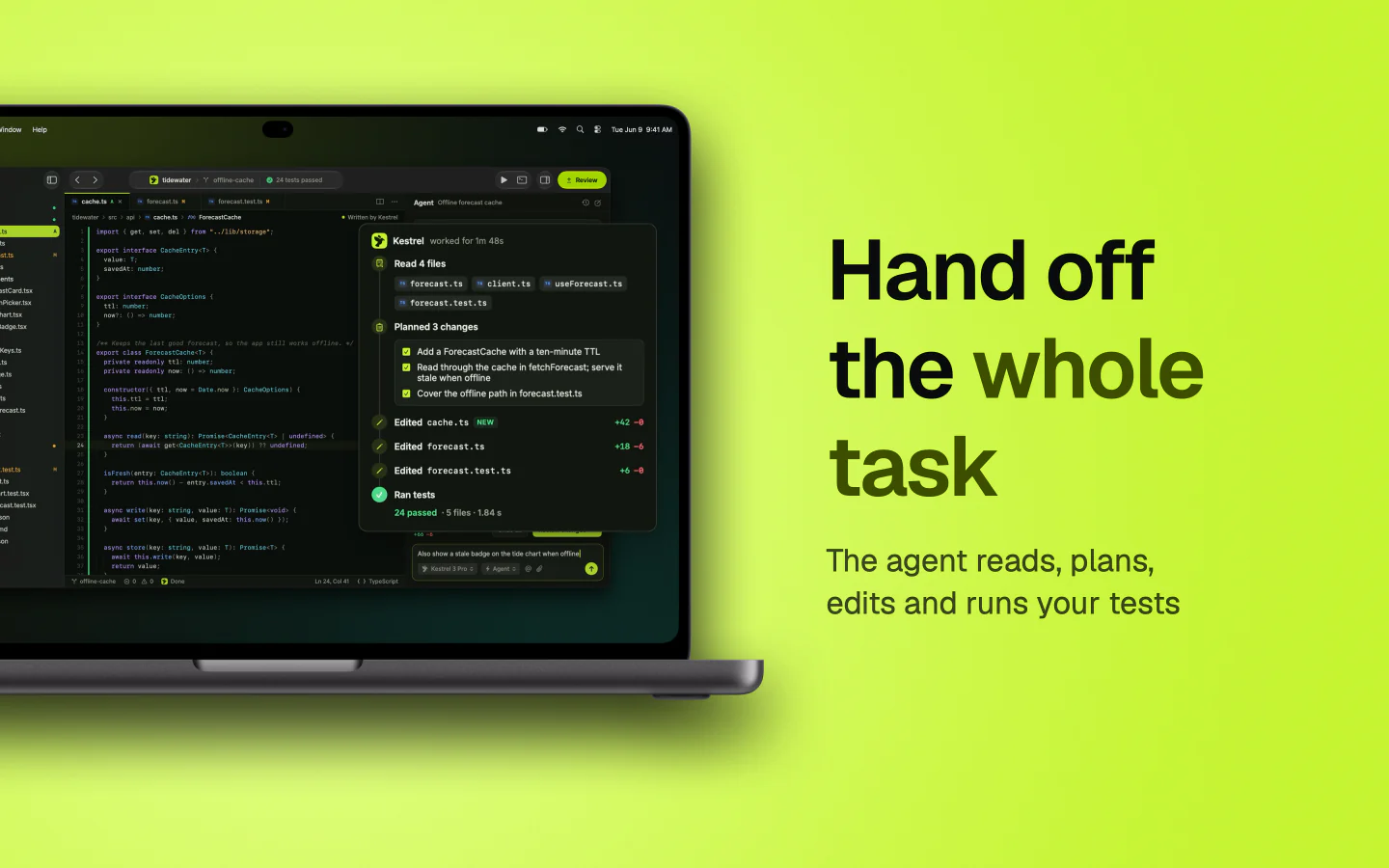
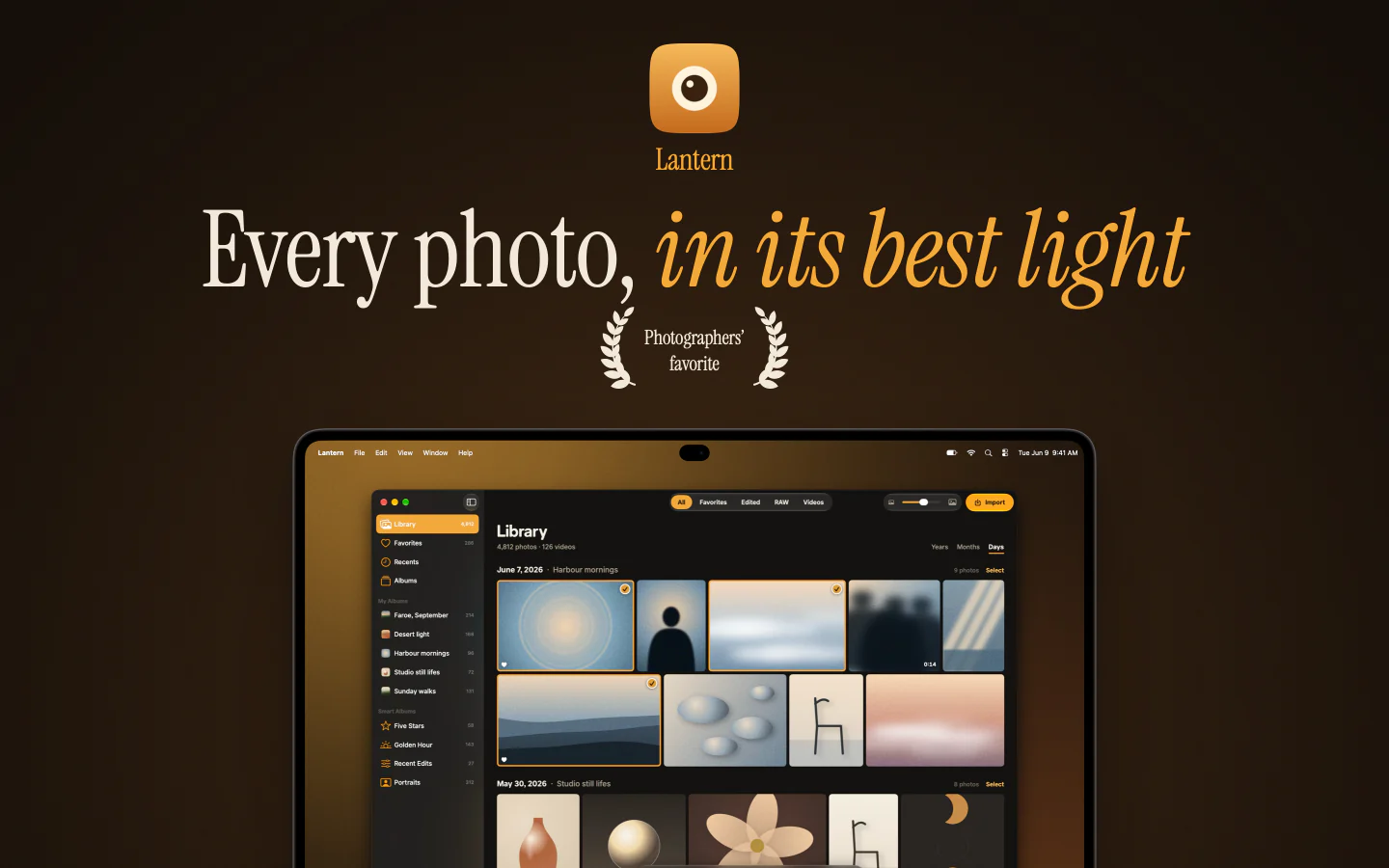
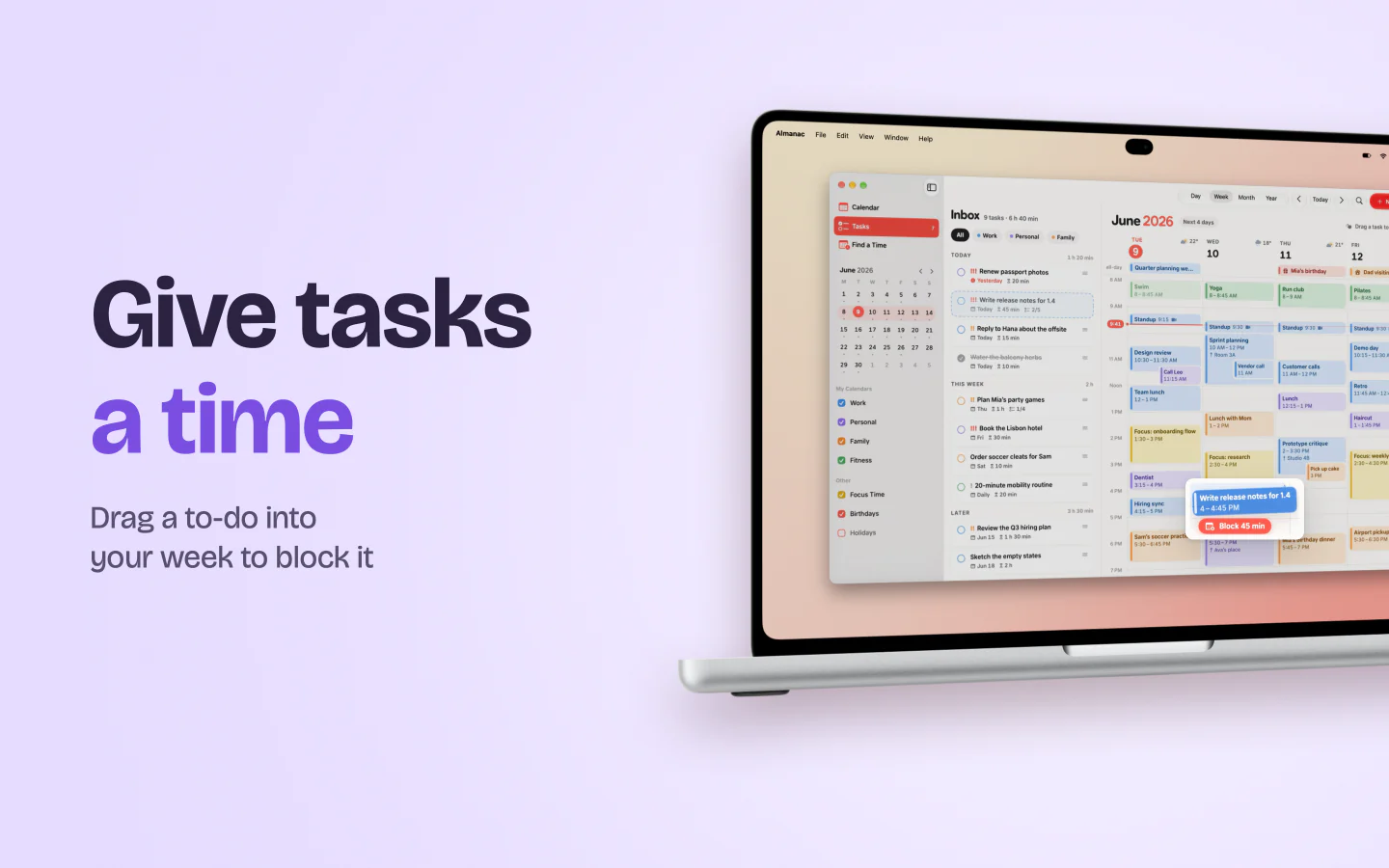
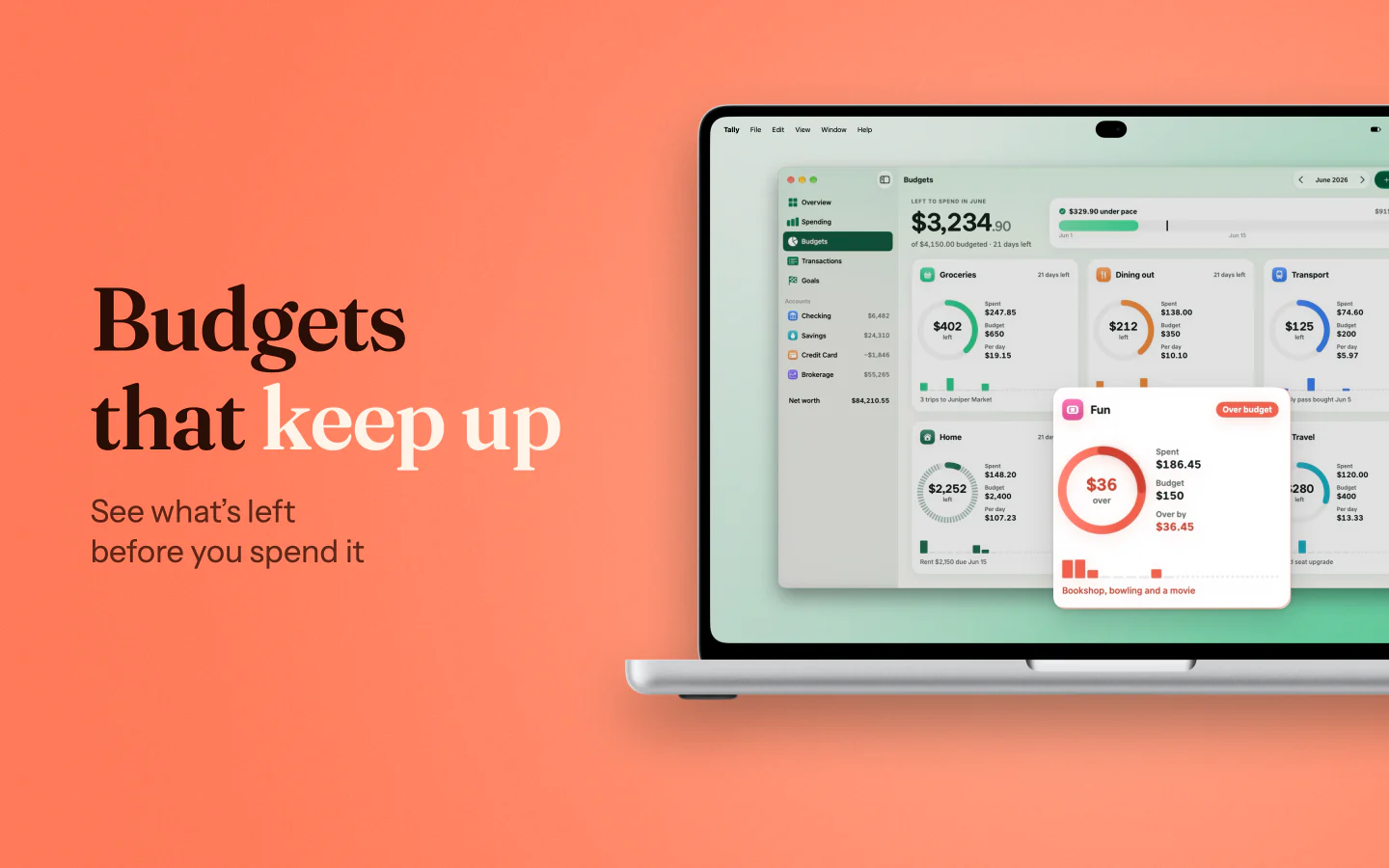
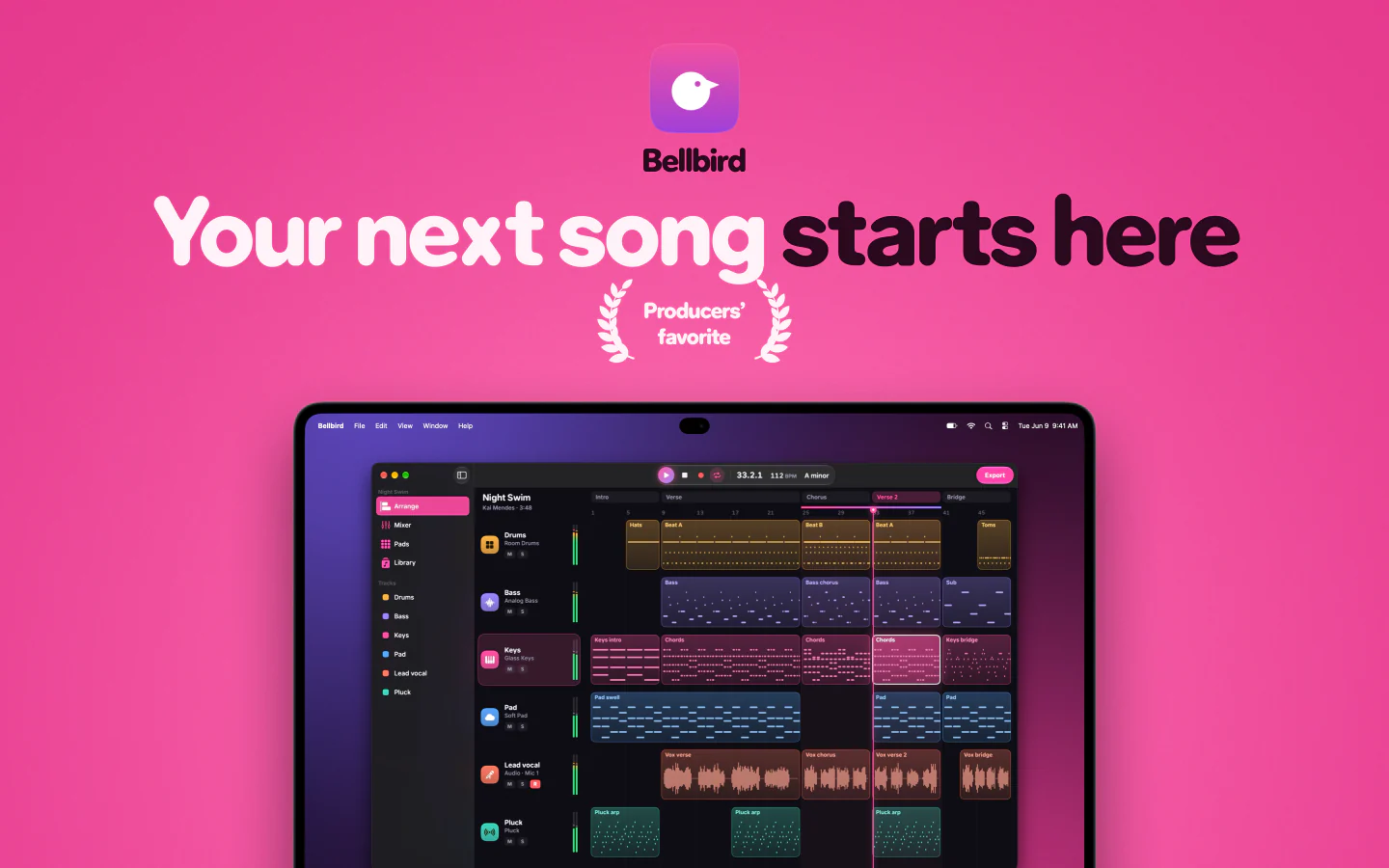
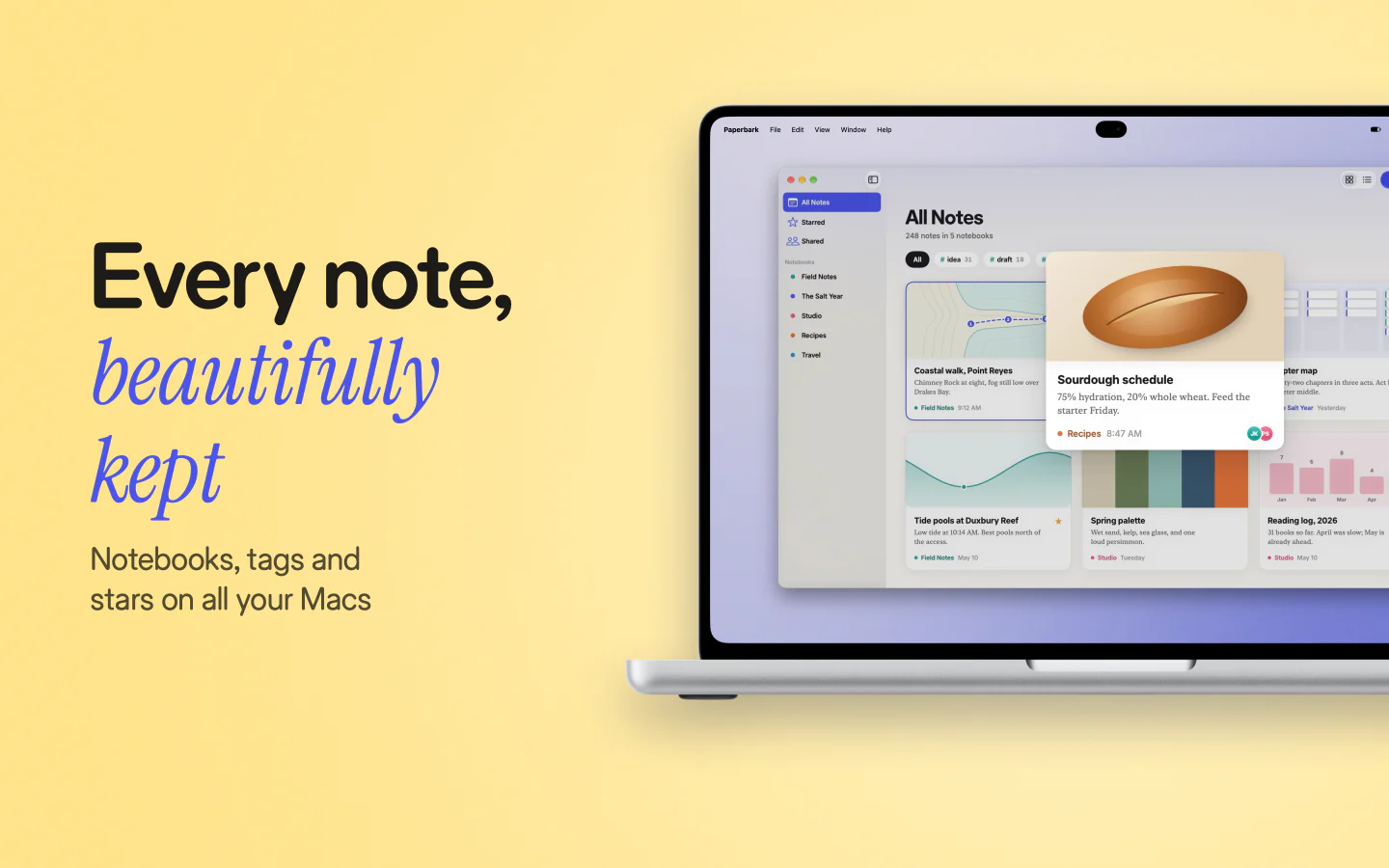
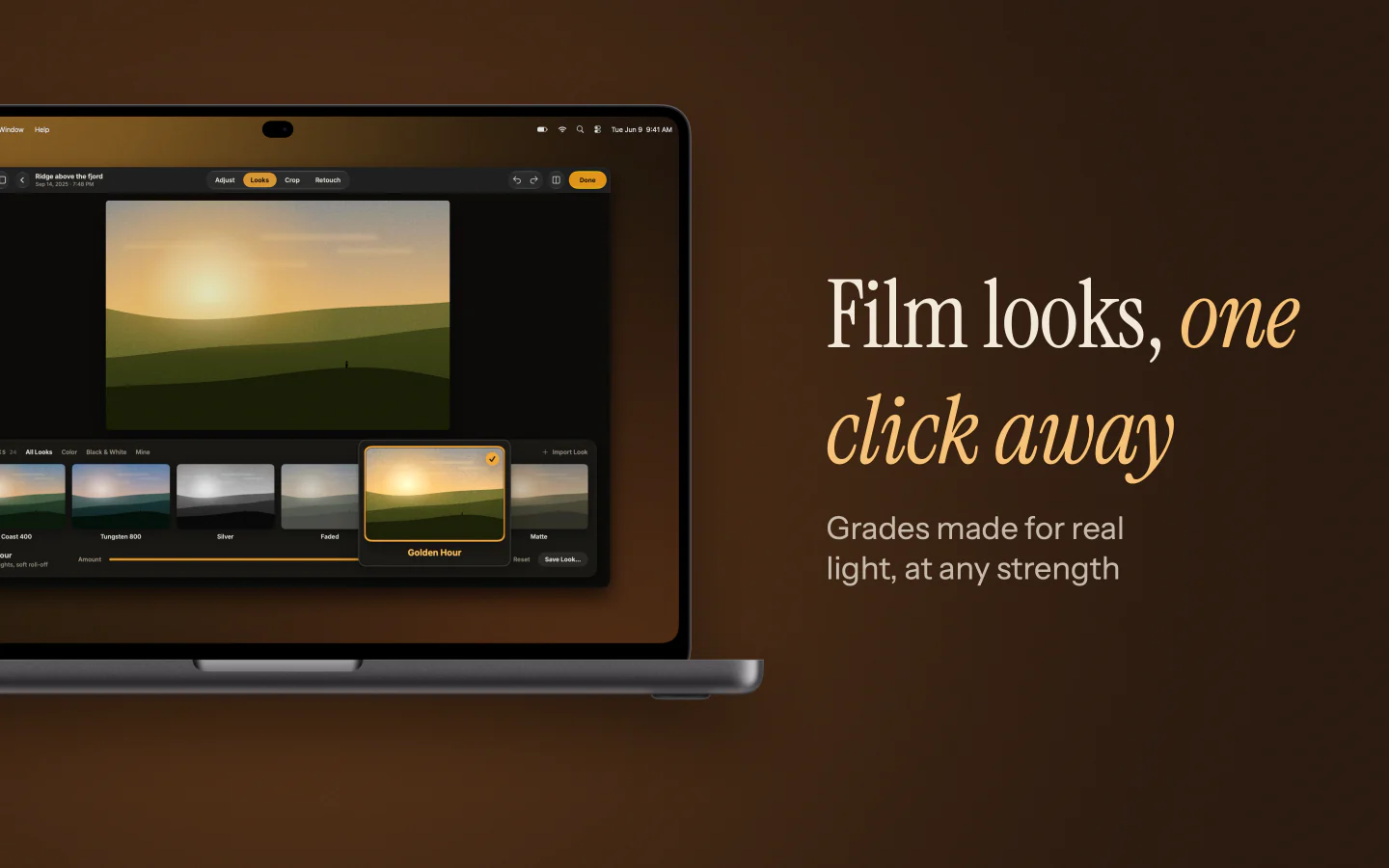
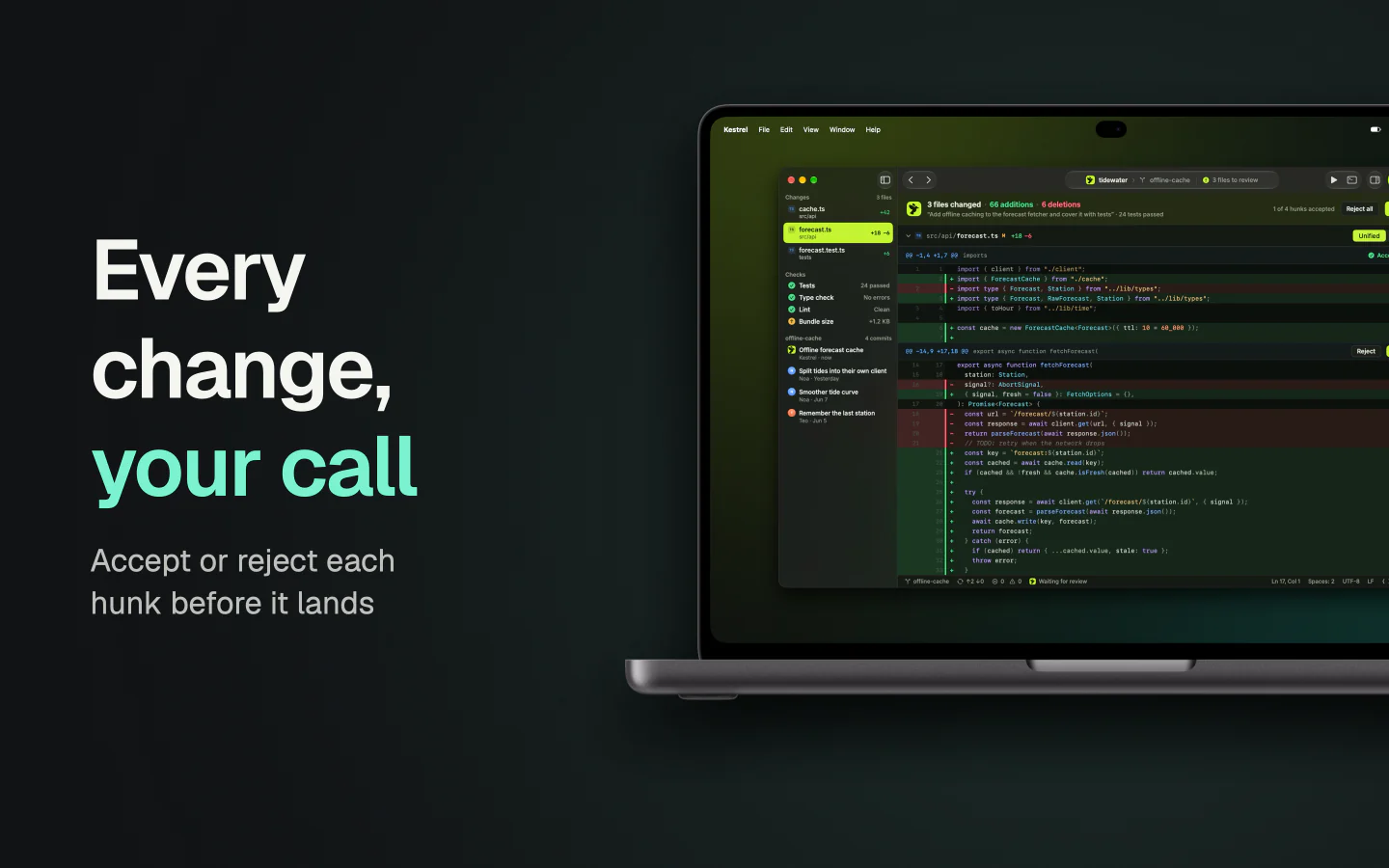
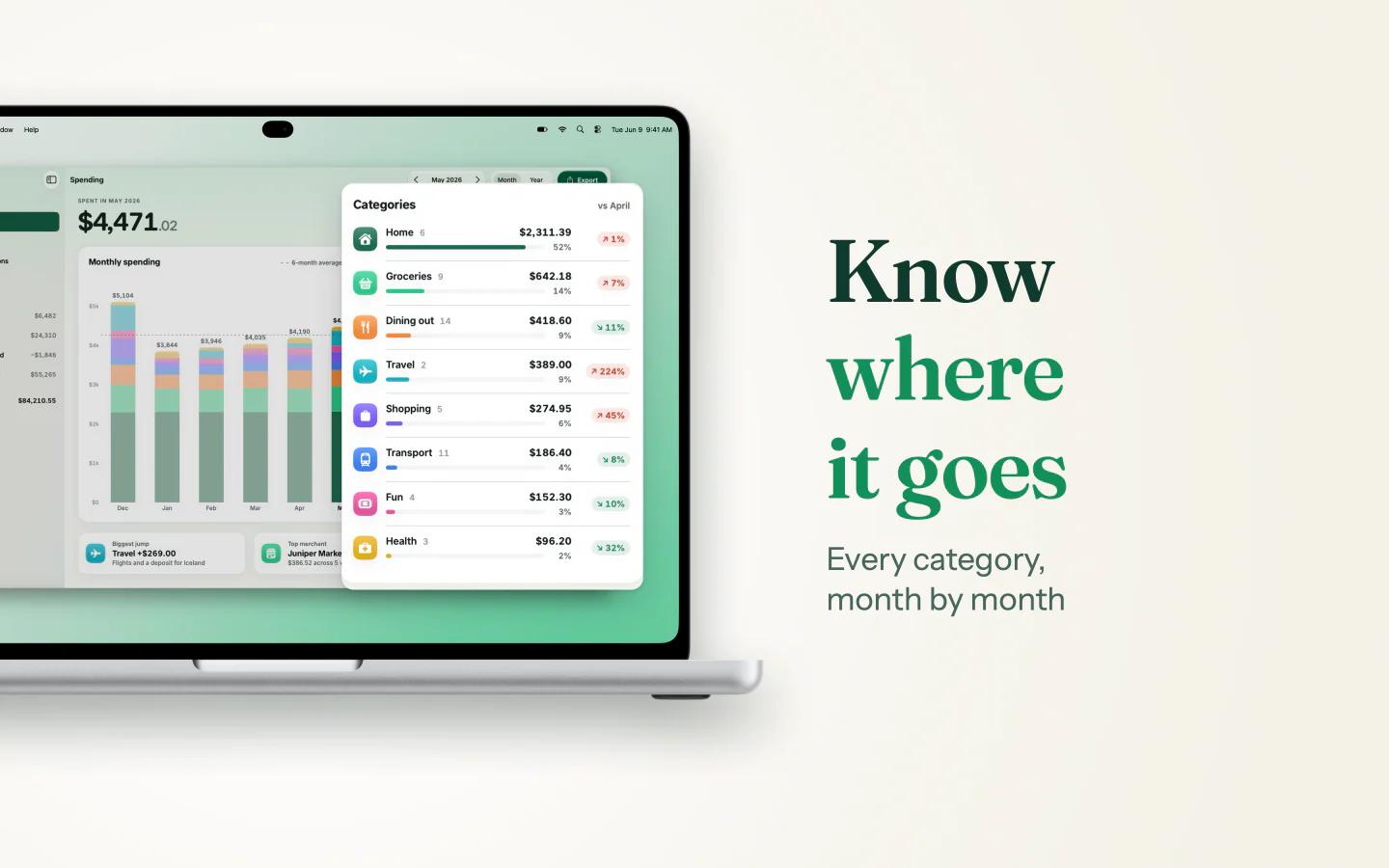
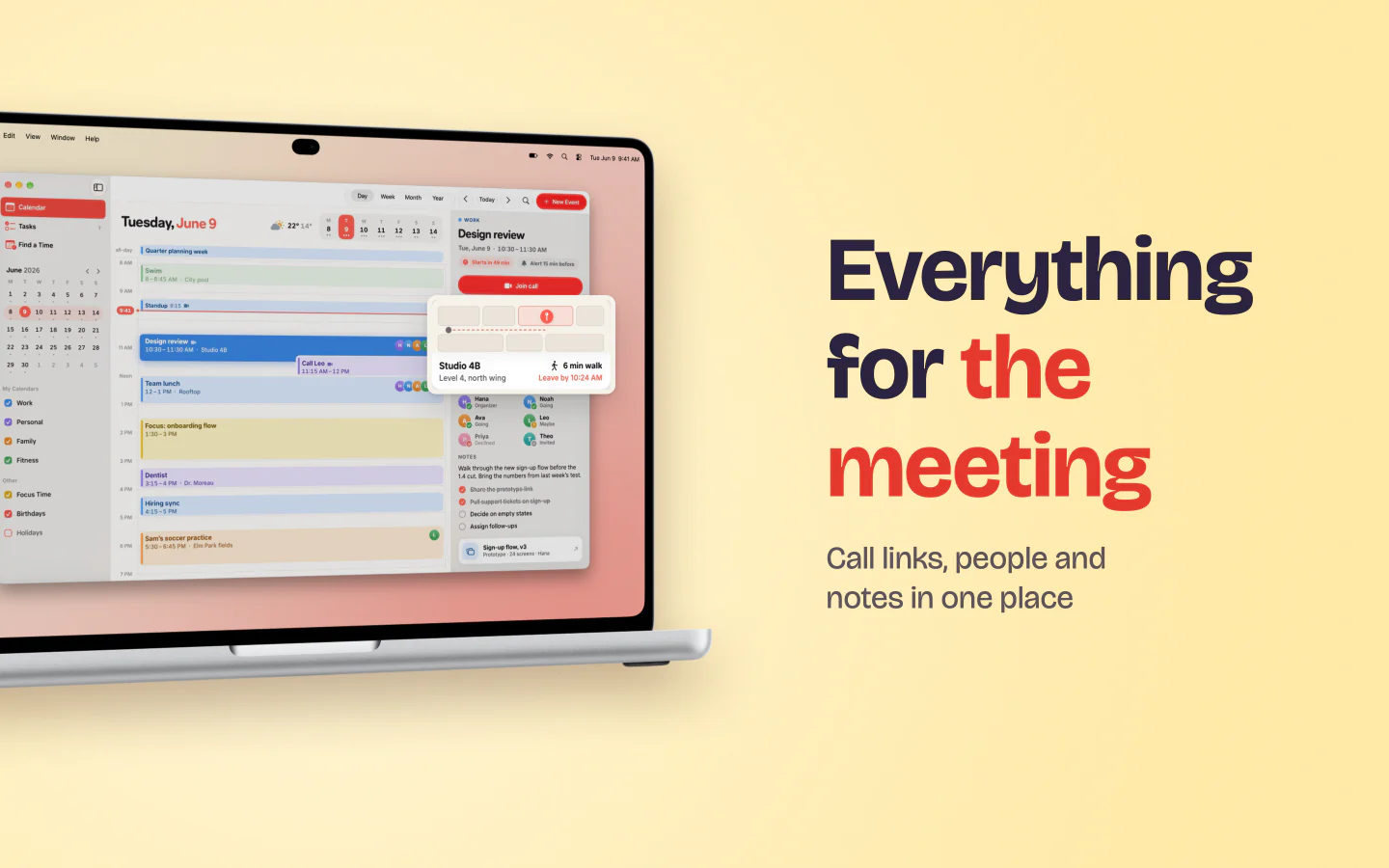
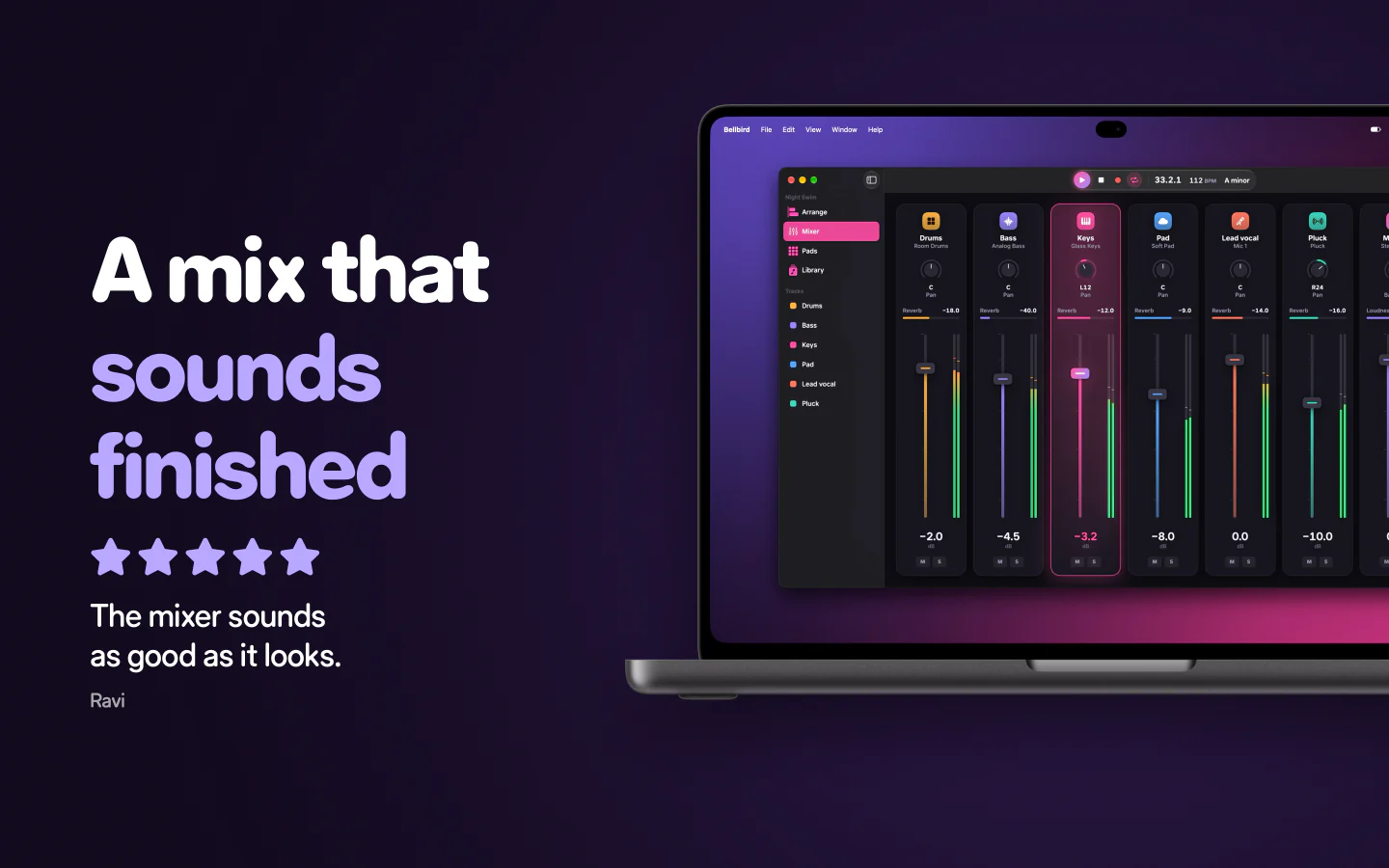
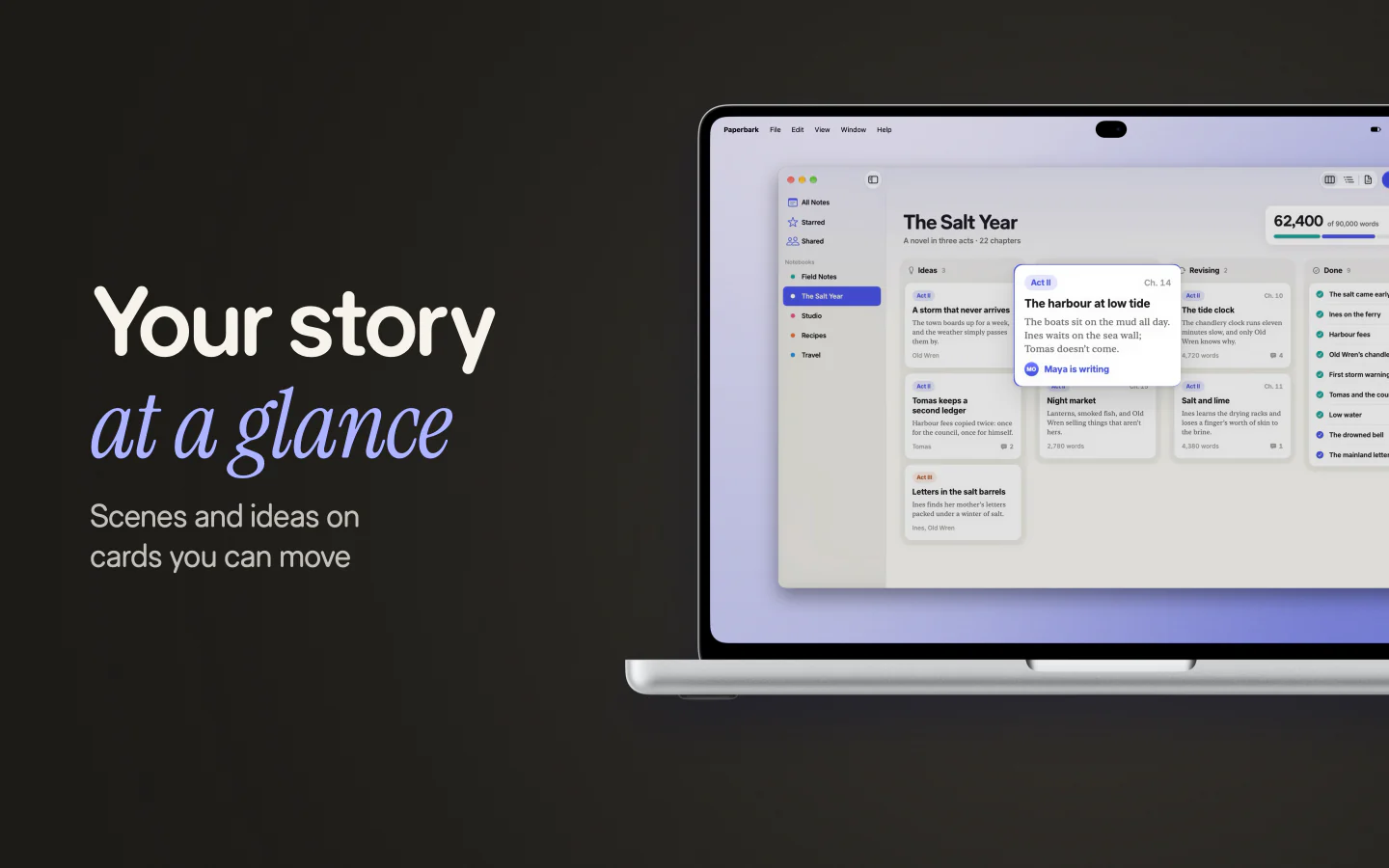
From screenshot to launch day.
Drop in a screenshot, pick a device, write a headline, and copy it straight into your post. Fonts, 3D, light and effects are a click each.
Every frame. Every finish.
Show the real device, a matte clay model, glass, a fine outline or just the screen, in the colors Apple sells.
FrameRealistic
FinishTitanium
Angle
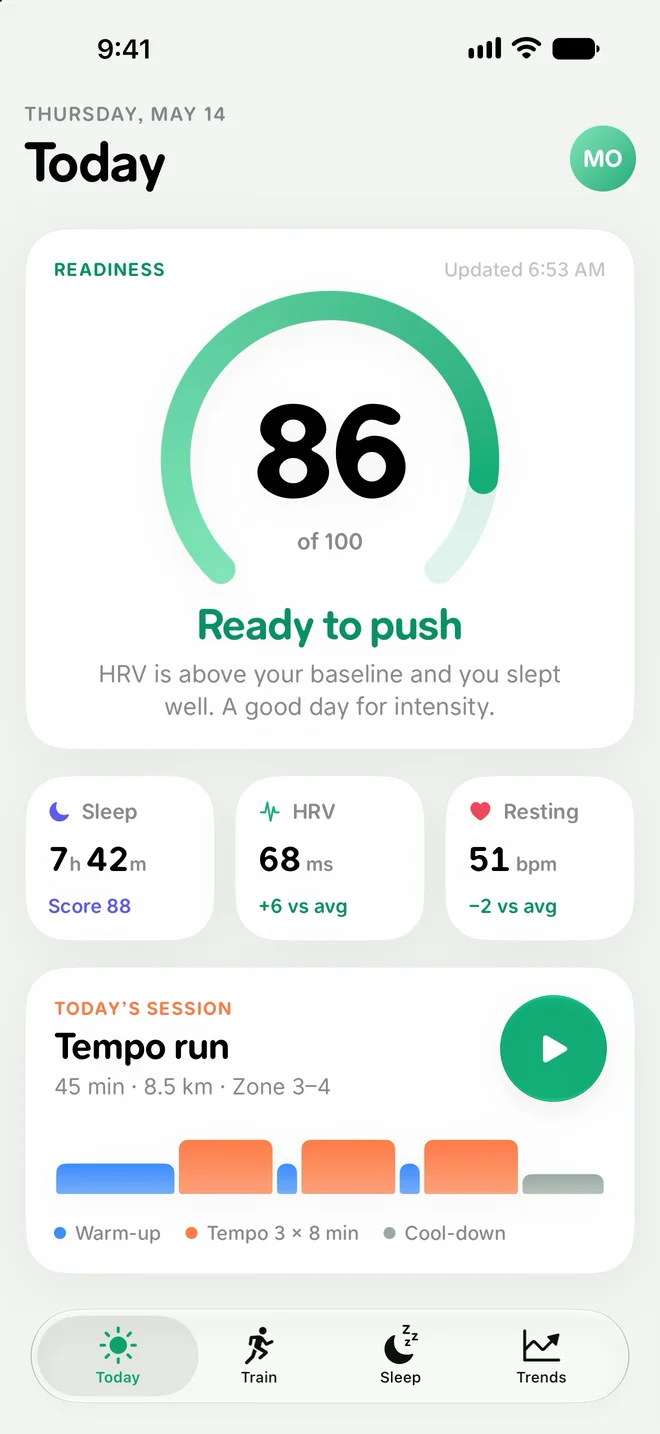
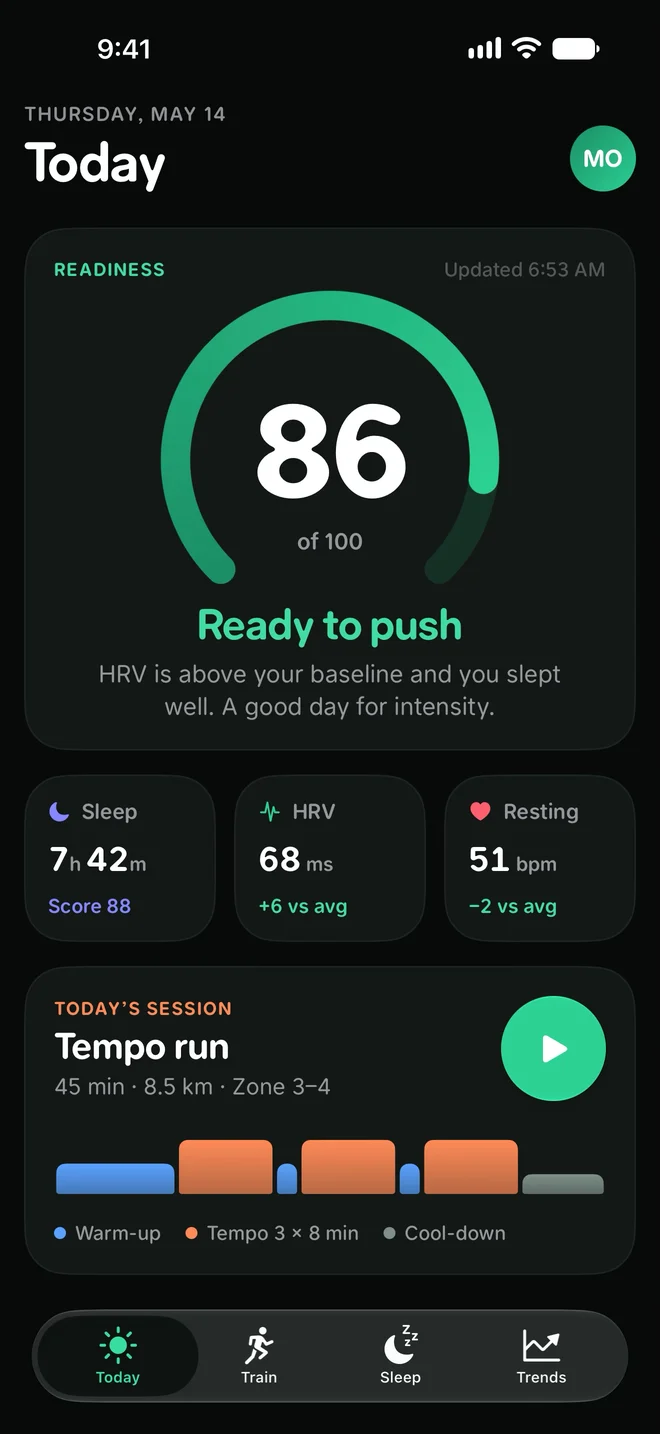
Realistic frame in Titanium, seen from the left
Start from what you have.
A screenshot or a window. Drop in an image, or put a Mac window on a desktop.
A web page. Capture any address at phone, tablet, desktop or custom width.
A template. Launch post, feature highlight, before and after, changelog card or Open Graph image.
One design. Every size.
X, LinkedIn, Product Hunt, link previews and stories from one layout. Nudge any size on its own when it needs it.
Bellbird
Shape your own sound
Synths with oscillators, filters and presets.
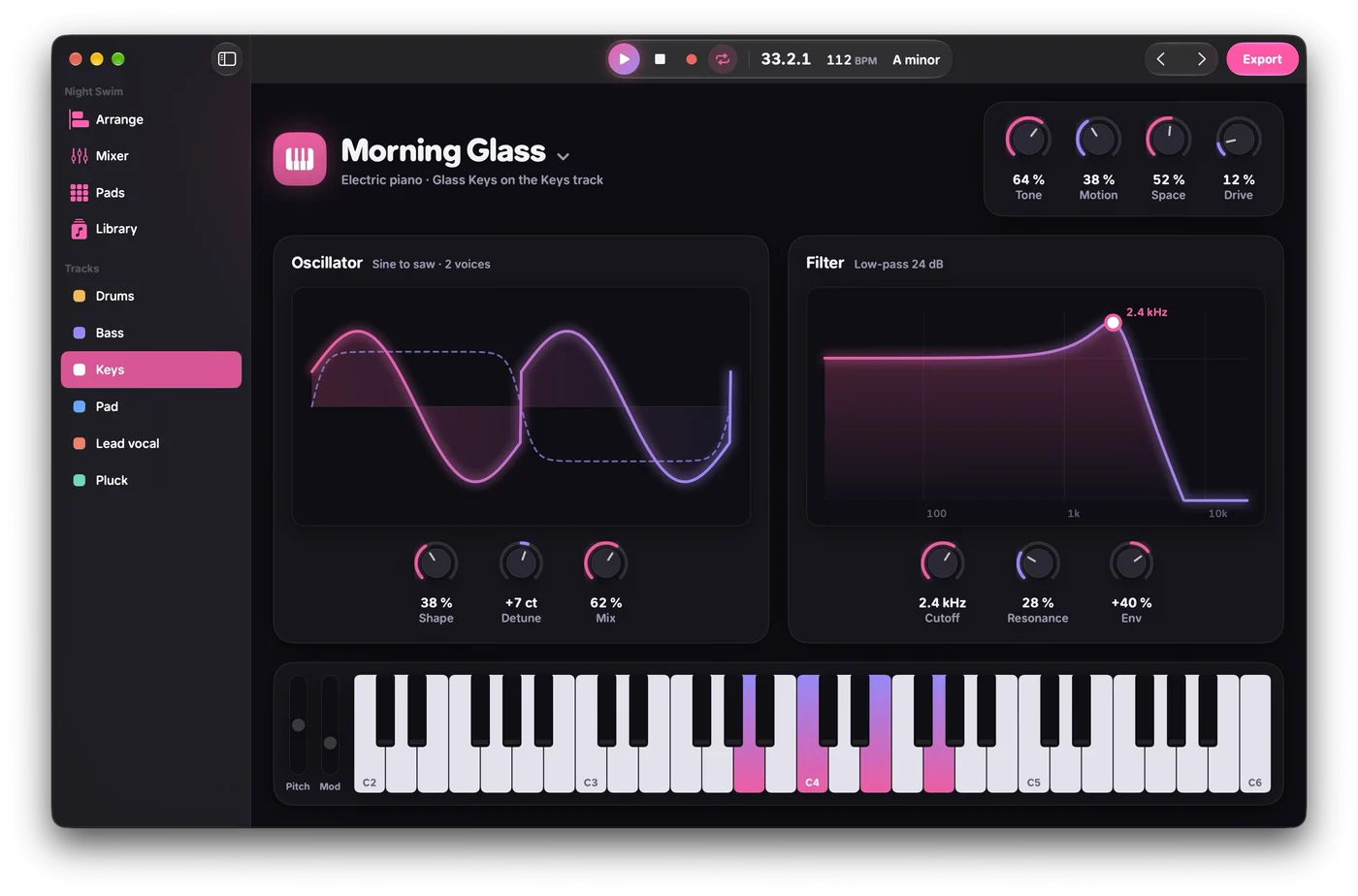
X post1600 × 900
Bellbird
Shape your own sound
Synths with oscillators, filters and presets.
Product Hunt1270 × 760
Bellbird
Shape your own sound
Synths with oscillators, filters and presets.
Link preview1200 × 630
Bellbird
Shape your own sound
Synths with oscillators, filters and presets.
LinkedIn1200 × 1200
Bellbird
Shape your own sound
Synths with oscillators, filters and presets.
Instagram1080 × 1350
Bellbird
Shape your own sound
Synths with oscillators, filters and presets.
Story1080 × 1920
The finish is in the details.
Every kind of device. iPhone, iPad, Mac, Android phones and tablets, browsers and windows, in real finishes.
A look that fits. Backdrops, light and shadow kept as looks, or one made from your brand.
Words on the image. A headline and a line under it, in your fonts, placed to suit each size.
Out in a second. Press ⌘C, drag it into any app, or export @1x, @2x and @3x at once.
Boards. Lay several mockups side by side to compare and export them together.
Your brand, built in. Colors, fonts and logo from your brand, the same ones videos and listings use.
Make your next release look great.
Every feature is free for 14 days, with no watermark and no card.